Customize Sales Agent
Sales Agent in Microsoft Copilot is configured for contact, opportunity, and account records by default. Administrators can customize the CRM information that sellers see and control access to Sales Agent features.
Customize CRM forms and fields
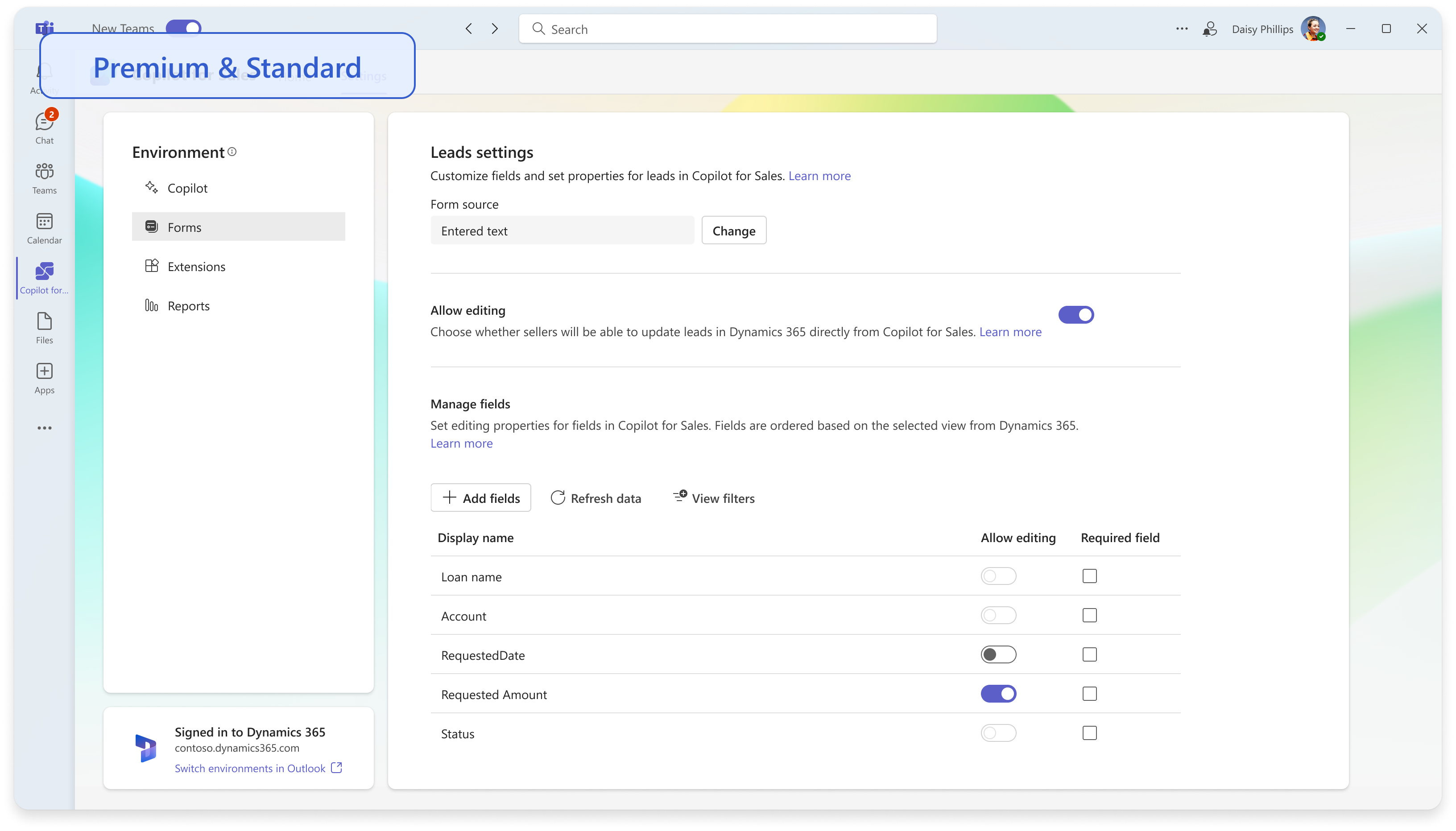
CRM form and field settings are specific to each environment. In Forms in Sales admin settings, administrators can add up to 10 related out-of-the-box or custom record types. They can select the CRM view that controls displayed fields and their order, configure editing, and mark fields as required in Sales Agent. Changes appear in the Sales pane in Outlook, the Sales panel in Teams, and Adaptive Cards shared in Teams chat. For more information, see Customize forms and fields.
Configure access and AI features
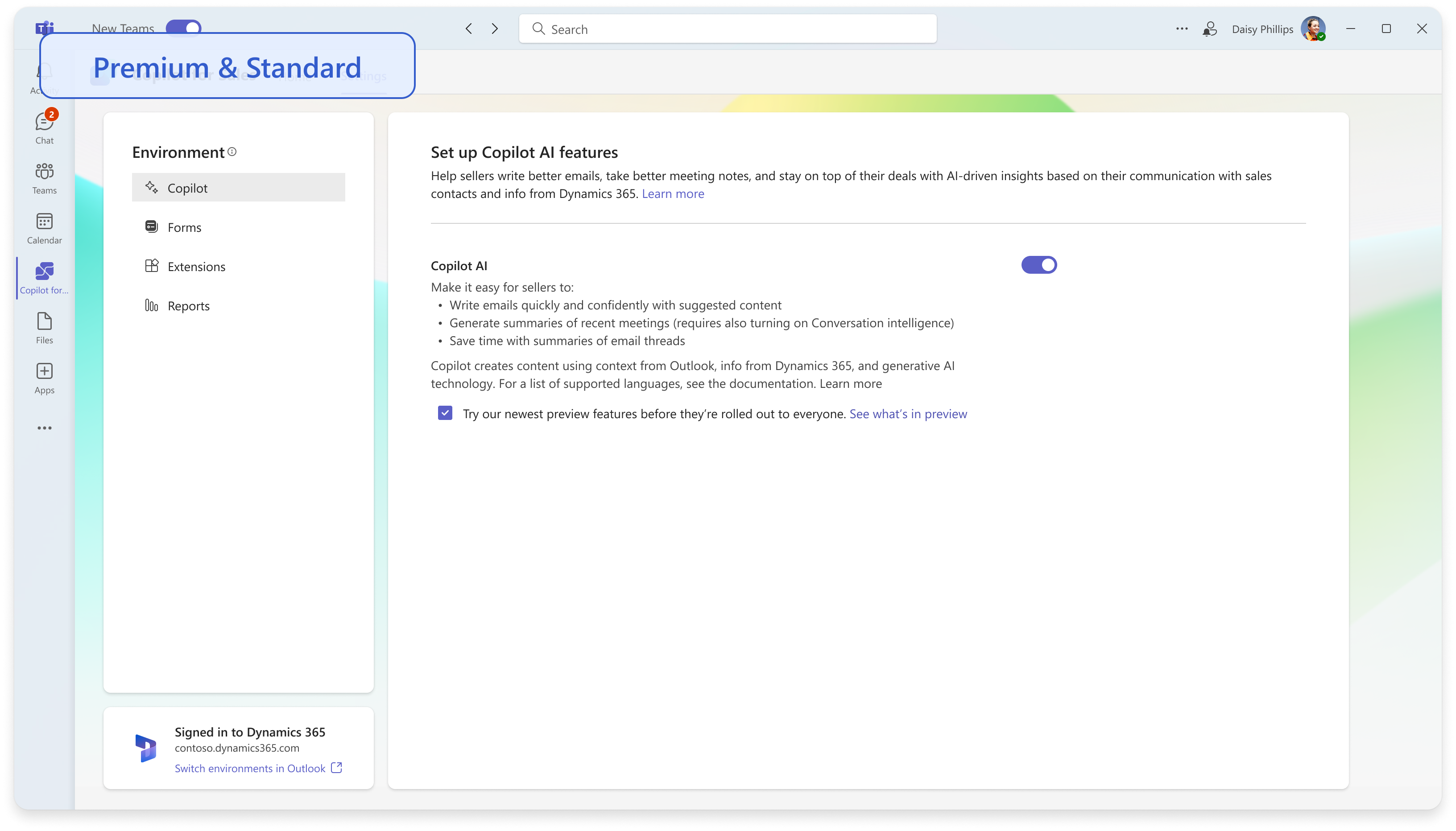
Administrators access Sales Agent settings from the Sales personal app in Outlook or Teams. Tenant-level Copilot AI settings control AI capabilities across environments. For a specific environment, Access settings control features such as meeting insights and Sales Chat. Administrators can make supported features available to everyone or use Microsoft Entra security groups to allow or restrict access.