หมายเหตุ
การเข้าถึงหน้านี้ต้องได้รับการอนุญาต คุณสามารถลอง ลงชื่อเข้าใช้หรือเปลี่ยนไดเรกทอรีได้
การเข้าถึงหน้านี้ต้องได้รับการอนุญาต คุณสามารถลองเปลี่ยนไดเรกทอรีได้
Follow these steps to deploy Intune Windows client apps to your Cloud PCs.
- Sign in to the Microsoft Intune admin center > Apps > All apps > select an app.
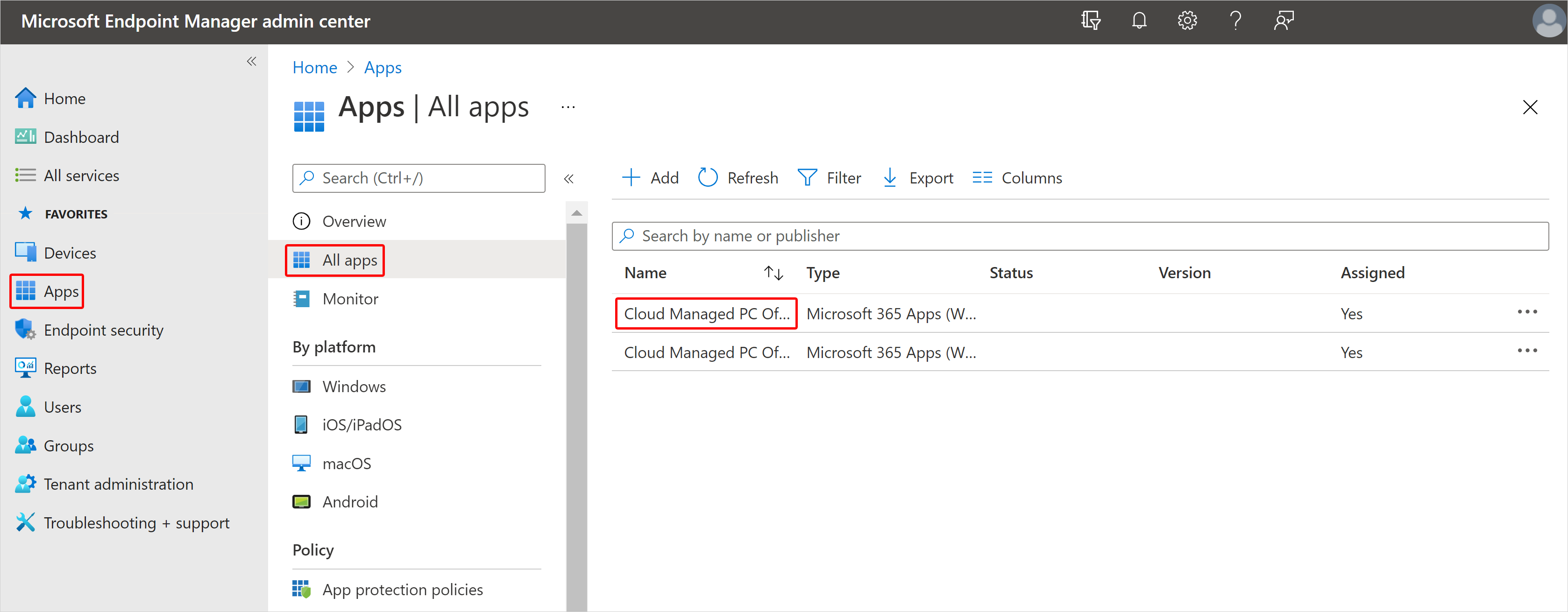
- On the app page, select Properties > Edit (next to Assignments).
- On the Assignments page, select Add group (under Required).
- In the Select groups pane, select the groups to which you want to assign this app > Select > Review + Save.
- On the Review + Save page, select Save.