หมายเหตุ
การเข้าถึงหน้านี้ต้องได้รับการอนุญาต คุณสามารถลอง ลงชื่อเข้าใช้หรือเปลี่ยนไดเรกทอรีได้
การเข้าถึงหน้านี้ต้องได้รับการอนุญาต คุณสามารถลองเปลี่ยนไดเรกทอรีได้
The dscv3 command of winget represents Microsoft Desired State Configuration version 3 (DSC v3) command-based resource implementation.
Usage
winget dscv3 [<command>] [<options>]
sub-commands
The following sub-commands are available.
| Argument | Description |
|---|---|
package |
Manages package state. |
source |
Manages source configuration. |
user-settings-file |
Manages user settings file. |
admin-settings |
Manages administrator settings. |
Options
The options allow you to customize the install experience to meet your needs.
| Option | Description |
|---|---|
-m, --manifest |
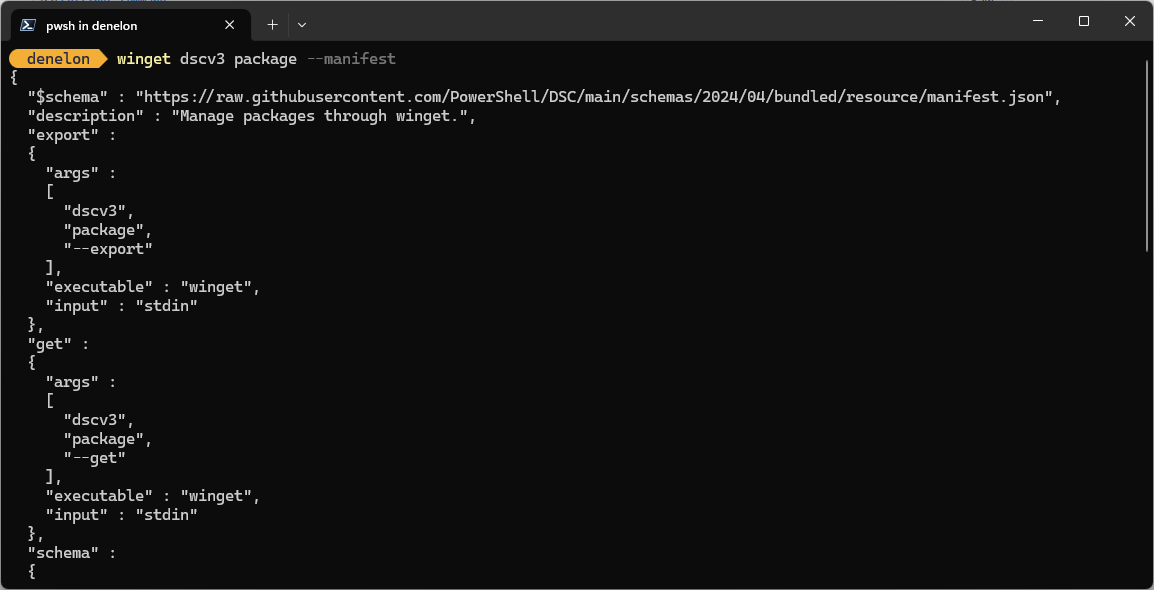
Displays the resource JSON manifest. |
-o, --output |
Specifies the directory where the resource JSON file will be written. |
-?, --help |
Get additional help on this command. |
--wait |
Prompts the user to press any key before exiting. |
--logs, --open-logs |
Open the default logs location. |
--verbose, --verbose-logs |
Used to override the logging setting and create a verbose log. |
--nowarn, --ignore-warnings |
Suppresses warning outputs. |
--disable-interactivity |
Disable interactive prompts. |
--proxy |
Set a proxy to use for this execution. |
--no-proxy |
Disable the use of proxy for this execution. |
Related topics
ทํางานร่วมกับเราใน GitHub
แหล่งที่มาสำหรับเนื้อหานี้สามารถพบได้บน GitHub ซึ่งคุณยังสามารถสร้างและตรวจสอบปัญหาและคำขอดึงข้อมูลได้ สำหรับข้อมูลเพิ่มเติม ให้ดูคู่มือผู้สนับสนุนของเรา

Windows developer