Lưu ý
Cần có ủy quyền mới truy nhập được vào trang này. Bạn có thể thử đăng nhập hoặc thay đổi thư mục.
Cần có ủy quyền mới truy nhập được vào trang này. Bạn có thể thử thay đổi thư mục.
Applies to: ✅ SQL analytics endpoint and Warehouse in Microsoft Fabric
Now that you've completed all tutorials, we recommend that you clean up by removing the tutorial workspace. Removing the workspace will help conserve your capacity resources.
Caution
All content in the workspace will be permanently deleted after a retention period of seven days.
Remove the workspace
In this task, you'll remove the workspace you created in the first tutorial.
Ensure that the workspace you created in the first tutorial is open.
In the workspace landing page, select Workspace settings.

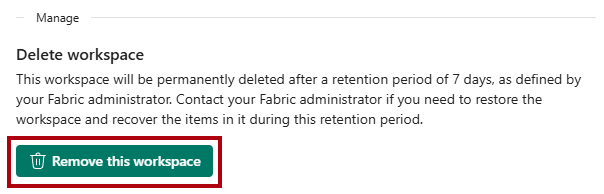
In the Workspace settings pane, in the General tab, locate the Manage section.
Select Remove this workspace.
When prompted to delete the workspace, select Delete.