Lưu ý
Cần có ủy quyền mới truy nhập được vào trang này. Bạn có thể thử đăng nhập hoặc thay đổi thư mục.
Cần có ủy quyền mới truy nhập được vào trang này. Bạn có thể thử thay đổi thư mục.
Exposes Dev Proxy messages, and information about intercepted requests and responses in Chrome DevTools. Supports both HTTP requests and STDIO communication.
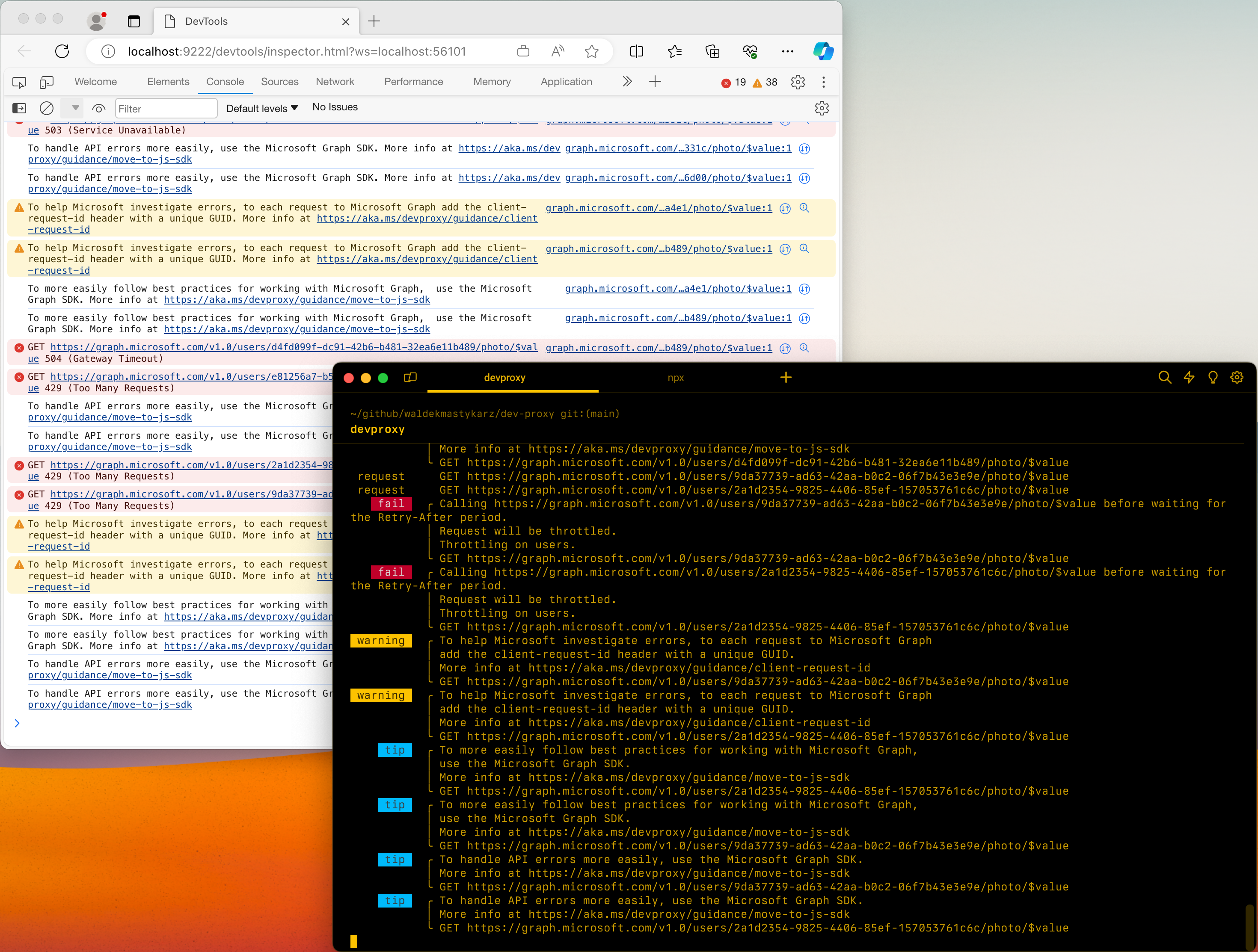
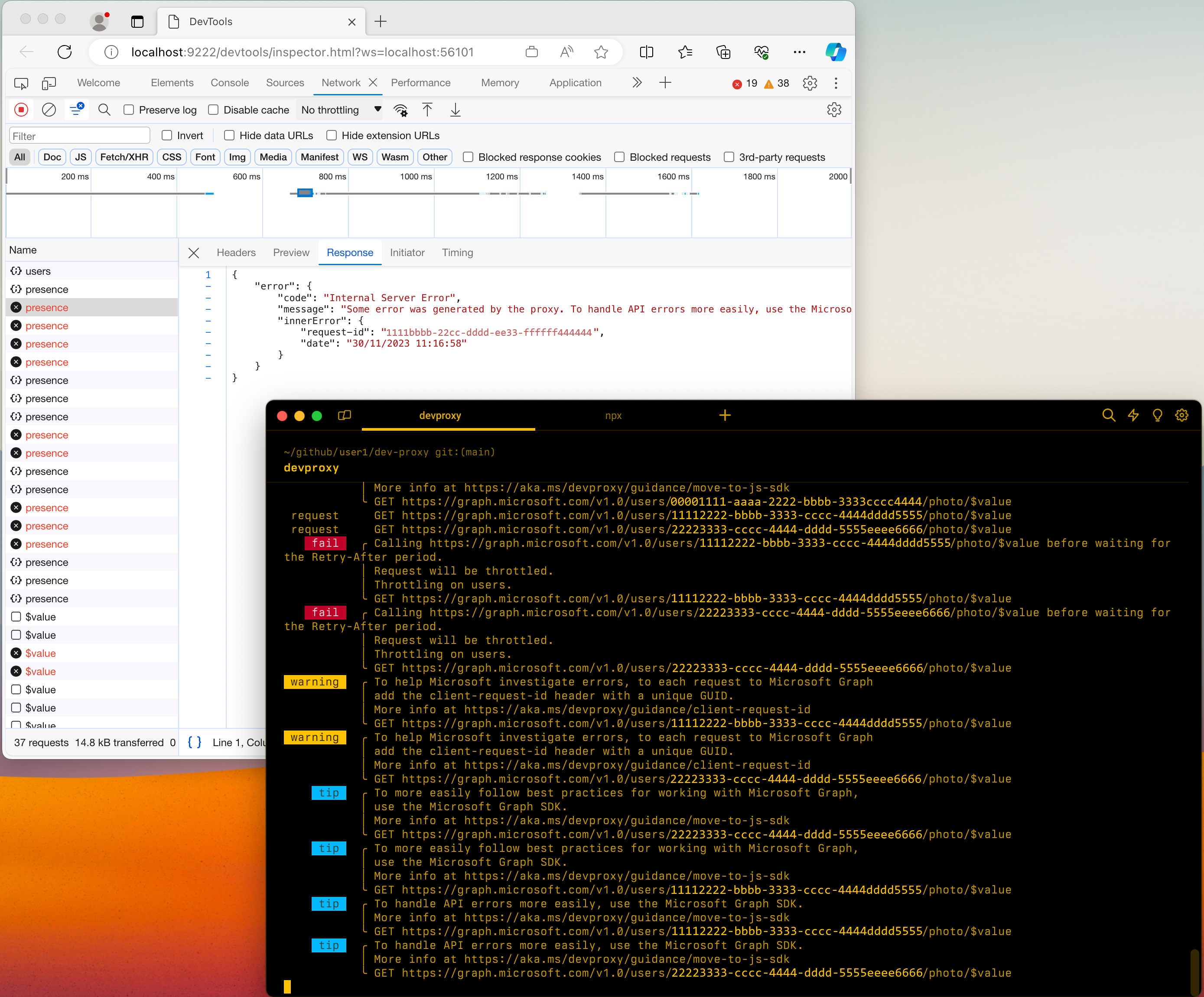
Configuration example
{
  "$schema": "https://raw.githubusercontent.com/dotnet/dev-proxy/main/schemas/v2.0.0/rc.schema.json",
  "plugins": [
    {
      "name": "DevToolsPlugin",
      "enabled": true,
      "pluginPath": "~appFolder/plugins/DevProxy.Plugins.dll",
      "configSection": "devTools"
    }
  ],
  "devTools": {
    "$schema": "https://raw.githubusercontent.com/dotnet/dev-proxy/main/schemas/v2.0.0/devtoolsplugin.schema.json",
    "preferredBrowser": "Edge"
  }
}
Configuration properties
| Property | Description | Default |
|---|---|---|
preferredBrowser |
Which browser to use to launch Dev Tools. Supported values: Edge, EdgeDev, Chrome |
Edge |
Command line options
None
Known issues
Dev Tools don't open in Microsoft Edge on Windows
You use Dev Proxy on Windows and configure it to use Microsoft Edge to display Dev Tools. After you start Dev Proxy, it starts the inspector but Dev Tools don't open or they open empty.
To fix this issue:
- Open Microsoft Edge
- Go to Settings
- Open System and performance
- Disable Startup boost
- Close all Microsoft Edge windows and processes
- Start Dev Proxy
STDIO support
When using the DevToolsPlugin with the STDIO command, you can inspect STDIN/STDOUT/STDERR communication in Chrome DevTools:
- Messages appear with
stdio://command-nameURLs - Requests show as
STDINmethod - Responses show as
STDOUT(200 status) orSTDERR(500 status) - Message bodies are formatted as JSON when applicable
- Timing information is available for each request/response pair
Configuration example for STDIO
{
  "$schema": "https://raw.githubusercontent.com/dotnet/dev-proxy/main/schemas/v2.1.0/rc.schema.json",
  "plugins": [
    {
      "name": "DevToolsPlugin",
      "enabled": true,
      "pluginPath": "~appFolder/plugins/DevProxy.Plugins.dll",
      "configSection": "devTools"
    }
  ],
  "devTools": {
    "preferredBrowser": "Edge"
  }
}
Then run:
devproxy STDIO npx -y @modelcontextprotocol/server-filesystem
Next step
Cộng tác với chúng tôi trên GitHub
Bạn có thể tìm thấy nguồn cho nội dung này trên GitHub, nơi bạn cũng có thể tạo và xem lại các vấn đề và yêu cầu kéo. Để biết thêm thông tin, hãy xem hướng dẫn dành cho người đóng góp của chúng tôi.
