本文介绍如何检索在声明性代理清单部分中capabilities包含 Copilot 连接器和 SharePoint/OneDrive 文件所需的 ID。 可以使用 Microsoft Graph 资源管理器 或 Microsoft Graph PowerShell。
Copilot 连接器
本部分介绍如何检索要在清单中 Copilot 连接器对象的连接对象属性中connection_id设置的值。
重要
查询 Copilot 连接器需要管理员帐户。
浏览到 Microsoft Graph 资源管理器 并使用管理员帐户登录。
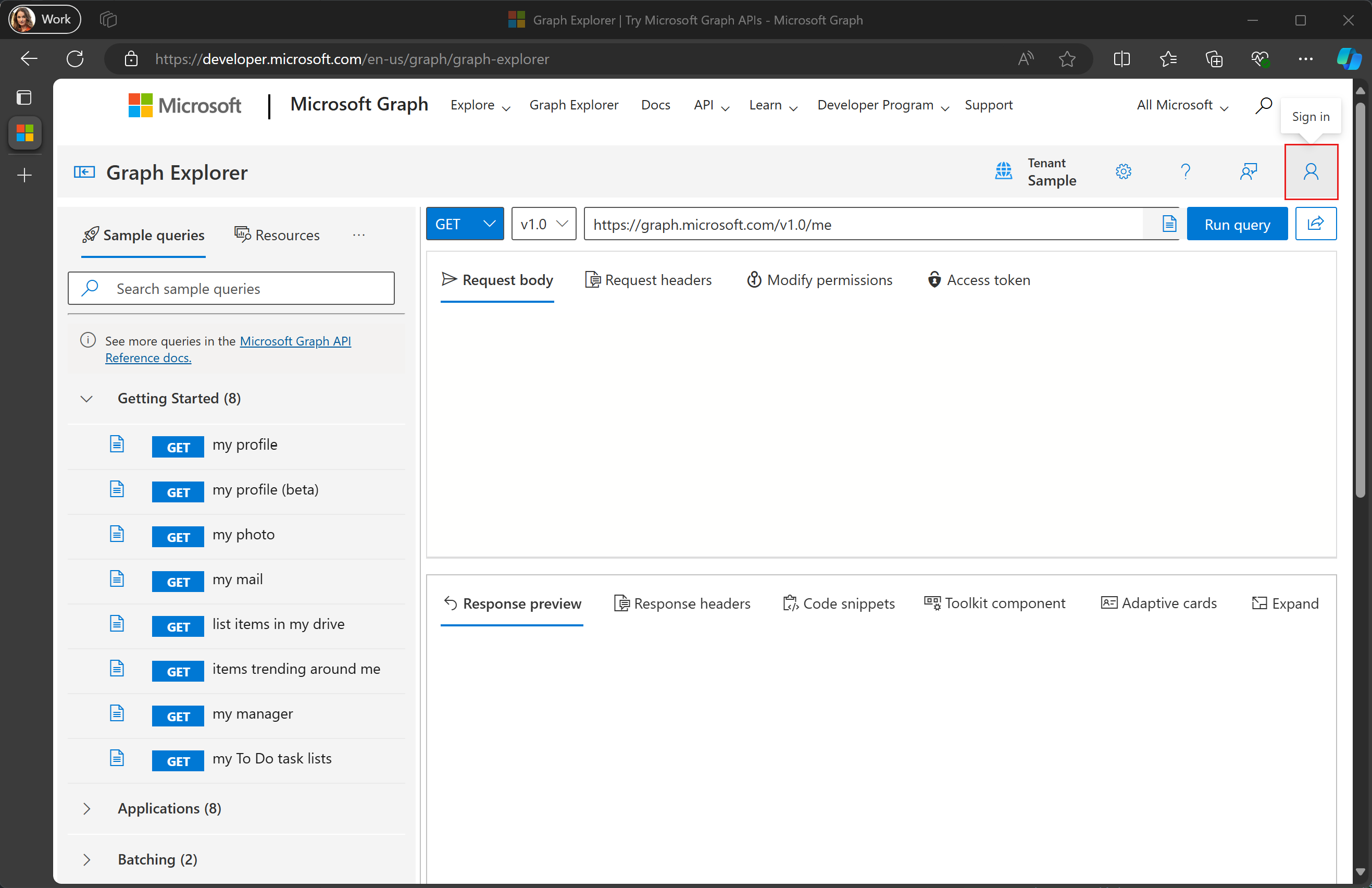
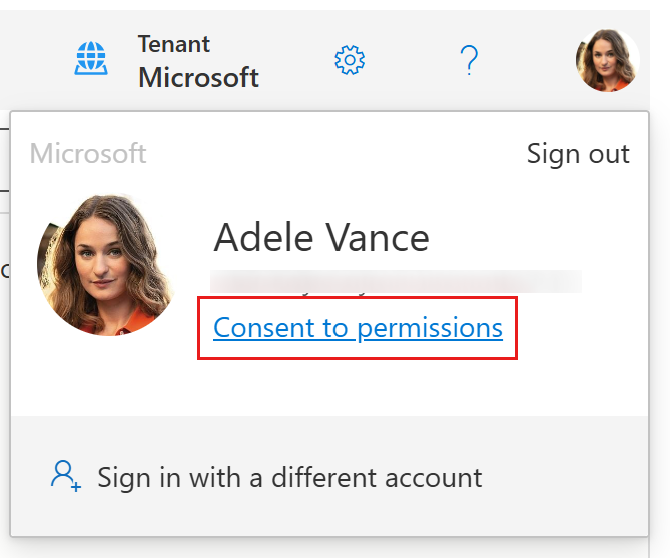
选择右上角的用户头像,然后选择 “ 同意访问权限”。
搜索
ExternalConnection.Read.All并选择该权限的 同意 。 按照提示授予同意。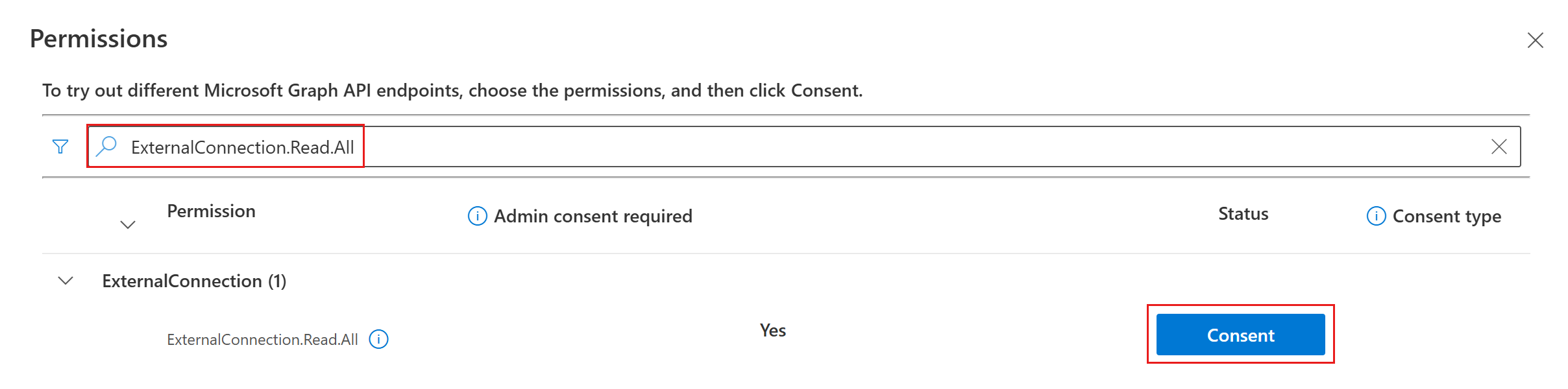
在请求字段中输入
https://graph.microsoft.com/v1.0/external/connections?$select=id,name,然后选择 “运行查询”。
找到所需的连接线并复制其
id属性。 例如,若要在以下响应中使用 GitHub Repos 连接器,请复制该githubrepos值。{ "@odata.context": "https://graph.microsoft.com/v1.0/$metadata#connections(id,name)", "value": [ { "id": "applianceparts", "name": "Appliance Parts Inventory" }, { "id": "githubrepos", "name": "GitHub Repos" } ] }
检索 SharePoint ID
本部分介绍如何检索要在对象属性OneDriveAndSharePoint内items_by_sharepoint_ids的以下属性中设置的值:
site_idlist_idweb_idunique_id
浏览到 Microsoft Graph 资源管理器 并使用管理员帐户登录。
选择右上角的用户头像,然后选择 “ 同意访问权限”。
搜索
Sites.Read.All并选择该权限的 同意 。 按照提示授予同意。 对 重复Files.Read.All此过程。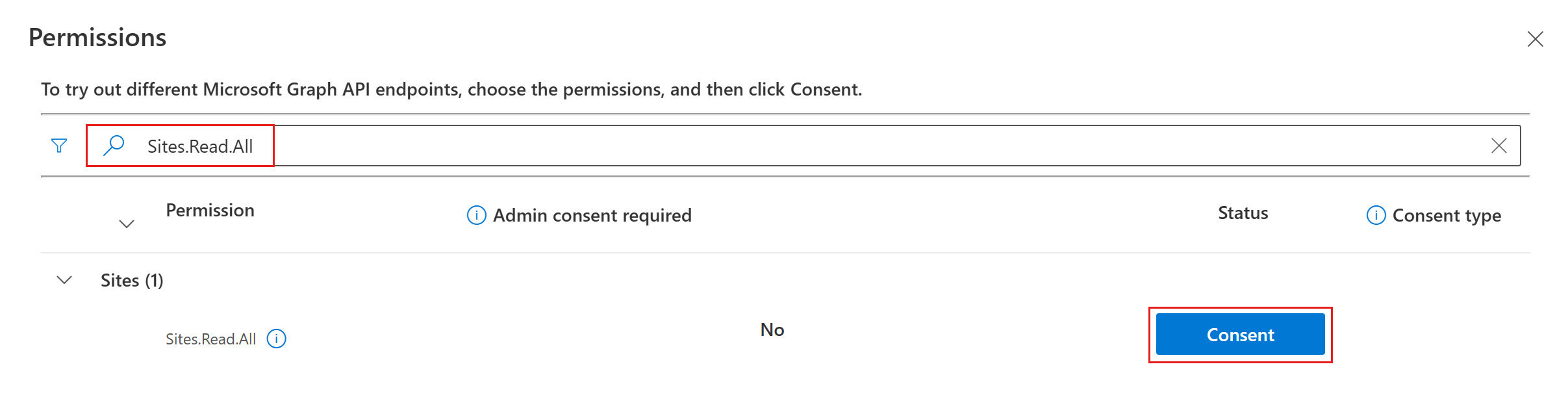
将方法下拉列表更改为 POST 并在请求字段中输入
https://graph.microsoft.com/v1.0/search/query。
在 请求正文中添加以下内容,替换
https://yoursharepointsite.com/sites/YourSite/Shared%20Documents/YourFile.docx为要获取其 ID 的文件或文件夹的 URL。{ "requests": [ { "entityTypes": [ "driveItem" ], "query": { "queryString": "Path:\"https://yoursharepointsite.com/sites/YourSite/Shared%20Documents/YourFile.docx\"" }, "fields": [ "fileName", "listId", "webId", "siteId", "uniqueId" ] } ] }选择 “运行查询”。
找到所需文件并复制其
listId、webId、siteId和uniqueId属性。{ "value": [ { "searchTerms": [], "hitsContainers": [ { "hits": [ { "hitId": "01AJOINAHZHINTBHPESZBISPIPSJG3D5EO", "rank": 1, "summary": "Reorder policy Our reorder policy for suppliers is straightforward and designed to maintain cost-efficiency and inventory control. We kindly request that no order exceeds a total", "resource": { "@odata.type": "#microsoft.graph.driveItem", "listItem": { "@odata.type": "#microsoft.graph.listItem", "id": "301b3af9-e49d-4296-893d-0f924db1f48e", "fields": { "fileName": "YourFile.docx", "listId": "12fde922-4fab-4238-8227-521829cd1099", "webId": "a25fab47-f3b9-4fa3-8ed9-1acb83c12a4f", "siteId": "5863dfa5-b39d-4cd1-92a6-5cf539e04971", "uniqueId": "{301b3af9-e49d-4296-893d-0f924db1f48e}" } } } } ], "total": 1, "moreResultsAvailable": false } ] } ] }