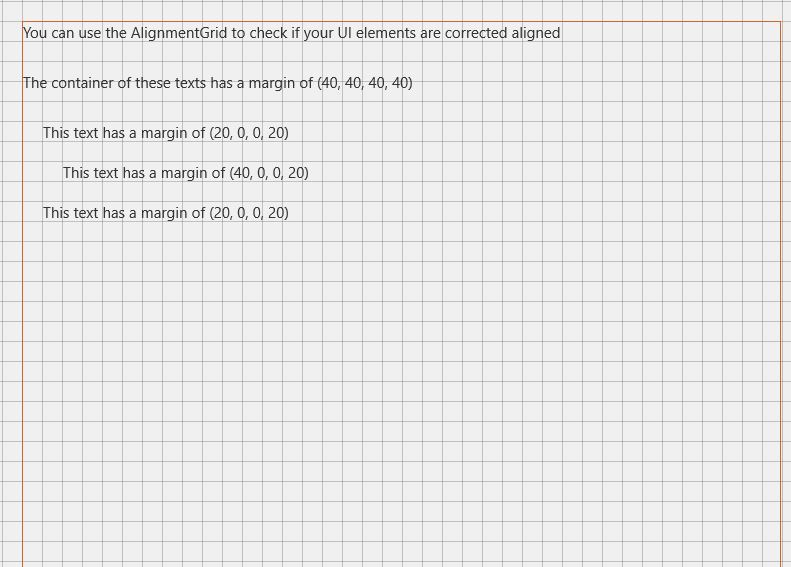
The AlignmentGrid Control can be used to display a grid to help with aligning controls.
You can control the grid's steps with HorizontalStep and VerticalStep properties. Line color can be defined with LineBrush property.
Syntax
<developerTools:AlignmentGrid Opacity="1" LineBrush="Black"
                    HorizontalStep="20" VerticalStep="20"/>
Sample Output
Properties
| Property | Type | Description |
|---|---|---|
| HorizontalStep | double | Gets or sets the step to use horizontally |
| LineBrush | Brush | Gets or sets line Brush |
| VerticalStep | double | Gets or sets the step to use vertically |
Sample Project
AlignmentGrid Sample Page Source. You can see this in action in the Windows Community Toolkit Sample App.
Requirements
| Device family | Universal, 10.0.16299.0 or higher |
|---|---|
| Namespace | Microsoft.Toolkit.Uwp.DeveloperTools |
| NuGet package | Microsoft.Toolkit.Uwp.DeveloperTools |