Note
Access to this page requires authorization. You can try signing in or changing directories.
Access to this page requires authorization. You can try changing directories.
AI agents are changing how users interact with software. Designers are at the center of this shift. Whether you're shaping an agent's identity, crafting how it responds, or ensuring it works for every user, your decisions directly impact whether an agentic experience feels trustworthy, intuitive, and useful.
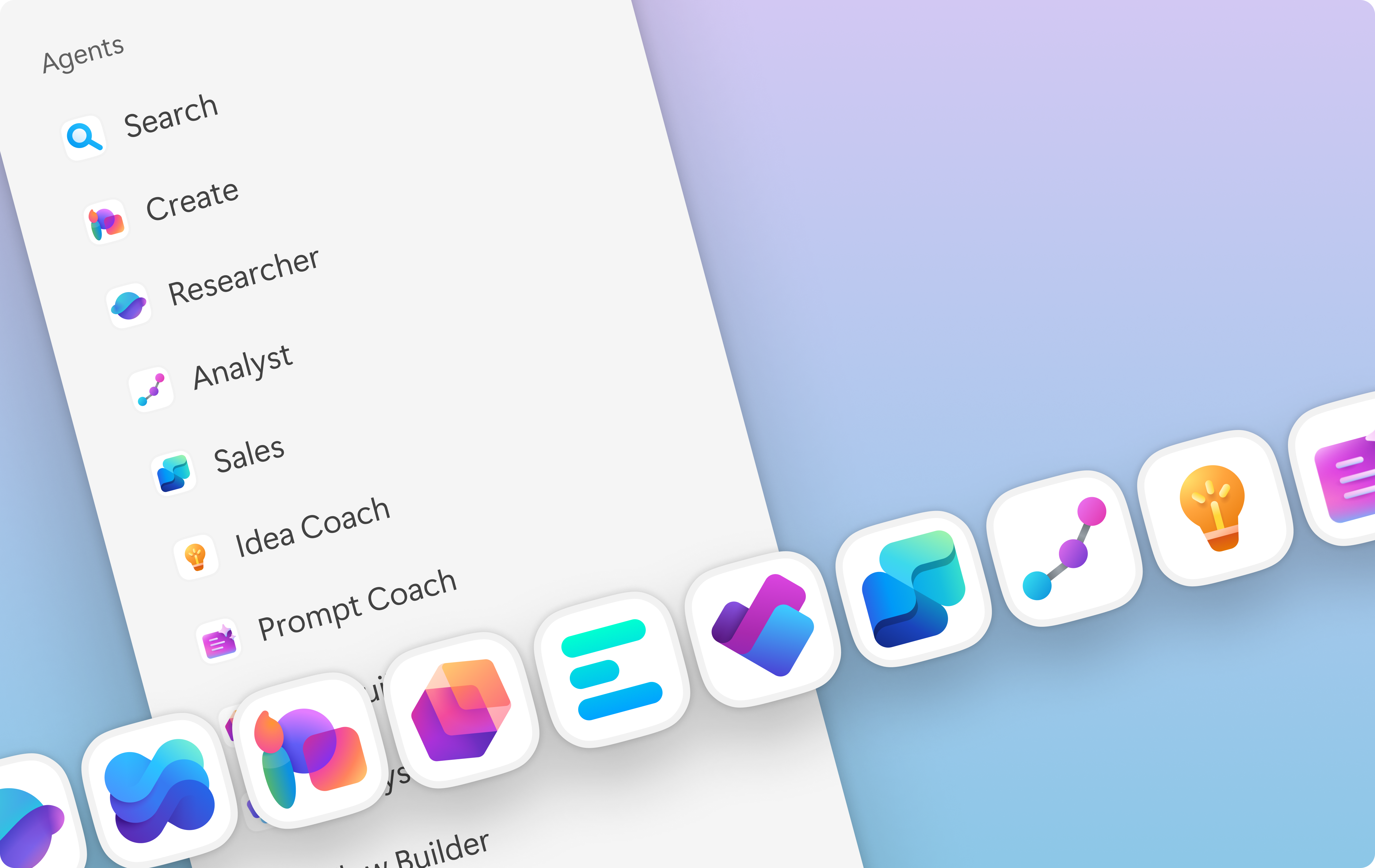
This content set is designed for those working with agents and looking to deepen their design practice in this space. It covers the fundamentals of what agents are, the principles that should guide your work, and how to customize an agent's appearance and behavior.
Introduction to agents
To design well for agents, you need to understand what they are and how they're structured. This article builds your foundational knowledge from a design perspective.
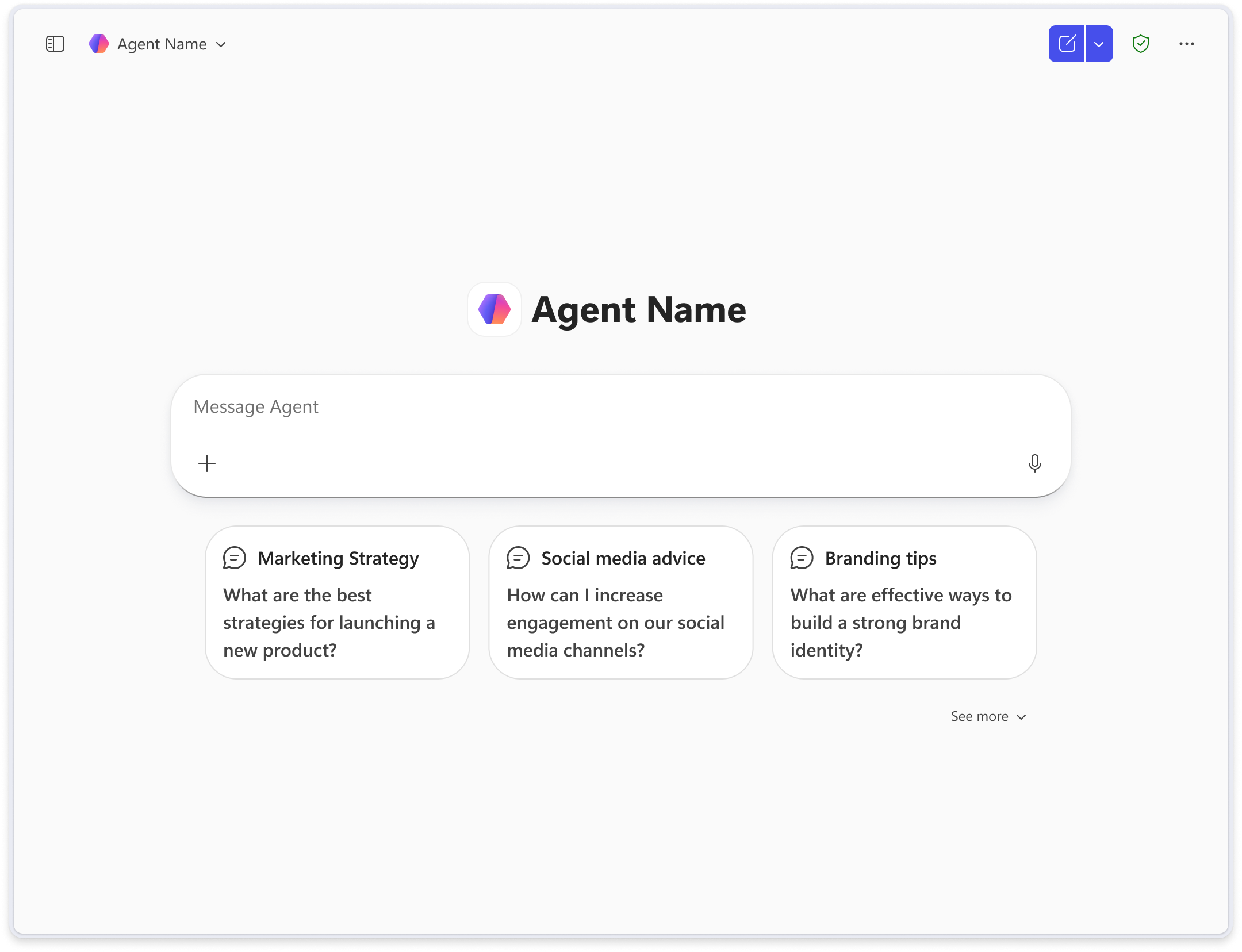
You'll explore the visual anatomy of an agent, meaning its core UI components and how they fit together, as well as the entry points through which users discover and access agentic experiences. You'll also get a high-level view of agent architecture and what it means for the decisions you make as a designer.
Note
For architectural guidance about building agent solutions, go to Architecting agent solutions: Principles and patterns.
Learn more: Introduction to agents
Design foundations
Effective agent design is grounded in principles that keep users safe, respected, and in control. This article introduces three pillars that should inform every design decision you make.
- Responsible AI. Design agents that are transparent, fair, and worthy of user trust.
- Accessibility and inclusion. Ensure your agent works for users of all abilities and backgrounds.
- Human-centered design. Keep the user's needs, context, and goals at the center of your process.
Learn more: Design foundations
Agent customization
Once you have a solid understanding of agents and the principles behind their design, you can begin shaping how they look and behave.
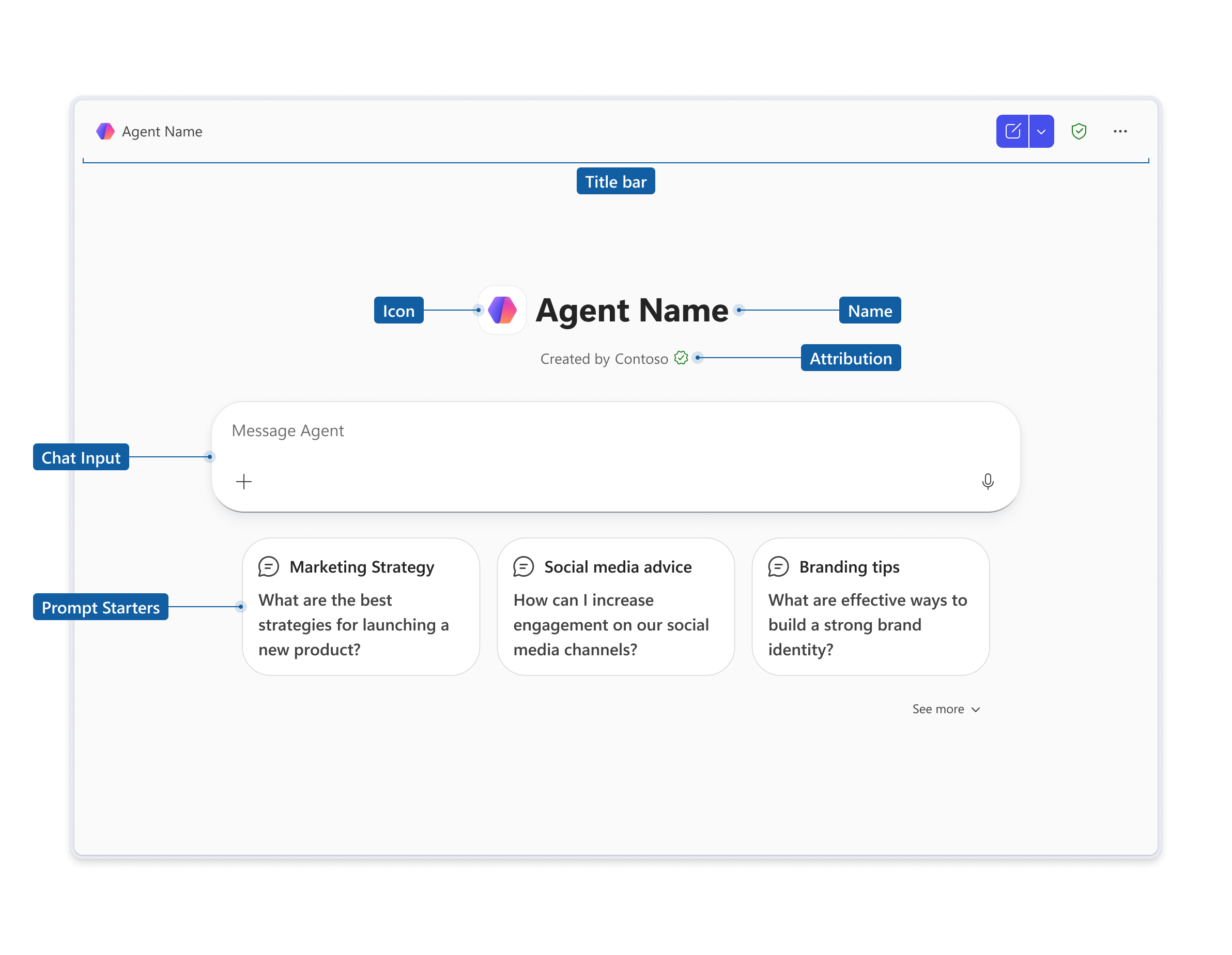
This article covers two levels of customization: Foundational customizations, like an agent's icon and name, establish its identity and set user expectations. Extended customizations, like dialogs and stream responses, define the quality of the interaction itself.
Important
- This is preview content.
- Preview content is available before an official release so that customers can get early access and provide feedback.
Next steps
Begin by learning more about agents with our introduction to what agents are and how they work. Then explore the core design foundations that apply to every agent experience, followed by specific guidance on how to customize your agent's appearance and behavior.