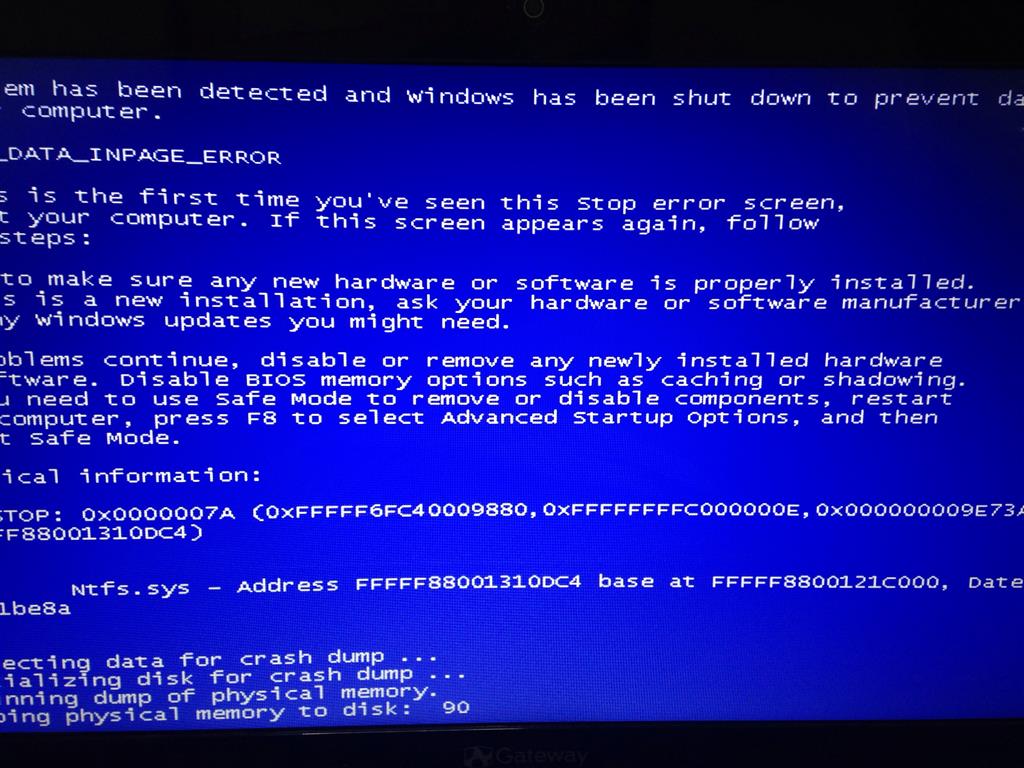
KERNEL_DATA_INPAGE_ERROR 0x7a ntfs.sys

Anonymous
2014-07-14T18:56:20+00:00

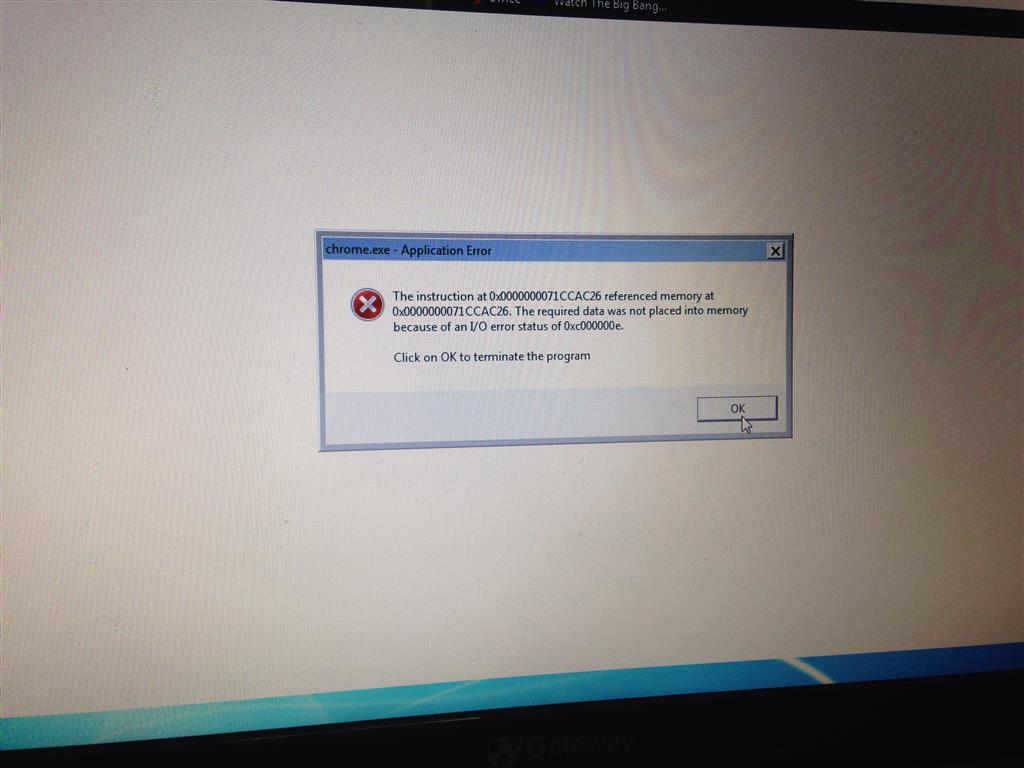
Hello everyone! Well I have been getting this blue screen of death thing. As stated the error says KERNEL_DATA_INPAGE_ERROR 0x7a ntfs.sys and won't even let me try to do a search or use any of my three browsers :/... I don't know how long have I been trying sometimes it let's me do stuff and sometimes it doesn't like today the computer restarts by itself and has done that 12 times now. I got somehow to install a new antivirus and found 11 deathly creatures and 3 rootkits... Now I would love someone to help me out with this... What can I do?? And will appreciate if you put it in "non PC master race" words because even tho I do understand a lot I am a chef not an IT person or sort. Please!!! I tried defragmenting the disk, errors, etc but it keeps found the same.. Here is a picture I was able to take with my cellphone. Also while surfing it gives me some error codes I am also attaching the pic. I would love and appreciate your help so much!

Be blessed!

Ps my HDD is not big so discard that option... 
Windows for home | Windows 11 | Performance and system failures

Locked Question. This question was migrated from the Microsoft Support Community. You can vote on whether it's helpful, but you can't add comments or replies or follow the question.

0 comments No comments
{count} votes
Answer accepted by question author
  1. Anonymous
    2014-07-15T01:14:00+00:00

    Hi,

    Try StartUp Repair from a Windows disk.

    What to do if Windows won't start correctly

    http://windows.microsoft.com/en-us/windows-vista/What-to-do-if-Windows-wont-start-correctly 

    Try StartUp Repair from Recovery Options or Windows 7 disk.

    How to Run a Startup Repair in Windows 7

    http://www.sevenforums.com/tutorials/681-startup-repair.html 

    Rob - SpiritX

    2 people found this answer helpful.
    0 comments No comments

11 additional answers

Sort by: Most helpful
  1. Anonymous
    2014-07-15T01:46:22+00:00

    Hi,

    Glad to have helped. Sounds like you did some very good troubleshooting!

    Moving everyday, going further on,


    Rob Brown - Microsoft MVP <- profile - Windows Expert - Consumer : Bicycle <- Mark Twain said it right!

    0 comments No comments
  2. Anonymous
    2014-07-15T02:57:21+00:00

    It worked....

    For an hour ....

    here is what I found

    0 comments No comments
  3. Anonymous
    2014-07-15T03:48:48+00:00

    Hi,

    Same Bug_Check 7A as before. Please see the first two messages I posted in this thread.

    We can analyze the minidump to see if that helps - see how to post in those two replies.

    Rob - SpiritX

    0 comments No comments