
cannot access default share \\IP\c$ error 0x80070043

Gustavo Bonasso 101 Reputation points
2021-05-01T08:55:39.74+00:00

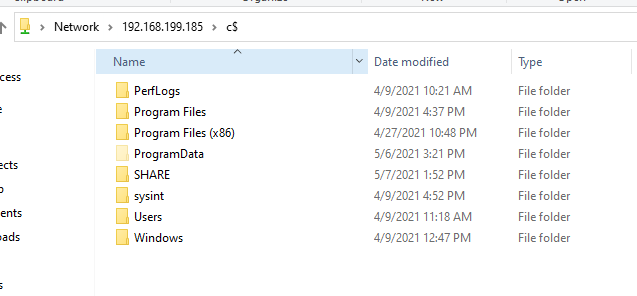
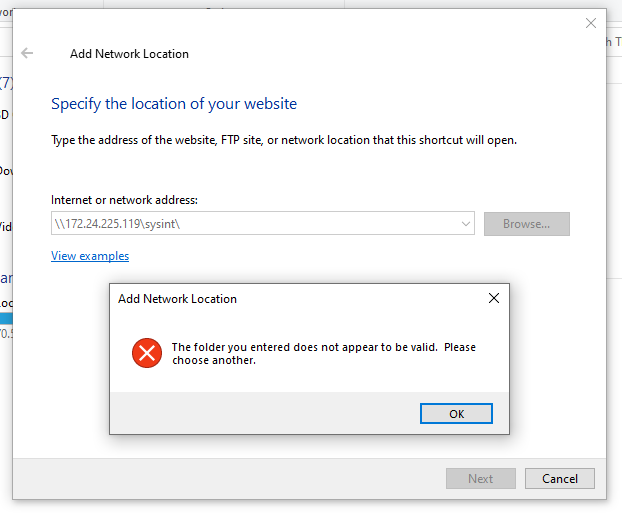
hi. this was working just fine until yesterday that i realized i wasn't able to access any share resource over the network, not for my hyper-v VMs or via VPN to some customer site.

basically i don't get the prompt for credentials. and if i telnet IP 445, i can access the service.

my OS is 10.0.19042

Image

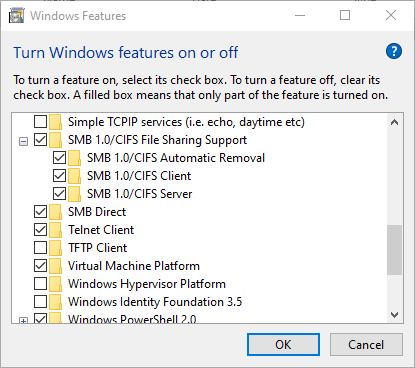
SMB1 is enabled

Image

i'm pretty sure this behavior started after some updates applied recently.

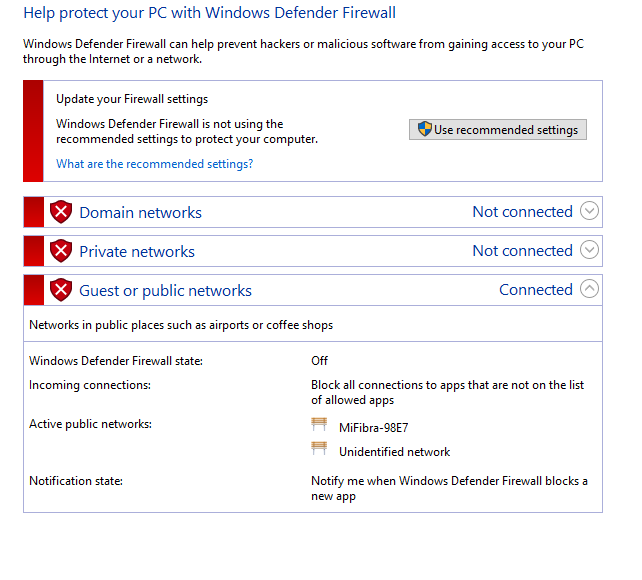
Firewall profiles are OFF for my local and remote machines

Image

Image

any tip?

thanks.

Windows for business | Windows Client for IT Pros | Networking | Network connectivity and file sharing
0 comments No comments
{count} votes

Answer accepted by question author
  1. Gustavo Bonasso 101 Reputation points
    2021-05-09T11:10:58.997+00:00

    OK, so issue was solved after doing this:

    1- remove WSL feature
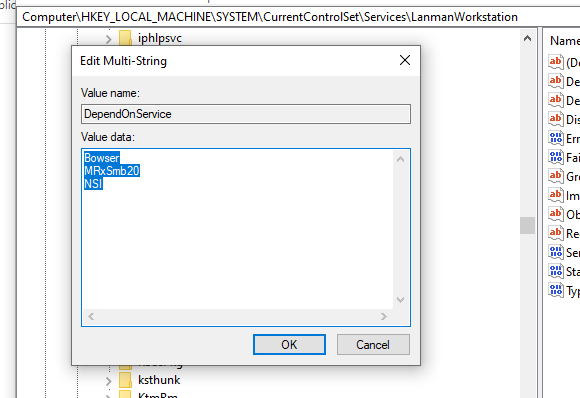
    2- Computer\HKEY_LOCAL_MACHINE\SYSTEM\CurrentControlSet\Services\LanmanWorkstation
    DependOnService it was bad.. (didn't took a screenshot, so I can't remember exactly the previous config, I THINK IT WAS P9NP and nothing else)
    I've delete the MultiSZ value, restarted machine.
    LanmanWorkstation Service wasn't starting.
    I took the example of one of my VMs and set the DependOnService like this:
    94946-image.png

    restarted localmachine
    voilá
    i get the prompt, enter creds
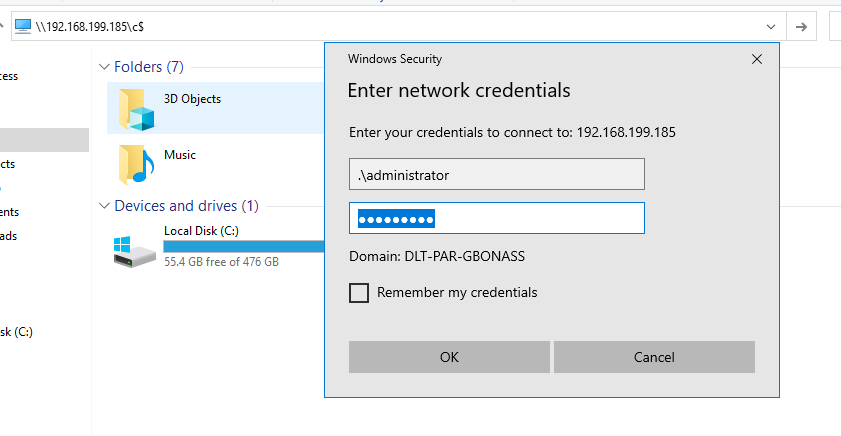
    95062-image.png

    and i'm in
    94947-image.png

    I will try later enabling WSL again.. if i encounter the same issue, I will use a Debian VM instead of WSL.

    0 comments No comments

10 additional answers

Sort by: Most helpful
  1. MotoX80 37,161 Reputation points
    2021-05-06T12:38:34.2+00:00

    Check the Windows credentials in Control Panel\User Accounts\Credential Manager and see if you have an entry for that machine.

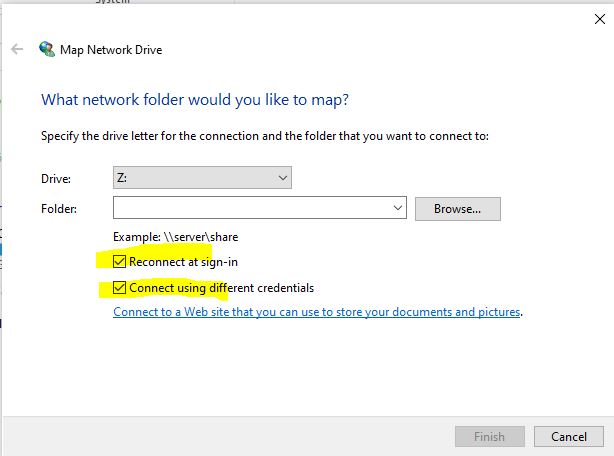
    Or map a drive and save the account that you use. You won't get prompted but you will be able to access the share.

    94433-capture.jpg

    0 comments No comments

  2. Gustavo Bonasso 101 Reputation points
    2021-05-06T13:09:44.597+00:00

    @MotoX80
    94466-image.png
    (IP changed because i've restarted my machine)

    @Anonymous
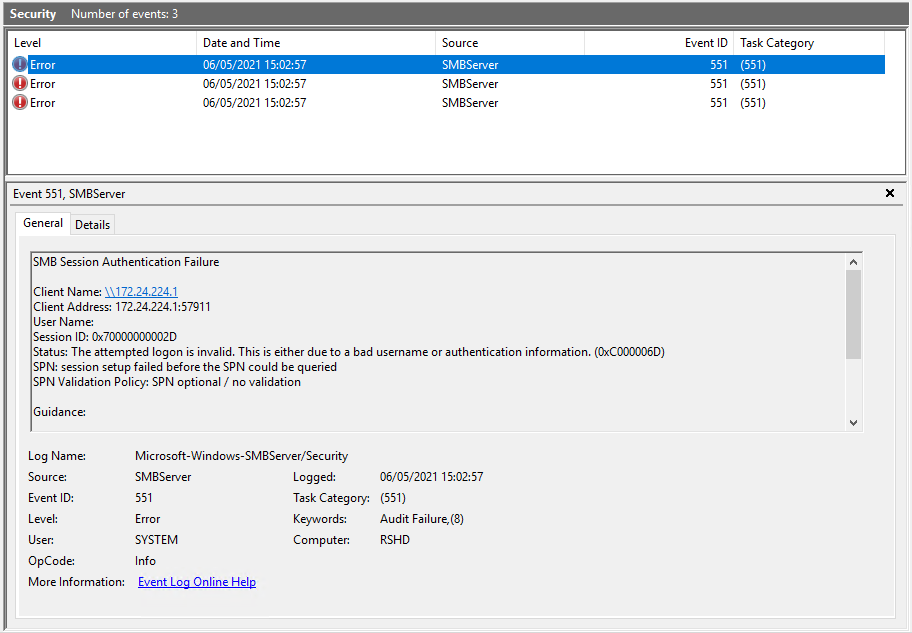
    also, after running the troubleshooter i get this on SMBServer log
    94467-1.png

    0 comments No comments

  3. Anonymous
    2021-05-07T02:45:21.577+00:00

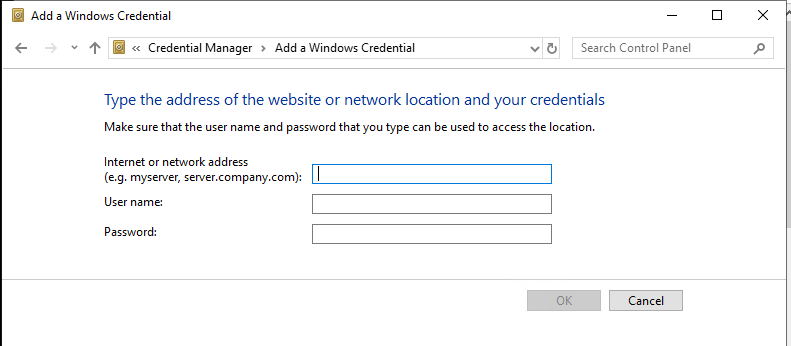
    Let's try to manually add username/password for UNC path in windows credential manager, see if it can work.

    94574-image.png

    If it still doesn't work, roll back some KBs and check if the issue still happens.

    0 comments No comments

  4. MotoX80 37,161 Reputation points
    2021-05-07T12:34:42.08+00:00

    Last year I wrote a Powershell script to try to analyze problems accessing network shares. Give that a try.

    https://social.technet.microsoft.com/Forums/en-US/f540d1fa-cd72-403c-a746-300ac1dad036/unc-path-not-able-to-access-but-able-to-rdp

    Update: I would suggest that you eliminate the need to enter different credentials. If you log on to your desktop with the account "gbonasso", then on the target server define an account with that same name and add it to the administrators group. Give that account your current password.

    When you run the script, launch Powershell with "run as administrator".

    0 comments No comments

Your answer

Answers can be marked as 'Accepted' by the question author and 'Recommended' by moderators, which helps users know the answer solved the author's problem.