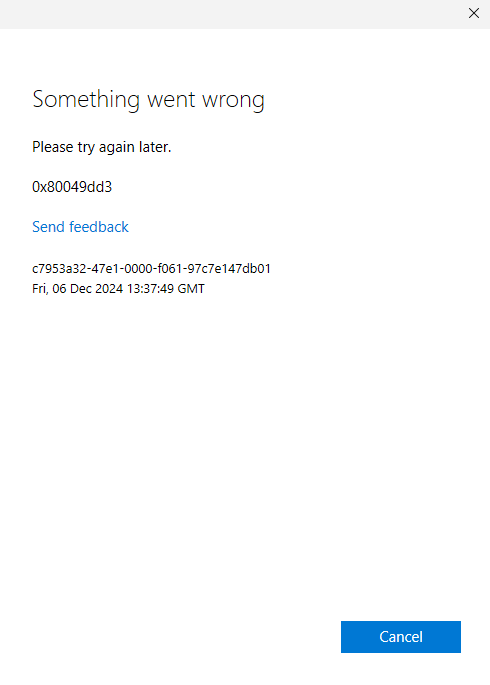
Starting yesterday, I get an "access denied" message where my emails are supposed to be. It asks me to log back in, but when I click "continue," it just gives me an error message (something went wrong, [7q6cd]). I get a chance to try again, which results in a different error message.
I thought this might just be a temporary error, but it's still happening today. My phone app works fine, the web version works fine, and the Outlook app on my other computer also works fine, it just refuses to work on my main desktop PC.
I am able to access the emails if I click around through the "focused" and "other" folders, but this is a huge hassle. Every time I open Outlook back up, the problem starts again.
All of the fixes I've seen for this involve toggling back to the classic Outlook. Unfortunately, Microsoft has been super helpful with this and completely disabled that switch for my account, which forces me to use their awful "new and improved" app over the old one that actually worked.
Does anyone know how to fix this? Better yet, does anyone know how I can bypass the decision Microsoft has made for me and go back to using the old Outlook?
' cx='32' cy='32' r='32' /%3E%3Ctext x='50%25' y='55%25' dominant-baseline='middle' text-anchor='middle' fill='%23FFF' %3EA%3C/text%3E%3C/svg%3E)
