Bram,
Here's what I would do, but this is just me, Steve or John may have better ideas.
Make a copy of your teachers template (which is just a presentation).
On this copy rename the template to xxxxxxxxxxx.zip, just say yes on the warning.
PPT will create a folder (choose an appropriate folder to create it in) with all the elements of your presentation.
Double click that folder, in the subfolders choose the media folder and double click it.
You should see all the pictures that where used in the presentation.
Now create your own presentation, go to View - master and paste the correct picture on the master (top thumbnail), put it in the background if you want. All the slide layouts will now have the same image.
If you want a different picture for the title slide layout, right click it and choose edit background, browse and select another picture.
Leave the master, save your presentation as a template (*.potx).
If you create a new presentation based on your template it will contain all the pictures you added.
Hope this helps
Hi. thank you for your help
So, I made your zip files, since there's no folder created, I assume you want me to extract it manually, I did, and get the image in media folder.
I then paste the image onto slide master, here's it
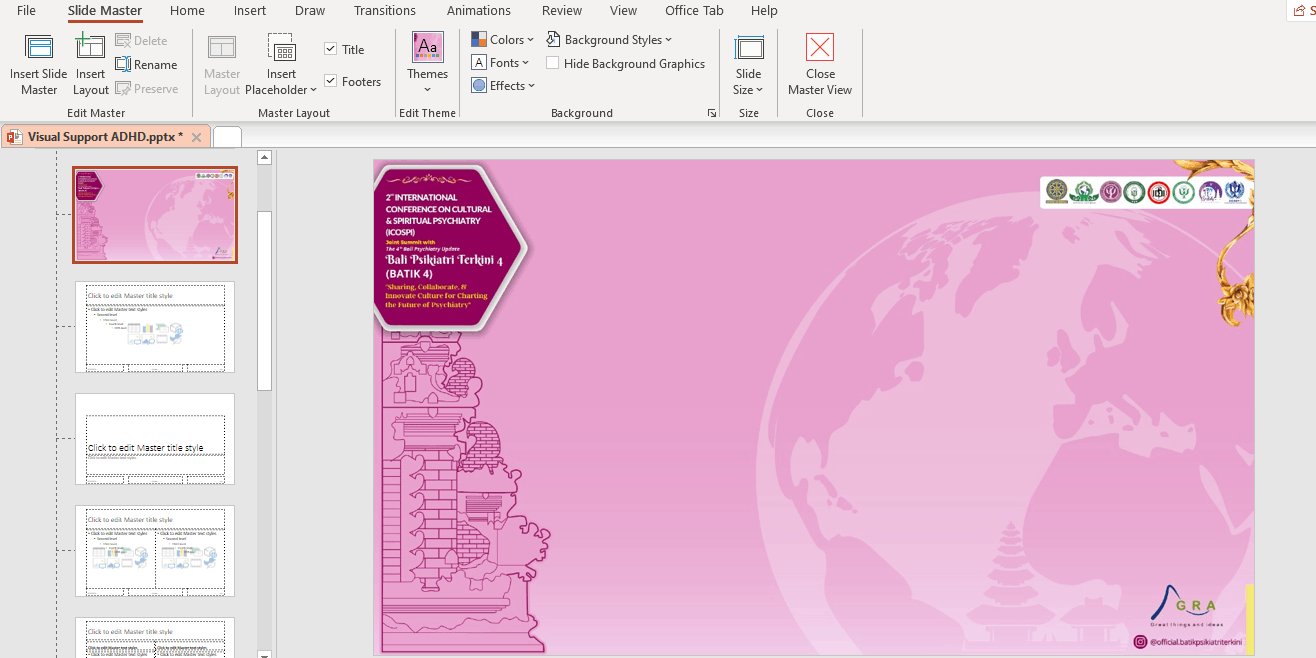
I then close the slide master. seems nothing changed
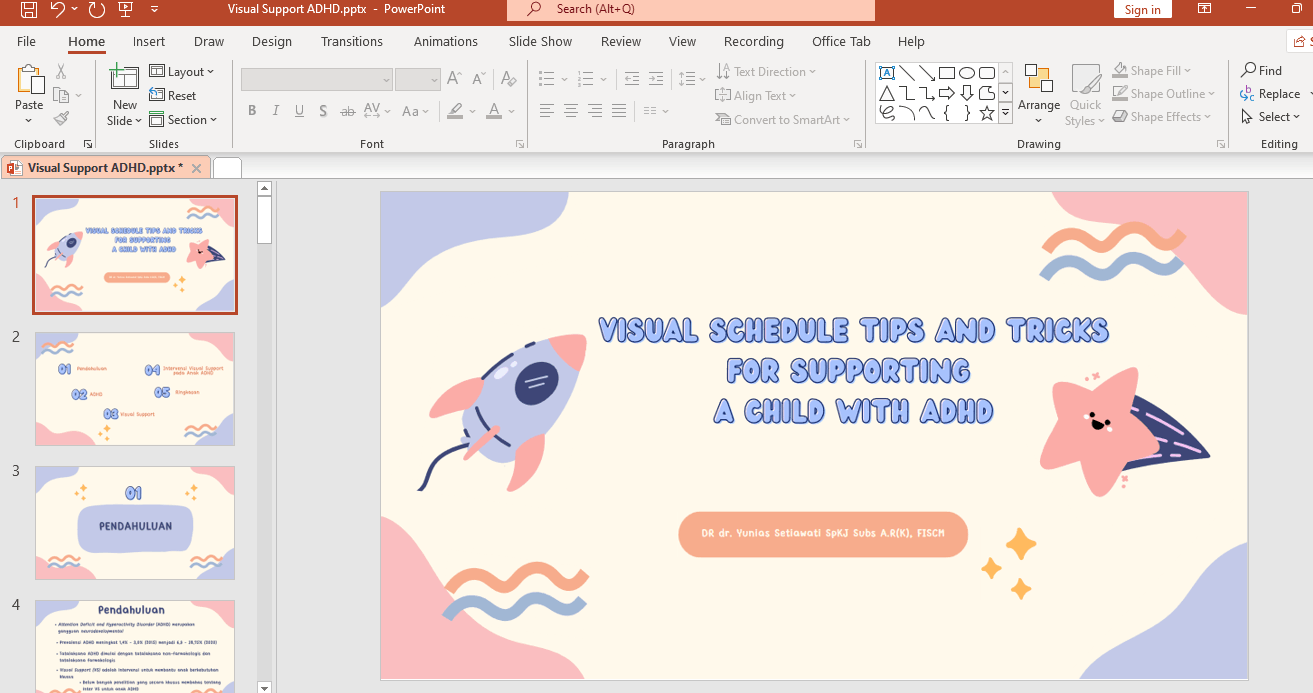
I think I miss something here. Maybe it's related to part of your sentence "put it in the background if you want"
I just copy and paste. so how do I put it in the background? or there's other thing I miss?
' cx='32' cy='32' r='32' /%3E%3Ctext x='50%25' y='55%25' dominant-baseline='middle' text-anchor='middle' fill='%23FFF' %3EA%3C/text%3E%3C/svg%3E)

' cx='32' cy='32' r='32' /%3E%3Ctext x='50%25' y='55%25' dominant-baseline='middle' text-anchor='middle' fill='%23FFF' %3ESR%3C/text%3E%3C/svg%3E)
' cx='32' cy='32' r='32' /%3E%3Ctext x='50%25' y='55%25' dominant-baseline='middle' text-anchor='middle' fill='%23FFF' %3ELS%3C/text%3E%3C/svg%3E)