Azure Stream Analytics
An Azure real-time analytics service designed for mission-critical workloads.
This browser is no longer supported.
Upgrade to Microsoft Edge to take advantage of the latest features, security updates, and technical support.
' cx='32' cy='32' r='32' /%3E%3Ctext x='50%25' y='55%25' dominant-baseline='middle' text-anchor='middle' fill='%23FFF' %3ES%3C/text%3E%3C/svg%3E)
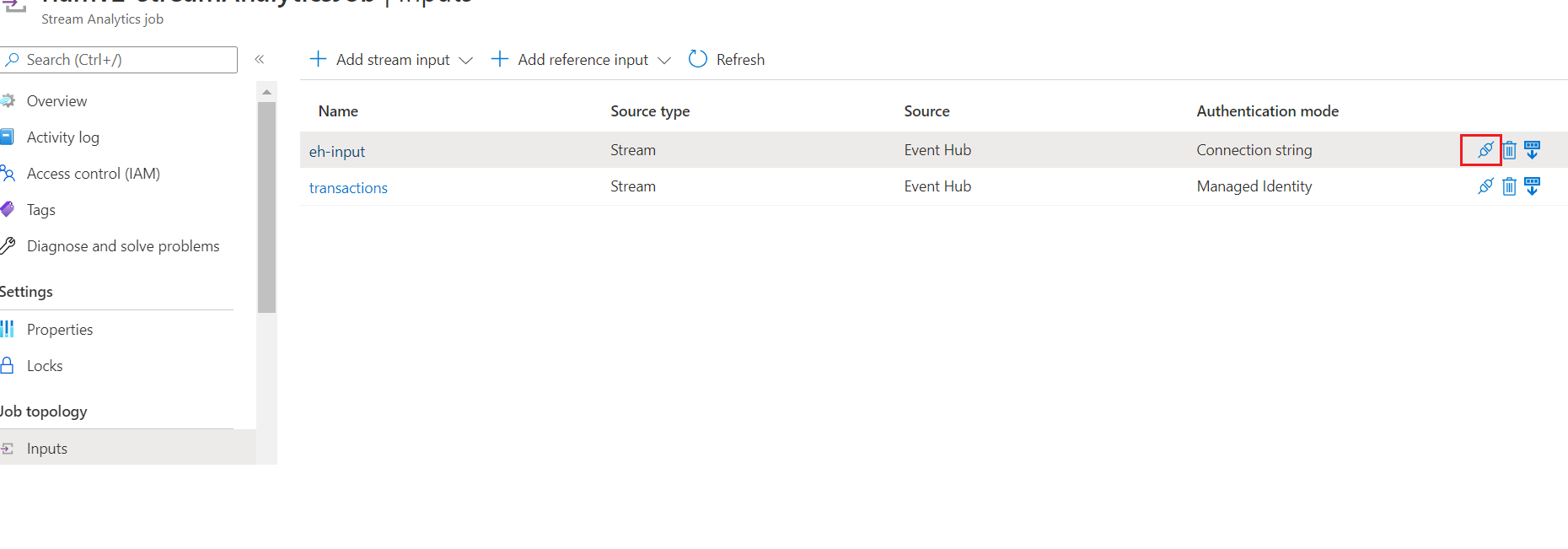
I followed the link below, and created an input, like below:
https://learn.microsoft.com/en-us/azure/event-hubs/event-hubs-tutorial-visualize-anomalies
The Test button in the red box confirms the connection is ok.
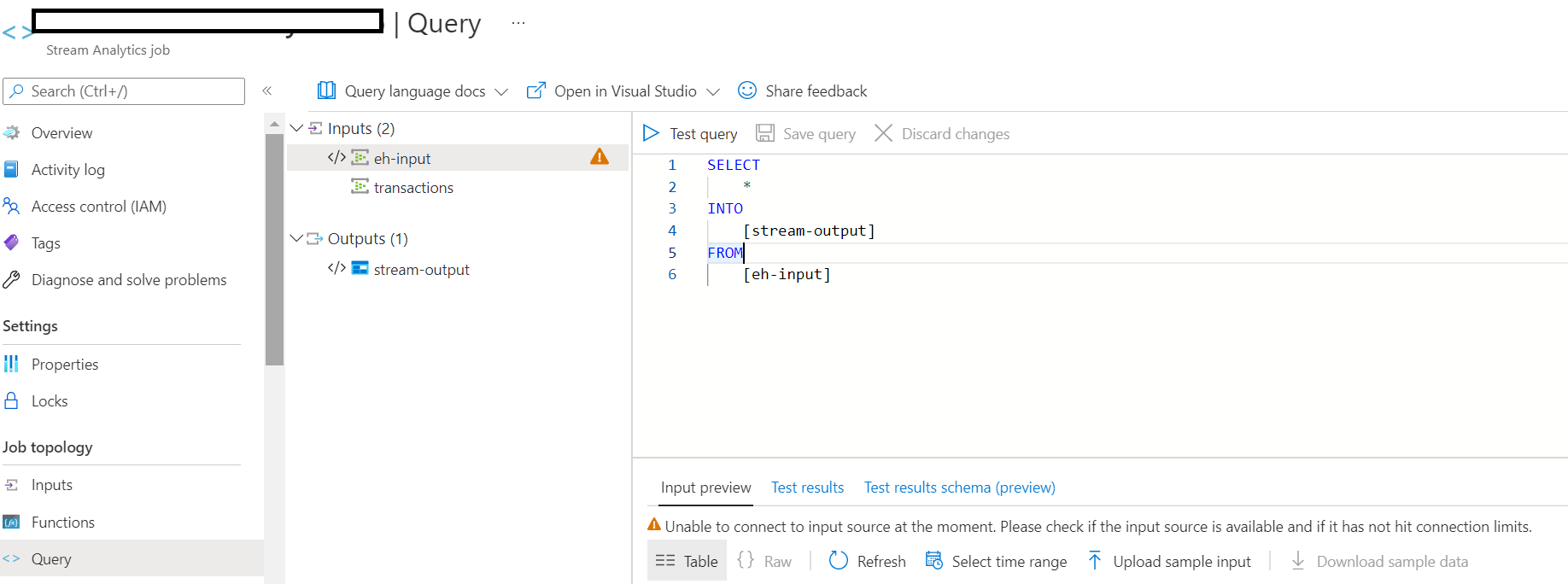
However, on the Query page, it shows error below:
Unable to connect to input source at the moment. Please check if the
input source is available and if it has not hit connection limits.
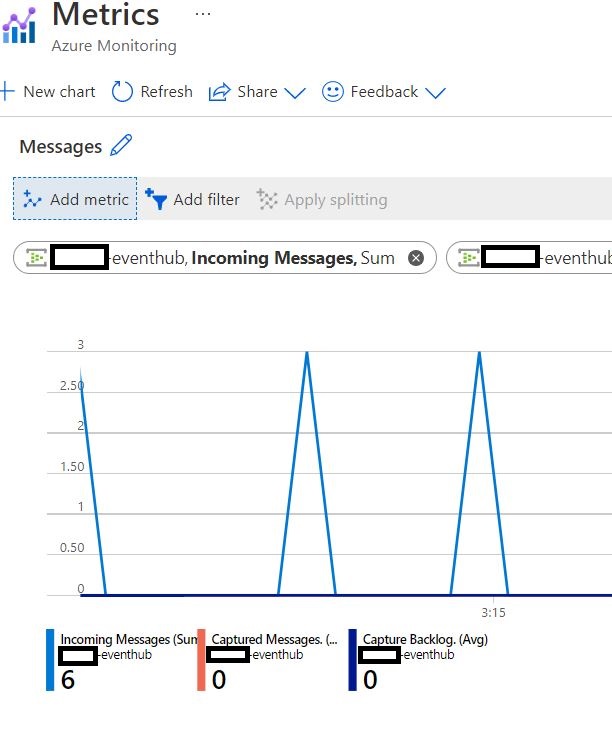
Below shows that the incoming messages are already in the event hub.
I tried using both Connection String and MI for the input, but am still getting the error.
I can send messages to and receive them from the event hub by following the link below:
https://learn.microsoft.com/en-us/azure/event-hubs/event-hubs-dotnet-standard-getstarted-send

Hello @Song ,
Following up to see if the below suggestion was helpful. And, if you have any further query do let us know.
------------------------------
 or upvote
  button whenever the information provided helps you.
Hello @Song ,
Thanks for the question and using MS Q&A platform.
To test your query against a specific time range of incoming events, select Select time range.
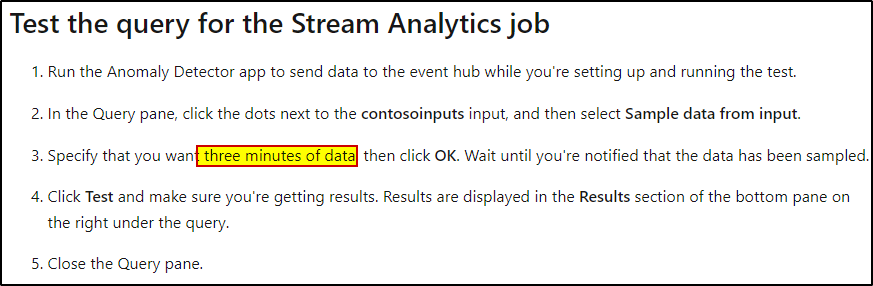
You may checkout the MS Q&A thread addressing similar issue.
For more details, refer to Test an Azure Stream Analytics job in the portal.
Hope this will help. Please let us know if any further queries.
------------------------------
or upvote button whenever the information provided helps you. Original posters help the community find answers faster by identifying the correct answer. Here is how
Hello @Song ,
Just checking in to see if the above answer helped. If this answers your query, do click Accept Answer and Up-Vote for the same. And, if you have any further query do let us know.