Hi ShwetaMathur,
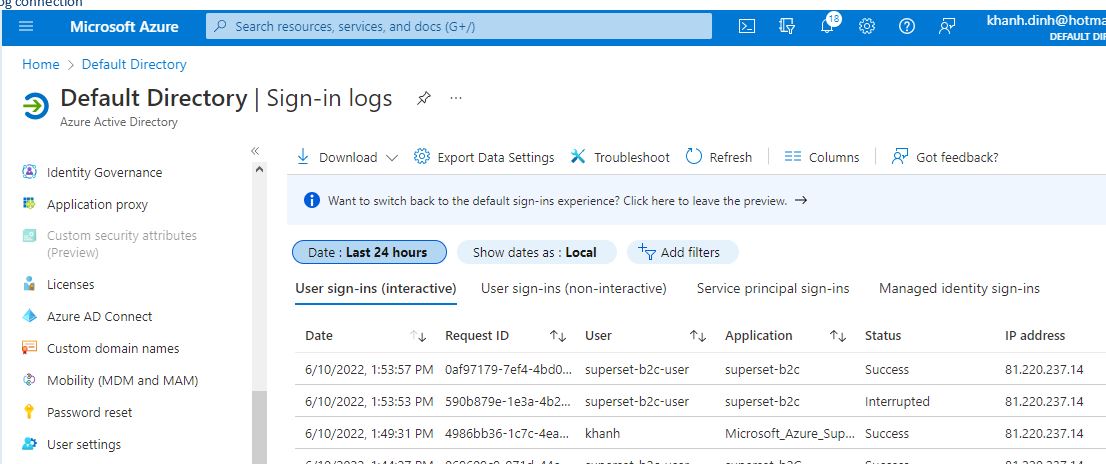
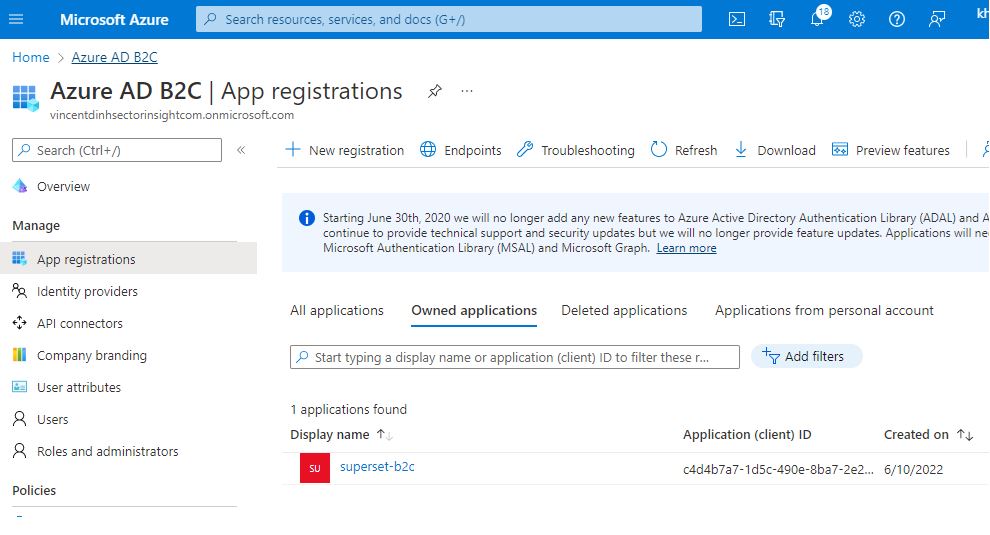
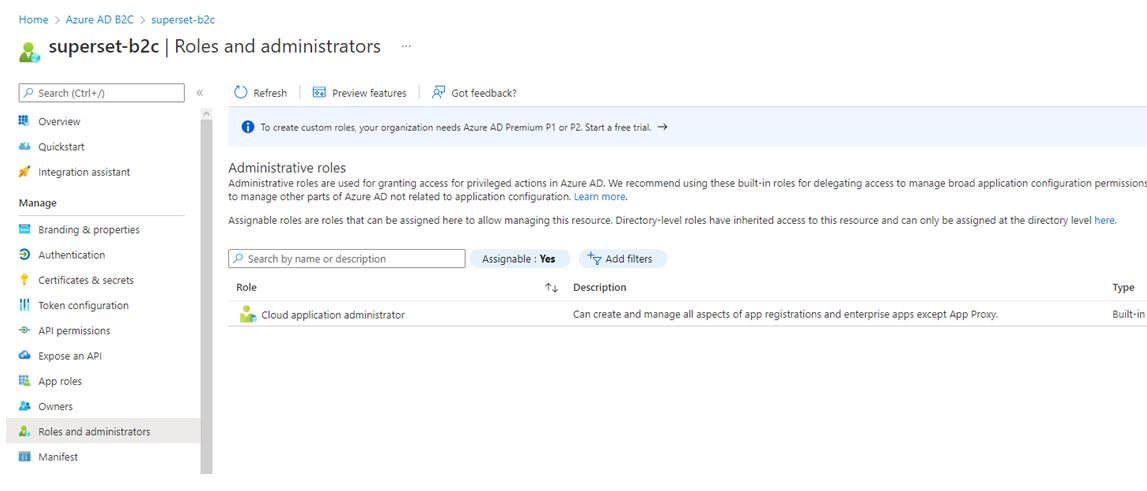
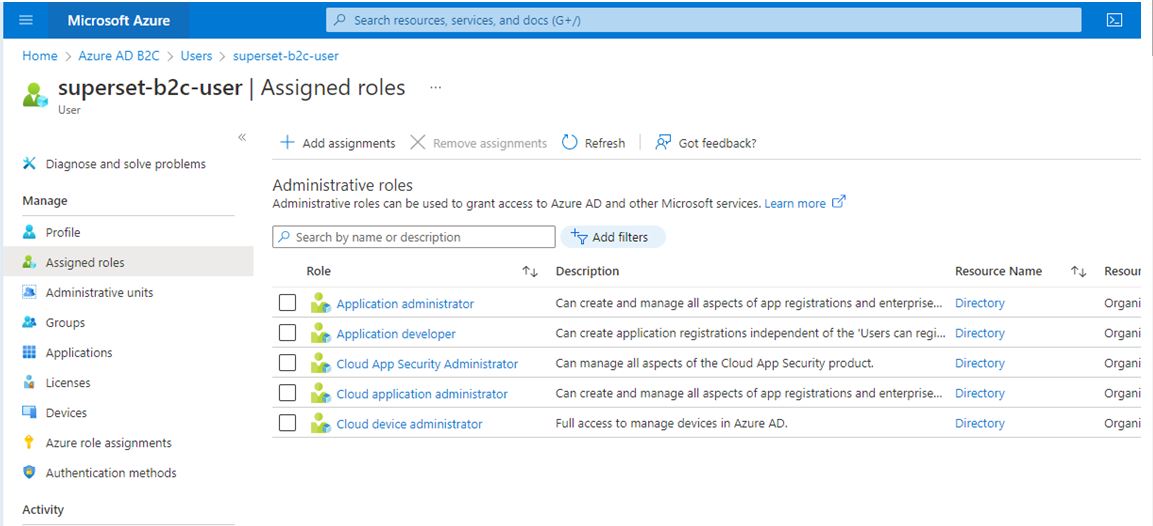
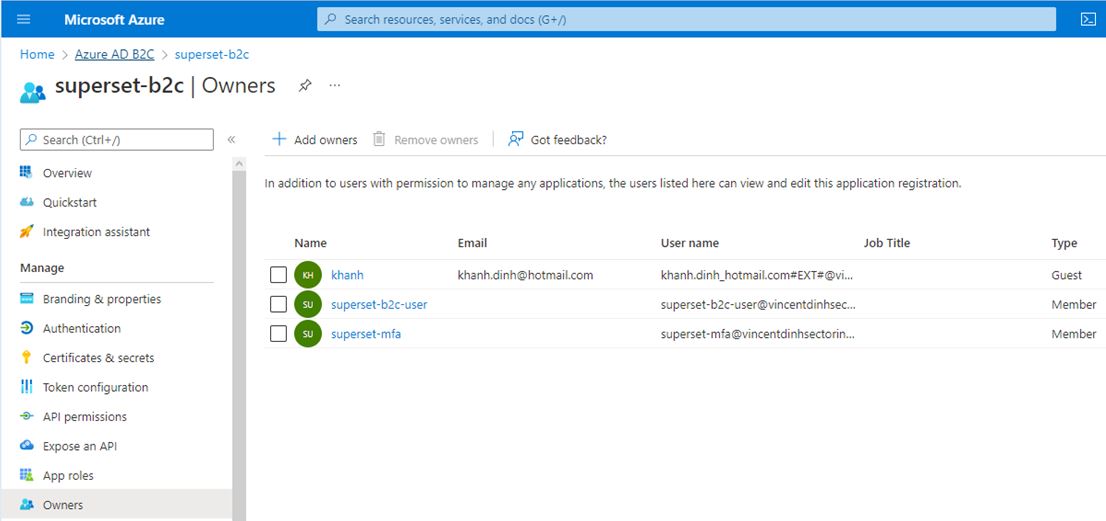
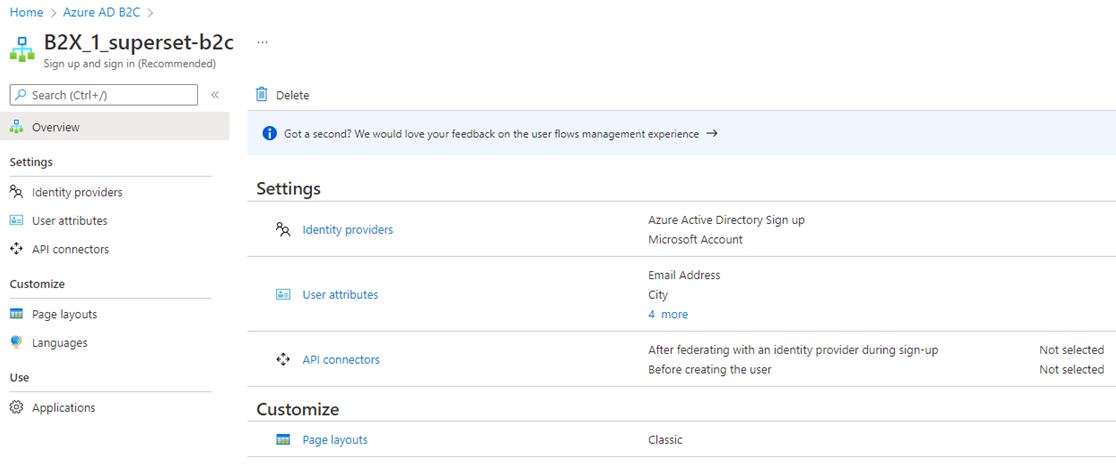
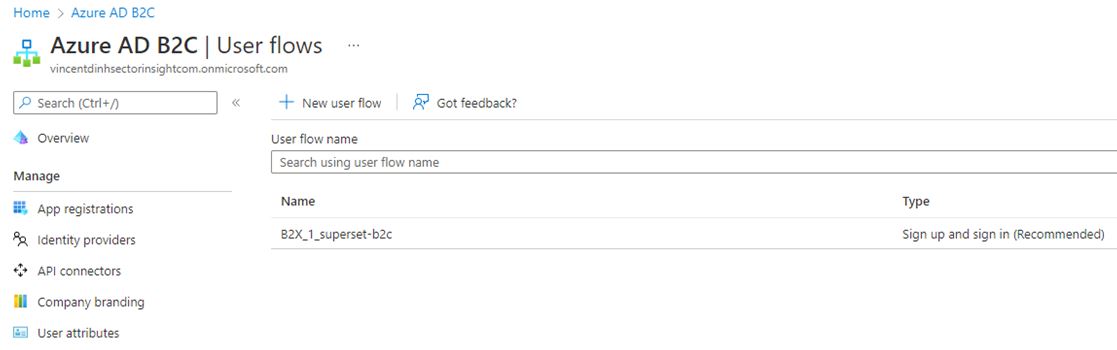
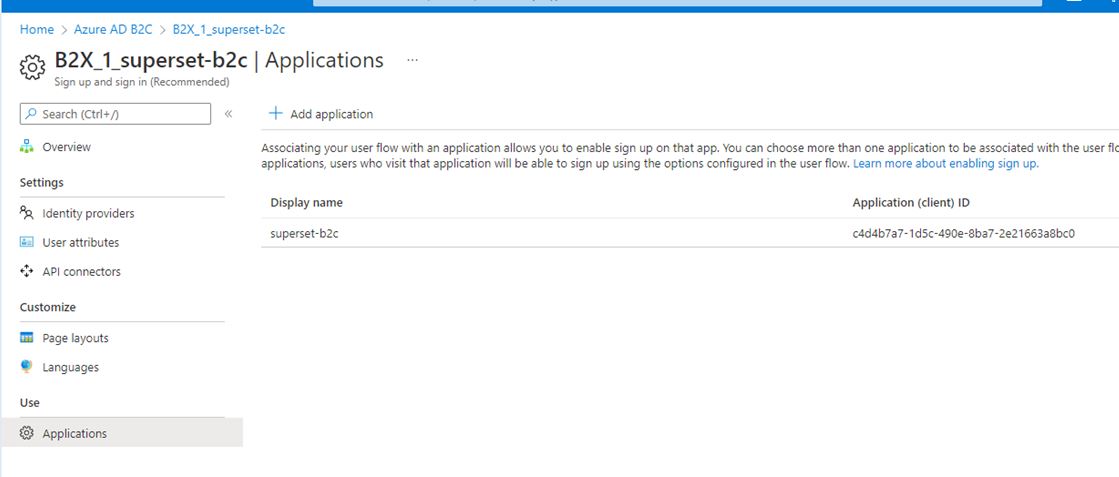
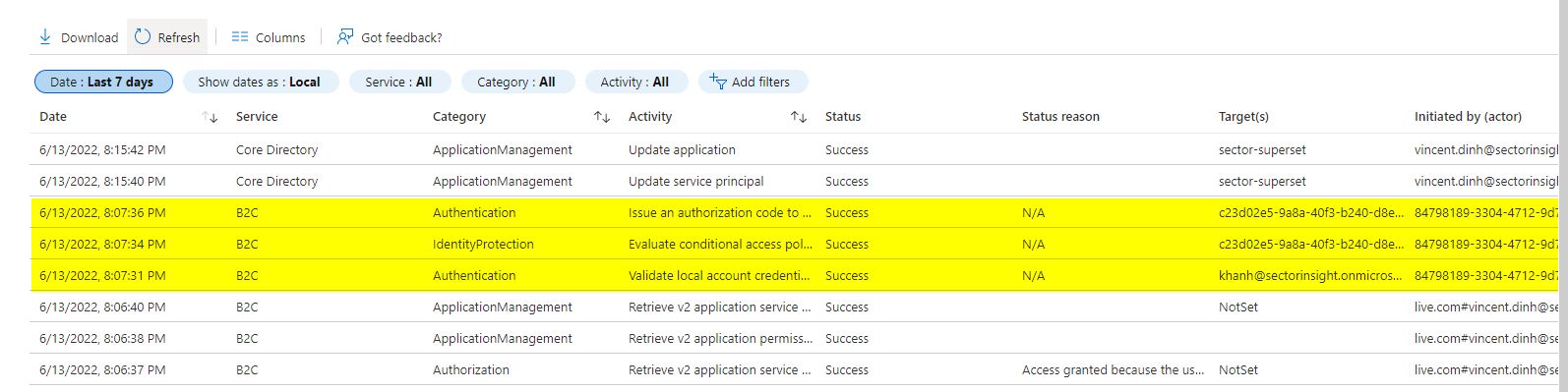
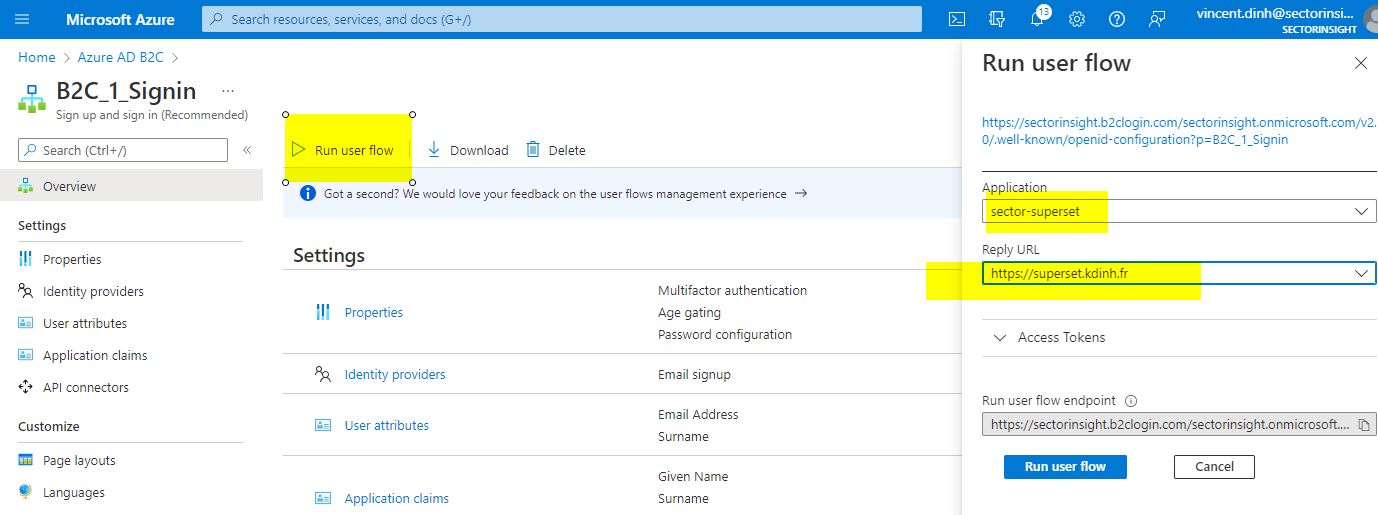
I'm able to create a new B2C tenant and run user flow
---------------------- Begin OAUTH Azure AD B2C --------------------------------------
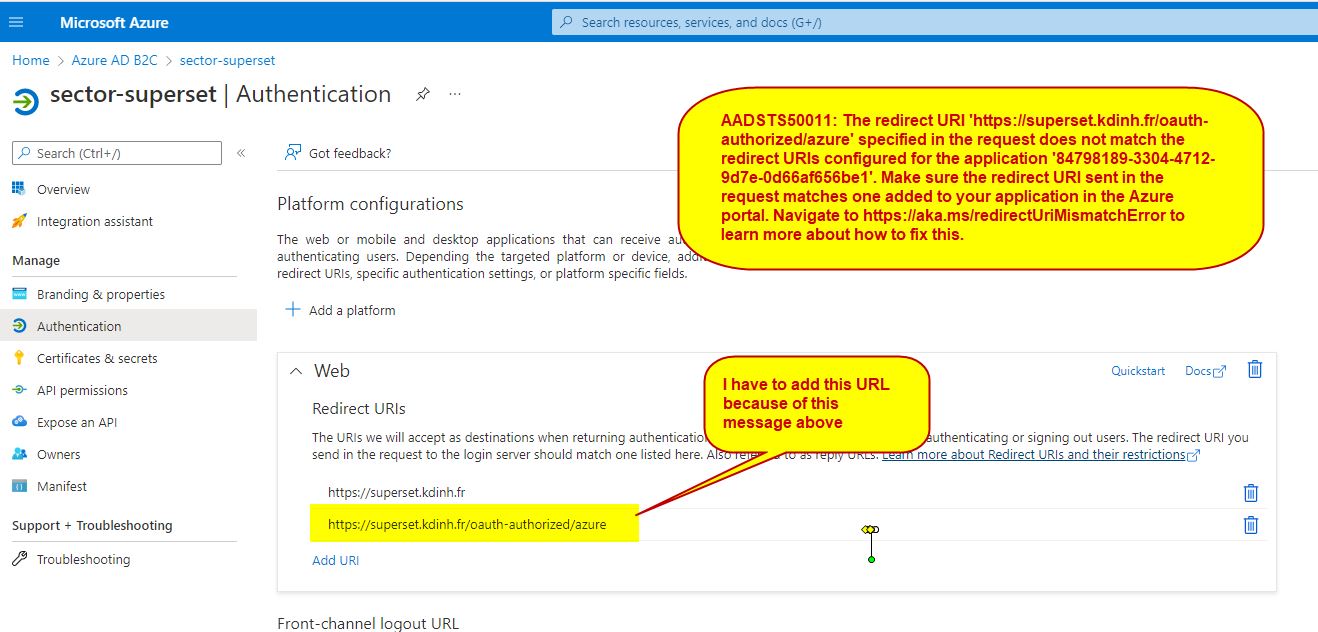
add fix for AADSTS50011: The redirect URI 'http://superset.kdinh.fr/oauth-authorized/azu
ENABLE_PROXY_FIX=True
from flask import session
from flask_appbuilder.security.manager import (
AUTH_DB,
AUTH_OAUTH,
)
basedir = os.path.abspath(os.path.dirname(file))
ROW_LIMIT = 5000
SUPERSET_WORKERS = 4
AUTH_ROLE_ADMIN = 'admin'
AUTH_ROLE_PUBLIC = 'Public'
you can allow users to self register
AUTH_USER_REGISTRATION = True
AUTH_USER_REGISTRATION_ROLE = 'admin'
AUTH_TYPE = AUTH_OAUTH
OAUTH_PROVIDERS = [
{
'name': 'azure',
'icon': 'fa-windows',
'token_key': 'access_token',
'remote_app': {
'client_id': '84798189-3304-4712-9d7e-0d66af656be1',
'client_secret': 'mnew-secret----Hpbl8',
'api_base_url': 'https://login.microsoftonline.com/56e86d7d-7d9e-4cf6-8c0b-0721a3df4a32/oauth2',
'client_kwargs': {
'scope': 'User.read givenName sn email profile upn',
'resource': '84798189-3304-4712-9d7e-0d66af656be1',
},
'request_token_url': None,
'access_token_url': 'https://login.microsoftonline.com/56e86d7d-7d9e-4cf6-8c0b-0721a3df4a32/oauth2/token',
'authorize_url': 'https://login.microsoftonline.com/56e86d7d-7d9e-4cf6-8c0b-0721a3df4a32/oauth2/authorize',
},
},
]
##'scope': 'User.read name preferred_username email profile upn',
---------------------- End OAUTH Azure AD B2C --------------------------------------
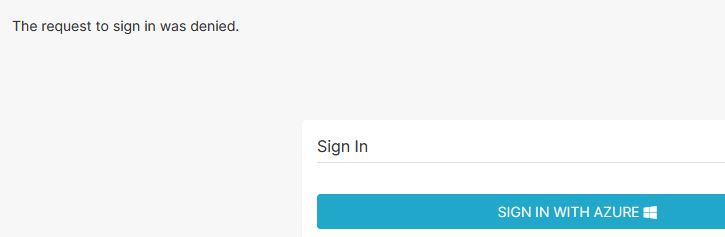
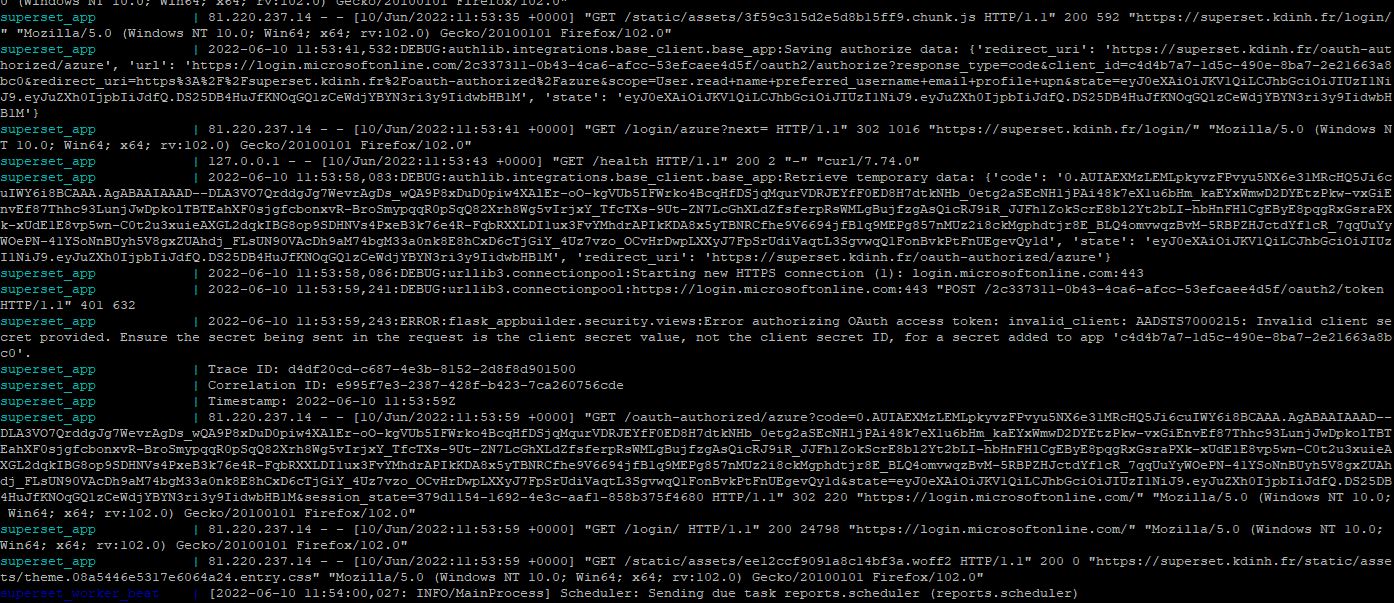
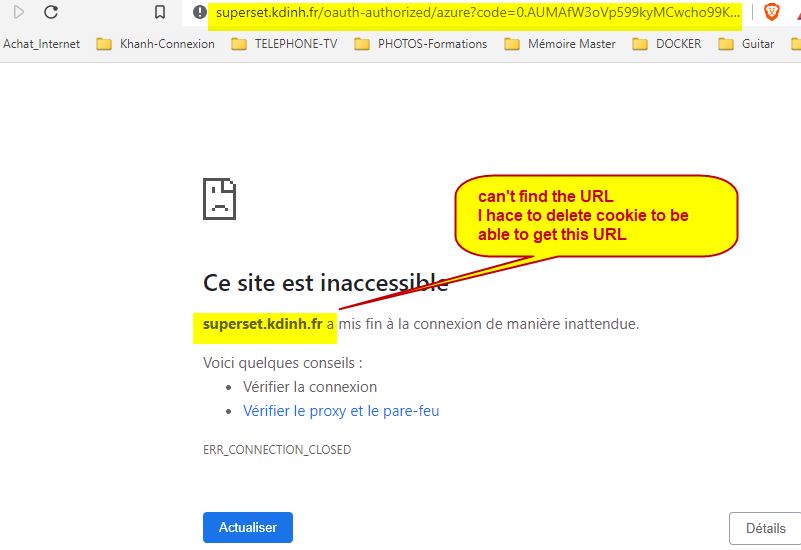
I get the same result.
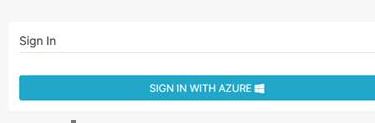
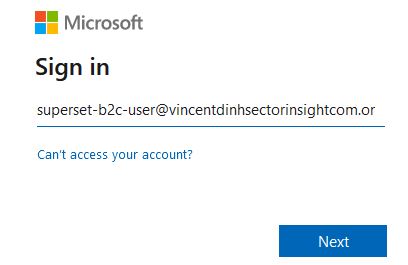
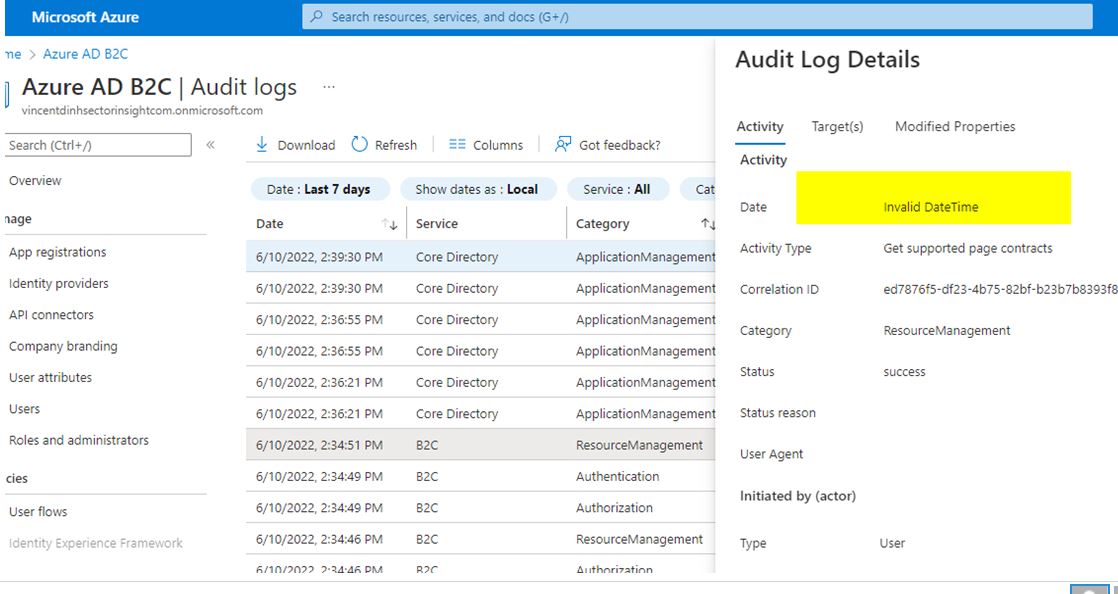
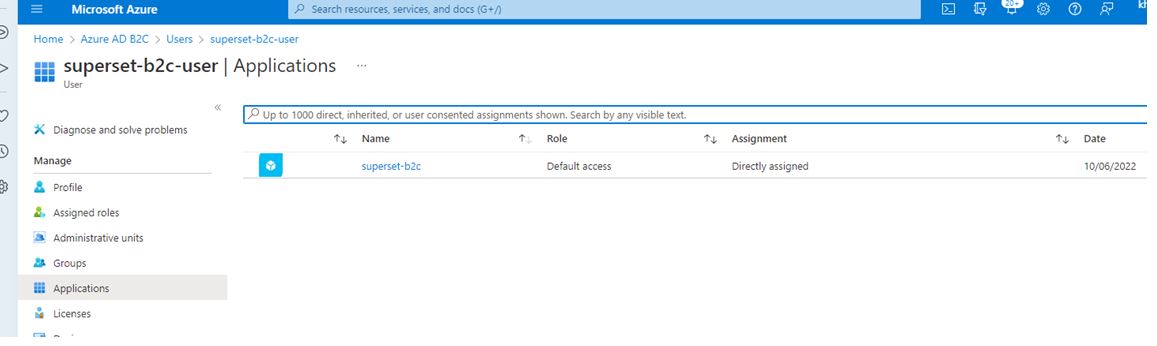
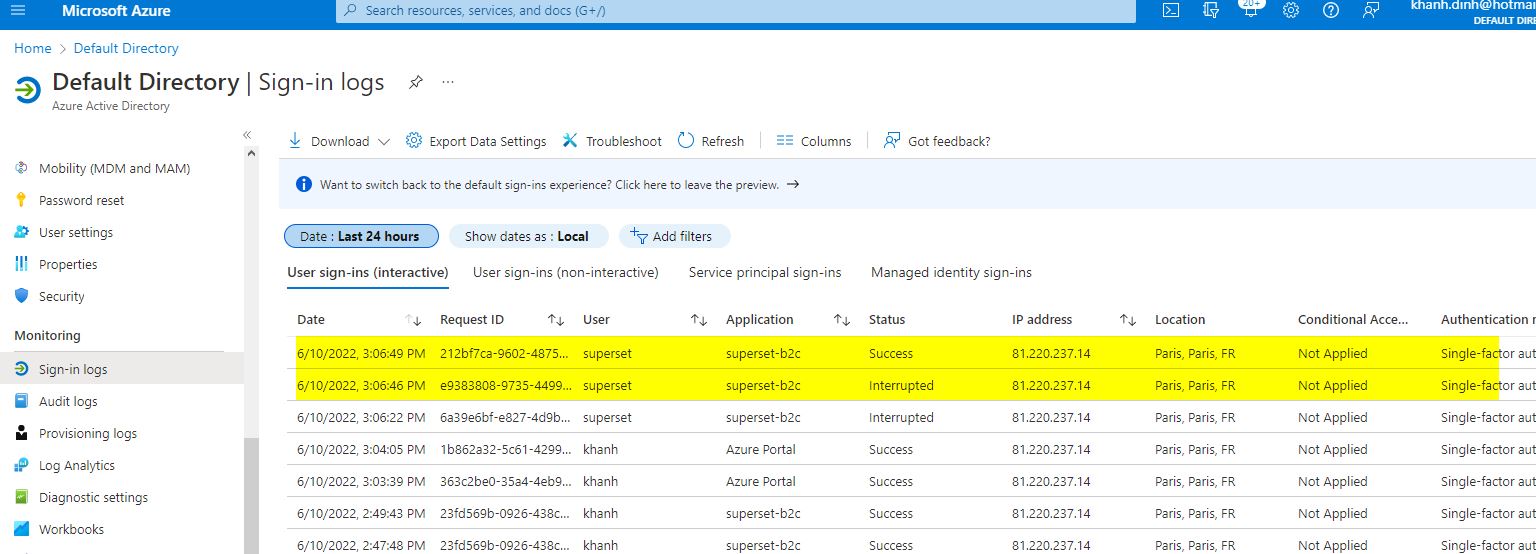
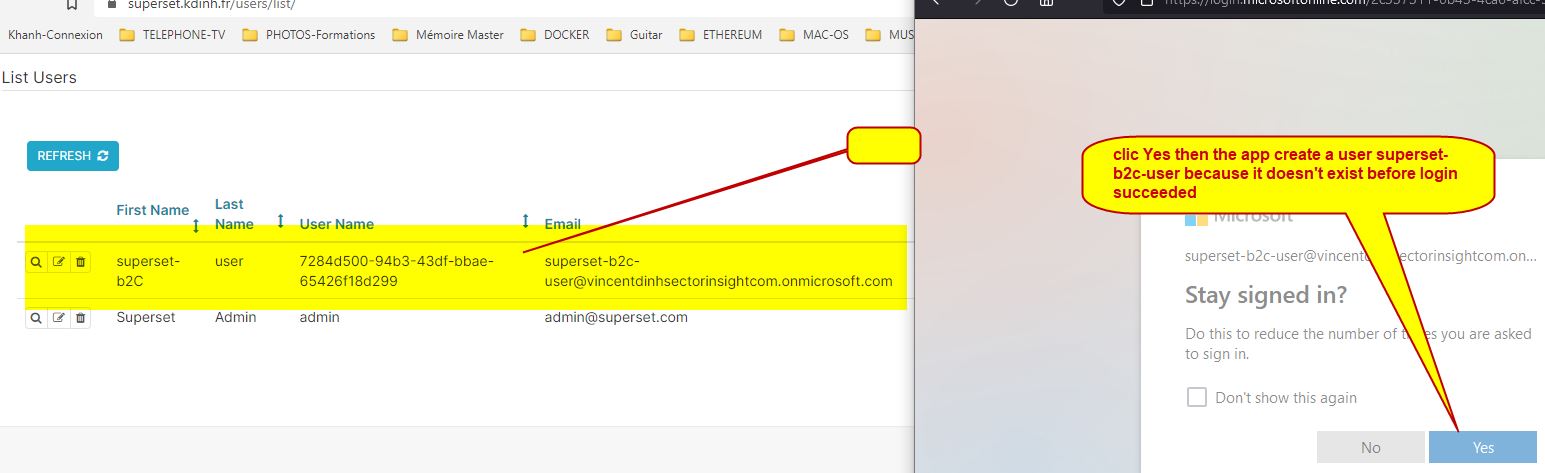
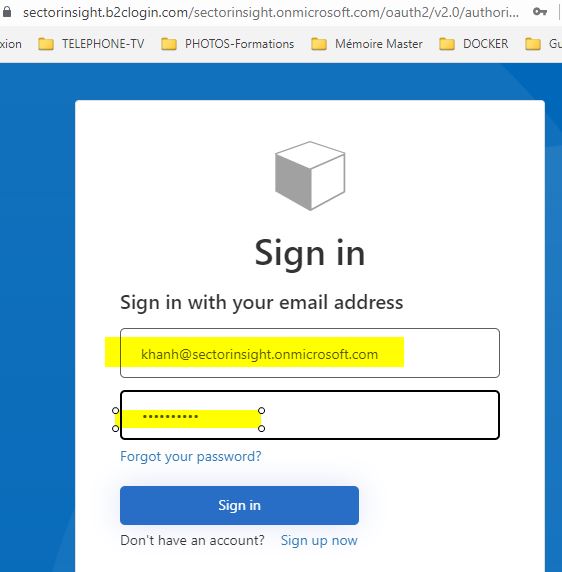
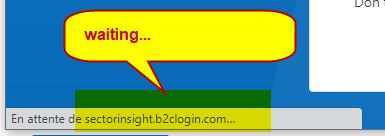
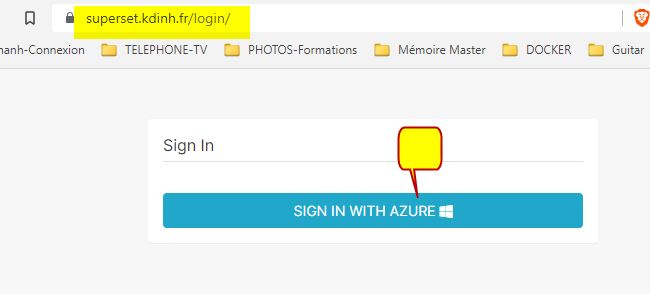
The login that doesn't exist in the app superset is created when first login but the web page still show loading....
' cx='32' cy='32' r='32' /%3E%3Ctext x='50%25' y='55%25' dominant-baseline='middle' text-anchor='middle' fill='%23FFF' %3EK%3C/text%3E%3C/svg%3E)