Managing external identities to enable secure access for partners, customers, and other non-employees
This browser is no longer supported.
Upgrade to Microsoft Edge to take advantage of the latest features, security updates, and technical support.
Hi,
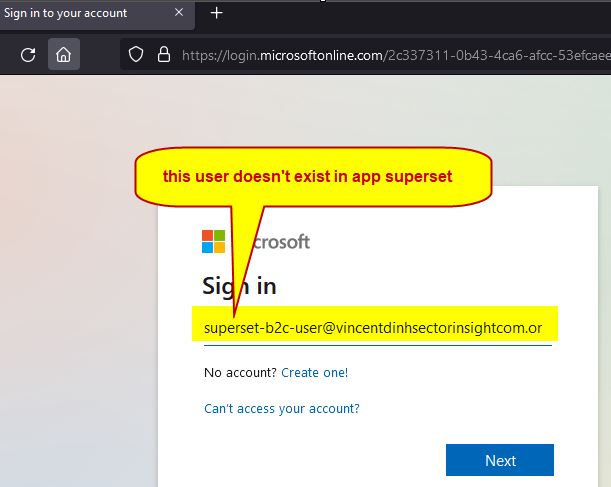
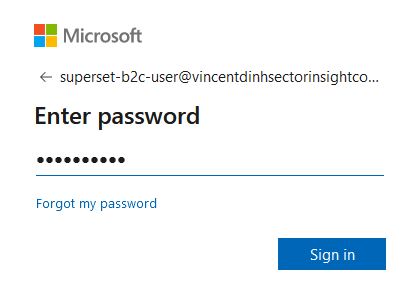
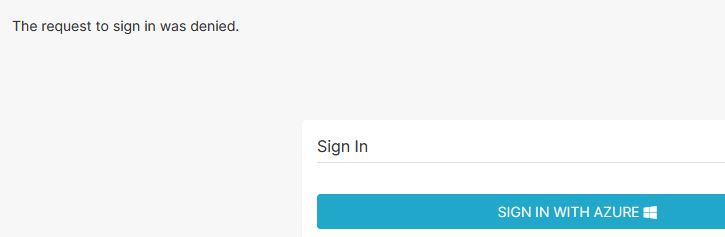
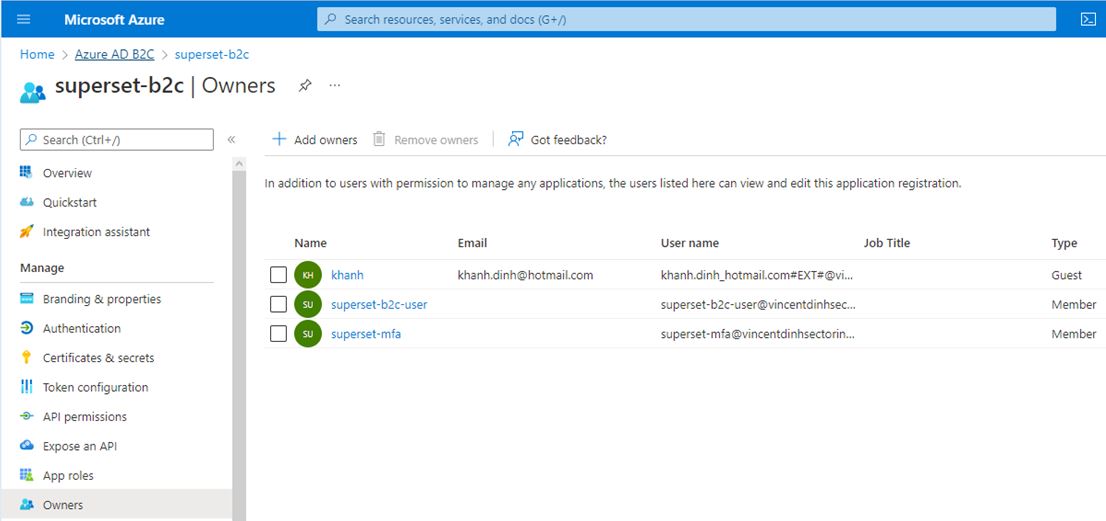
I'm trying to setup OAUTH Azure AD b2C for superset and I get a message The request to sign in was denied. after sign in.
Here is my setup from superset.
superset_config.py
from flask import session
from flask_appbuilder.security.manager import (
AUTH_DB,
AUTH_OAUTH,
AUTH_LDAP,
)
basedir = os.path.abspath(os.path.dirname(file))
ROW_LIMIT = 5000
SUPERSET_WORKERS = 4
AUTH_ROLE_ADMIN = 'admin'
AUTH_ROLE_PUBLIC = 'Public'
AUTH_USER_REGISTRATION = True
AUTH_USER_REGISTRATION_ROLE = "admin"
AUTH_TYPE = AUTH_OAUTH
SECRET_KEY = "My_secret_key_supert_is_great"
CSRF_ENABLED = True
OAUTH_PROVIDERS = [
{
"name": "azure",
"icon": "fa-windows",
"token_key": "access_token",
"remote_app": {
"client_id": os.environ.get("AZURE_APPLICATION_ID"),
"client_secret": os.environ.get("AZURE_SECRET"),
"api_base_url": "https://login.microsoftonline.com/2c337311-0b43-4ca6-afcc-53efcaee4d5f/oauth2",
"client_kwargs": {
"scope": "User.read name preferred_username email profile upn",
"resource": os.environ.get("AZURE_APPLICATION_ID"),
},
"request_token_url": None,
"access_token_url": "https://login.microsoftonline.com/2c337311-0b43-4ca6-afcc-53efcaee4d5f/oauth2/token",
"authorize_url": "https://login.microsoftonline.com/2c337311-0b43-4ca6-afcc-53efcaee4d5f/oauth2/authorize",
},
},
]
Managing external identities to enable secure access for partners, customers, and other non-employees
Hi ShwetaMathur,
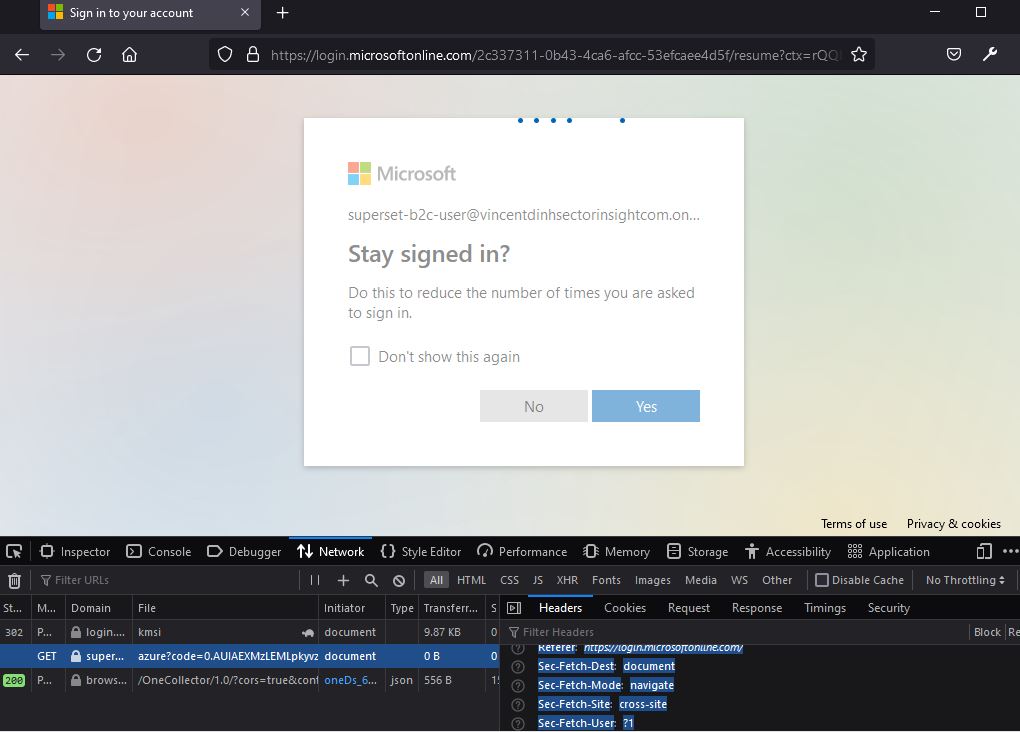
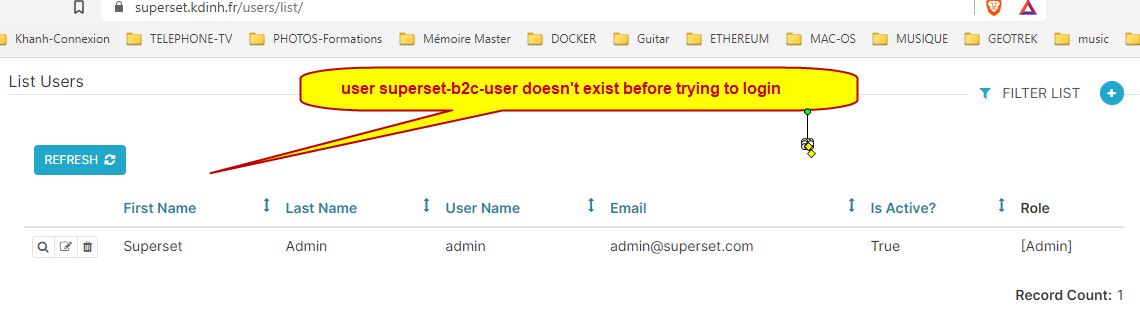
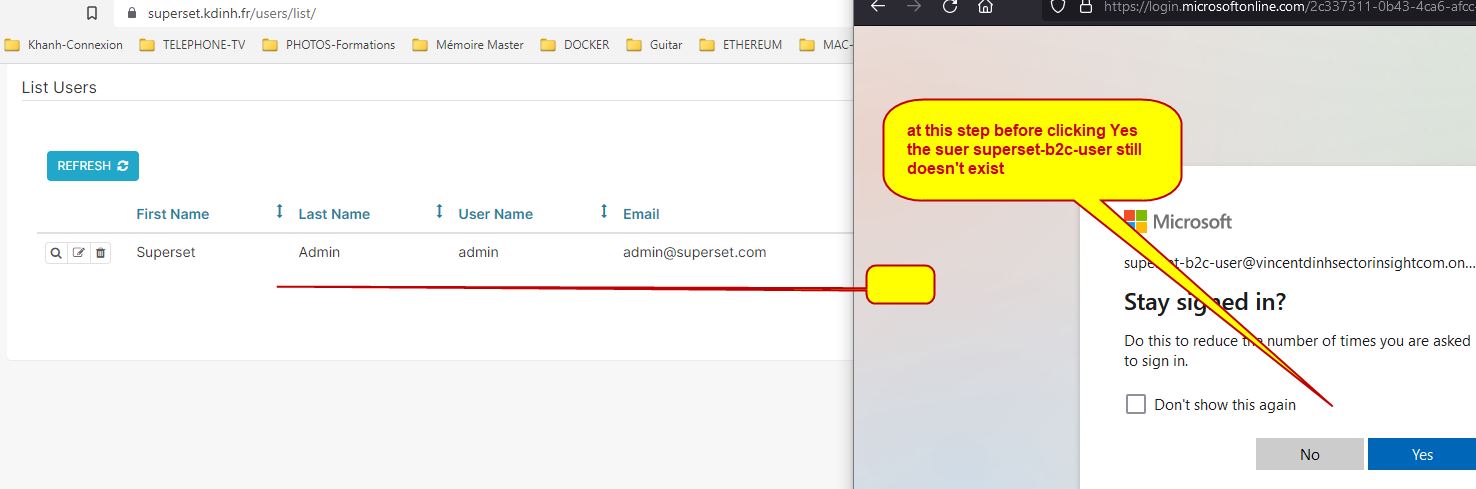
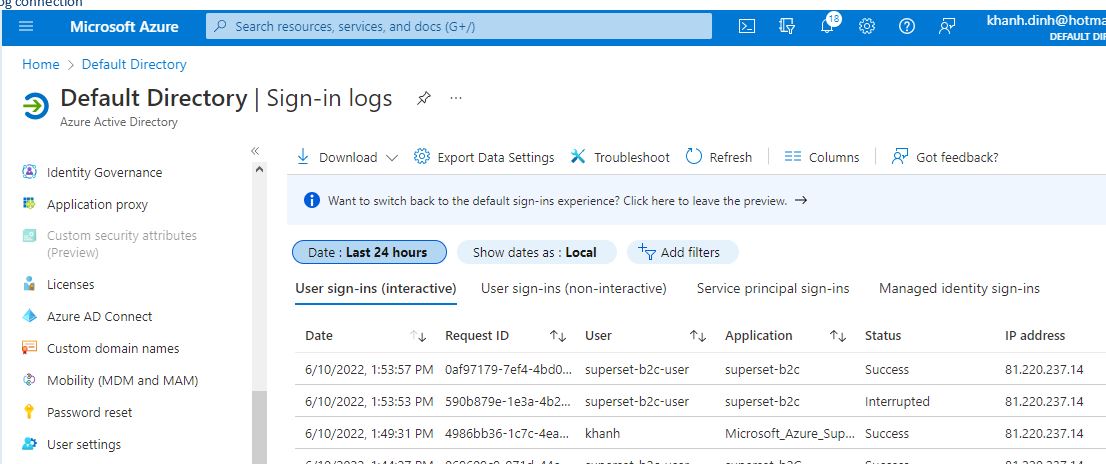
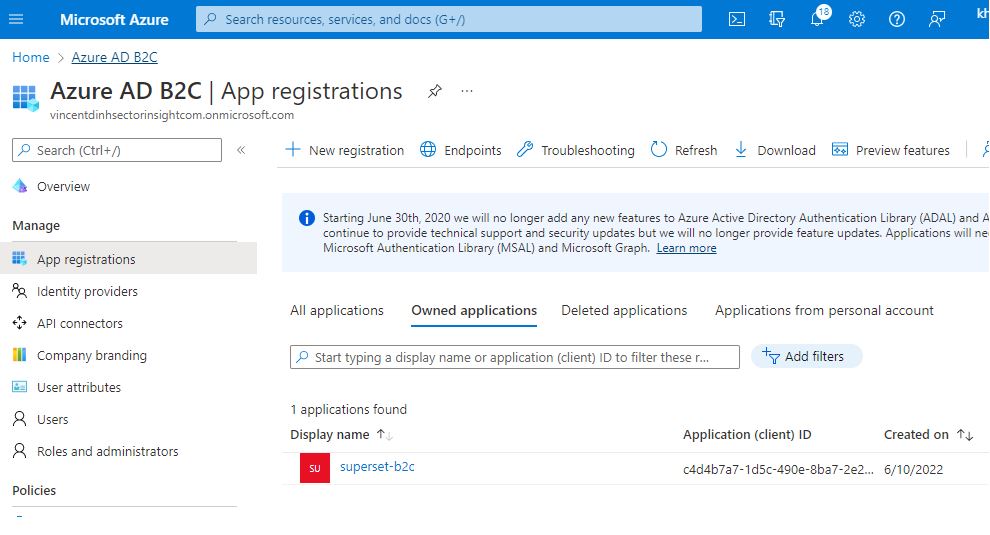
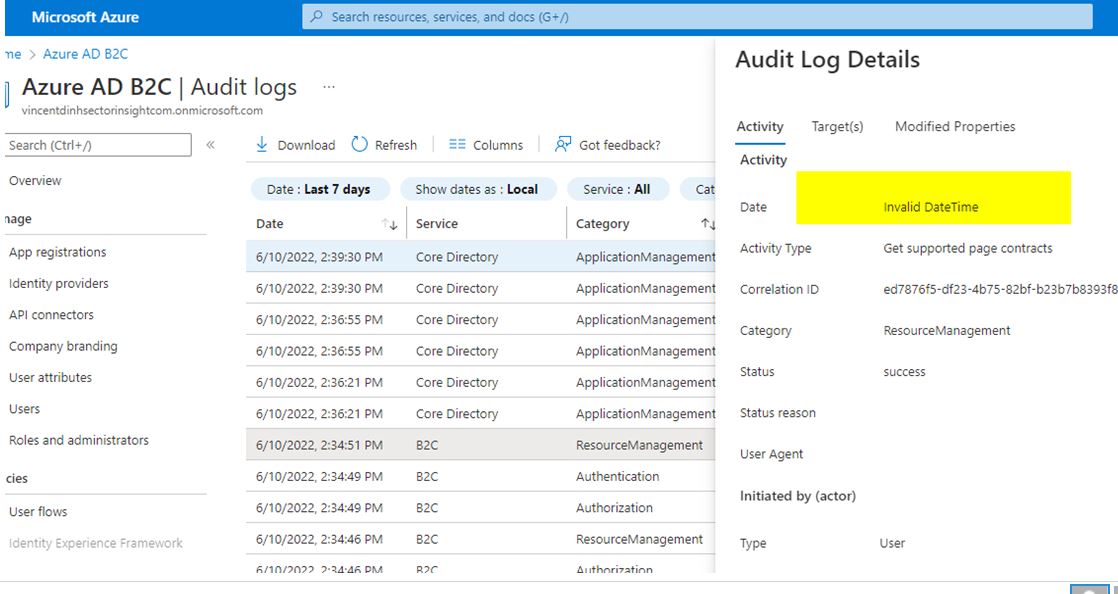
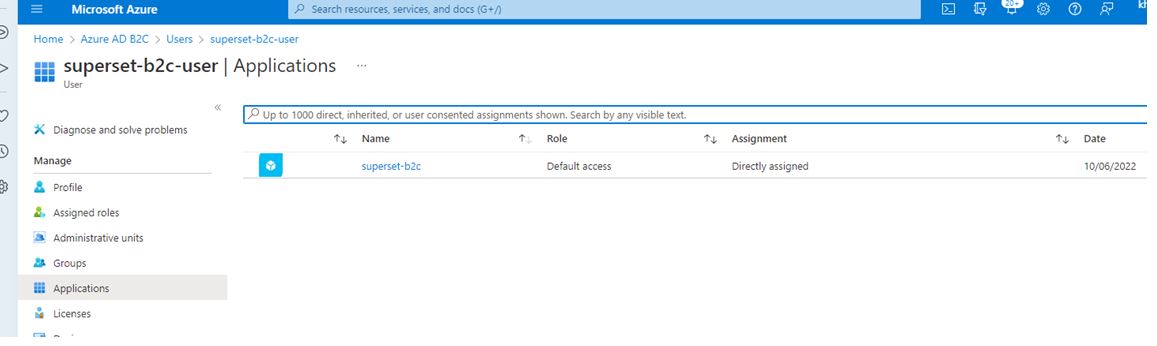
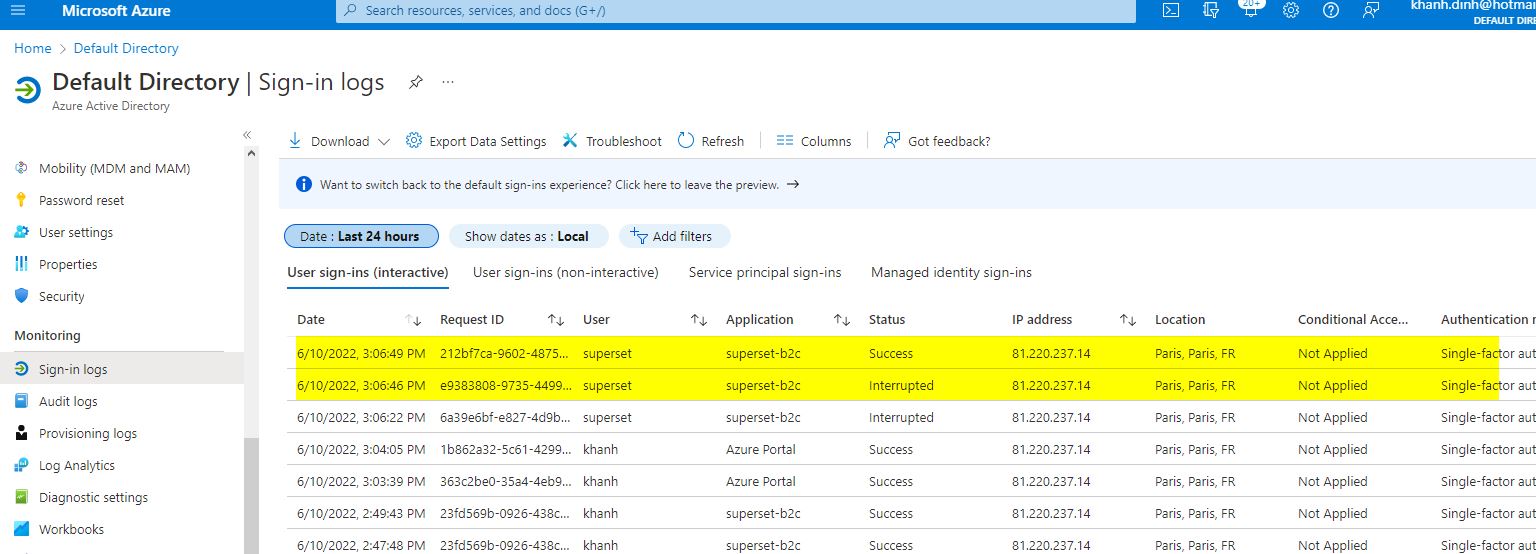
I think that there is an issue with cookie because I can see that the account that I try to login is created in my app superset even the stuck.


Hi,
I get debug after Azure Authentification :
scheme
https
host
superset.kdinh.fr
filename
/oauth-authorized/azure
code
0.AUIAEXMzLEMLpkyvzFPvyu5NX6e31MRcHQ5Ji6cuIWY6i8BCAAA.AgABAAIAAAD--DLA3VO7QrddgJg7WevrAgDs_wQA9P-1BZ28v2wTELDo0fCkxI6R_pz1bxEM_LkzJV6etMqzWuYOBxq5CVAy9MTpY8qwKqUpc4VALKRRZnokXTLVDKzVrP8ZPrzPVosNjER6K4IjYOyf7W9YeL8Zavg0ZaNUk9v7950cmYj-sonEff7byxfPi6QB5jk6v4aIMJ9CEedbPFyc1VIsYFihqWHWgXg3kNnSoGtbkvN-uM8Gu3MR728kztYIO1lw1pPkchiCn8eCPag_-rIM_1VB-DNbXcJy6uhiyqRImAPE9r2SJrkTE5pt90-hyd5CulxQcbtKAWdbIONXJvfZAtH27RQjkaYP_3EGn0NZ0P1pYJmmqvvDMxixeBVSGk_laEoWHIrtCzb0ftsw9K197ACHbo40KwSeGTAgAXOdIUXlxAt5ag4hnFDO4KmdweWrUNqArIoCux_IxnEtfIMpoQPJ_H1q8lIvofRPa-rq9knm6yDh6zAo0k60GNmLQ-o_S6zB-NGOj4HLZyLKlCqZ8_h8EMNn9un2gl2PamA38vT12B2lIj9uk4K4wpDyo8tL9_FWe4re9YJ-IR1JB9ng6F9hc7HomX-ExR4_aSUvyAG0vnL-AZ27BBIx
state
eyJ0eXAiOiJKV1QiLCJhbGciOiJIUzI1NiJ9.eyJuZXh0IjpbIiJdfQ.DS25DB4HuJfKNOqGQ1zCeWdjYBYN3ri3y9IidwbHB1M
session_state
b0a51f1a-2f8d-4034-a483-407e86535b78
Transferred0 B (0 B size)
Referrer Policystrict-origin-when-cross-origin
Request PriorityHighest
Accept
text/html,application/xhtml+xml,application/xml;q=0.9,image/avif,image/webp,/;q=0.8
Accept-Encoding
gzip, deflate, br
Accept-Language
en-US,en;q=0.5
Connection
keep-alive
Cookie
session=.eJyNVdmSozYU_ZWUnzMpLSxm3trYYBgkD5jFIpXqAoSb1abdYAxT-fcI91QleUoeVNK9ElfnnnMo_Vi9nm_5R7H62t-G_NfVa8lXX1fn83qdamqS80SRJY3jBMggldaKlIlMDhSUqdIaQiVDSaLJMl4jBNdyAhIZcwWdU4TWGGEtUTItw5CrGVZSCKCqYAS5pChwrWIswUSWtSzFEKgqV9MzVrK1BteZvPp11VyzpMkFlvwiomsy9ALjj9Uv_err76t8skF-eikPpf0thG7p6HaRmtkSH4PZgrS0PqzLG-S6pVht55OwuJNAO3lmd6a-jdiF7_2WoyBYT-Glo2wS59u-i__3eVv7TYAoeOSKS62RbF8-Rwmes-M_457NYtbB3_ufYwHcZZgsgK98743ZfL07mIJsknESyXWK-ey0csP19cRmMtOZPMgRjKxyZ8f3KuaznkVxxSYACQpbhowm9r2aRuxulWOZRAawquuDVgEkviDED6C4c2A…34fWOYfueIa3lulylCCy6Q27Wi2eko3GV3GojJHBHFnb73Cc42zVbFxibRRPehj_9Ko3WBfzmwyC6jUcnd7vdq61VcYJuMnC2e_KWyNwr_W_M6s-EkrEEJMy3zKSHzvgC3FI733rdnQOdnHyzIBqVv6T9Ngf5HMJzN9_02VGOetWjjand60OT9_cPZq3RjCtTc0JE5CMskrYp9AuZv33vTzugn2wLx0qr7nffiyTfq4M2Q29NwqzcHdKAuIhe9Y_7IO_277BVPpL0-uX9vUanXaEarxy-qDEo3007OR0Y76ZbOM6FlKgzNlQQvxhRb7dKLr3sv5_H25tamkcY1g4aquqwqbYgmjyjcNjemCGGRnp88VWru-hmmr2nOauuFr3FSIp3XcRHq3Um9NBGdaoSpgab9-J2G0ZrDU0TP_goHpLVH3_-fE1eu9v1XvL8Jt6YZB5uudgdPvLb5wuIVn_-BaObWi4.Yqc3Xw.dC6kkaVUumlXgwnu9Vgc30fjSV0
DNT
1
Host
superset.kdinh.fr
Referer
https://login.microsoftonline.com/
Sec-Fetch-Dest
document
Sec-Fetch-Mode
navigate
Sec-Fetch-Site
cross-site
Sec-Fetch-User
?1
Upgrade-Insecure-Requests
1
User-Agent
Mozilla/5.0 (Windows NT 10.0; Win64; x64; rv:102.0) Gecko/20100101 Firefox/102.0
Hi @khanh ,
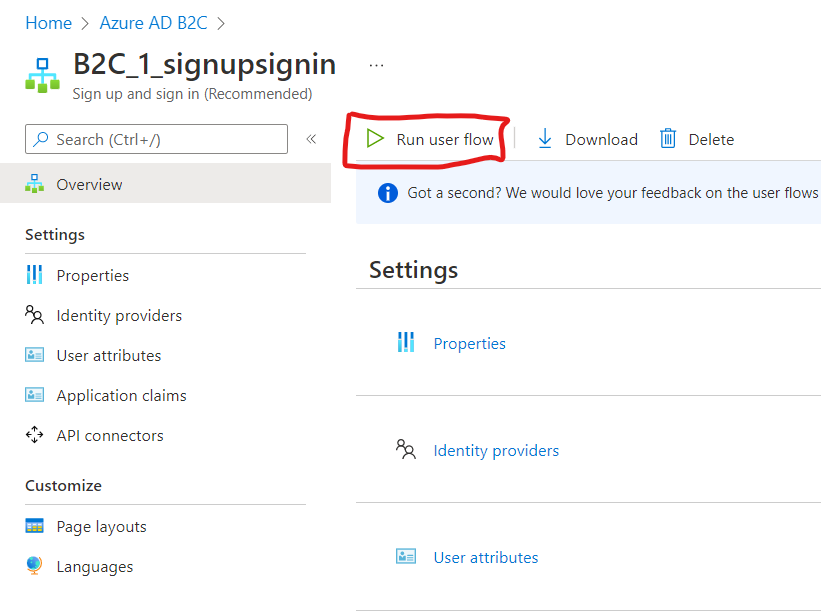
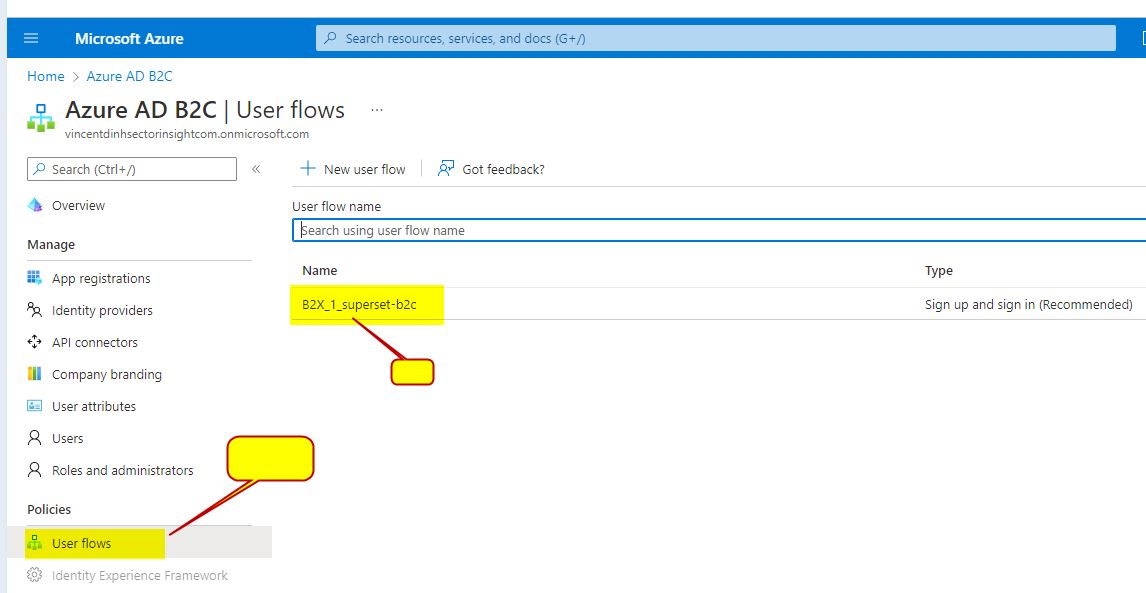
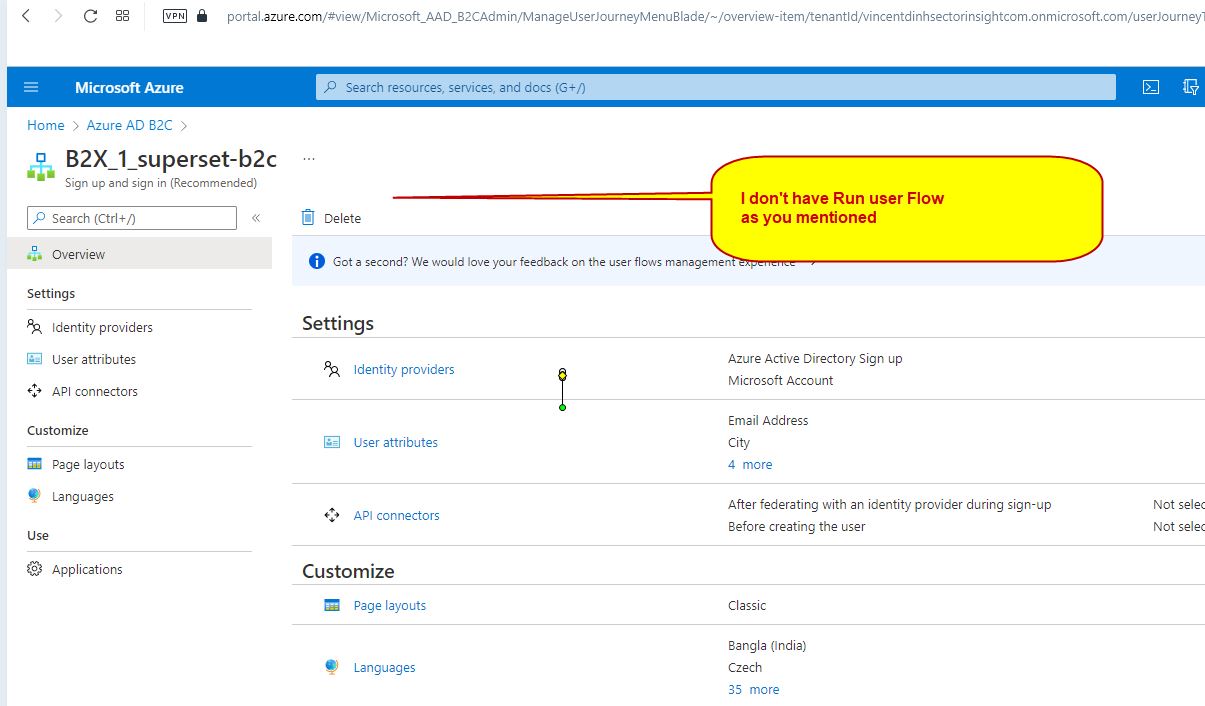
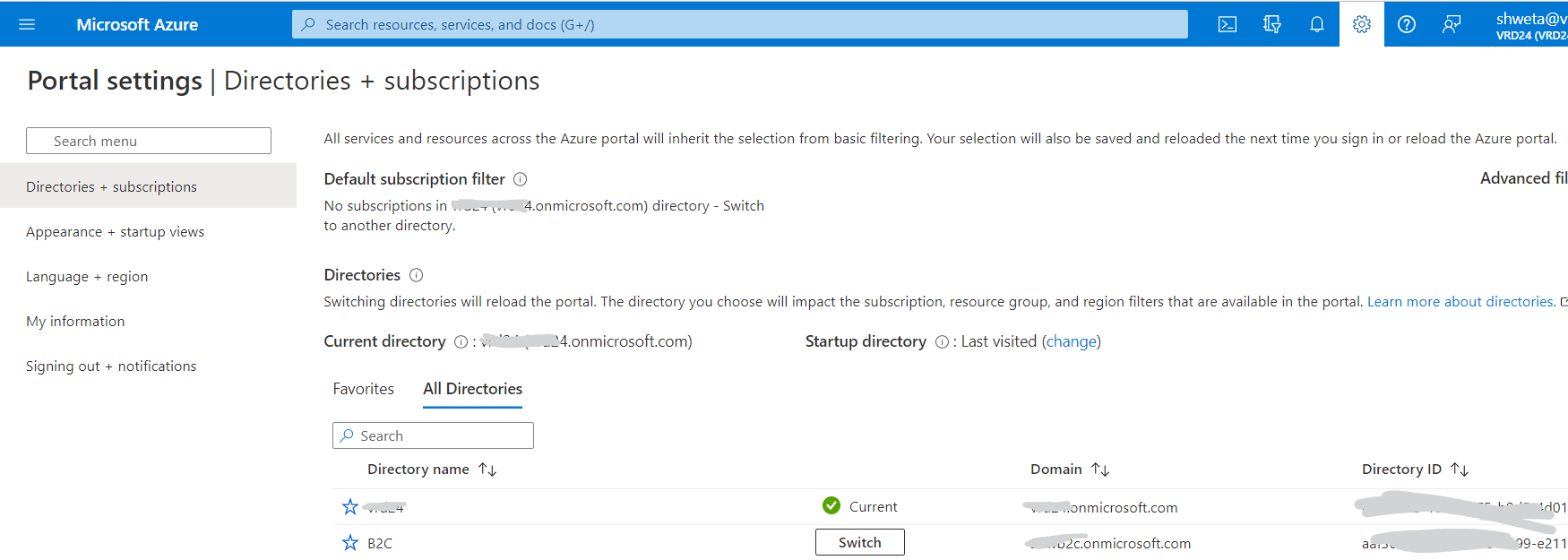
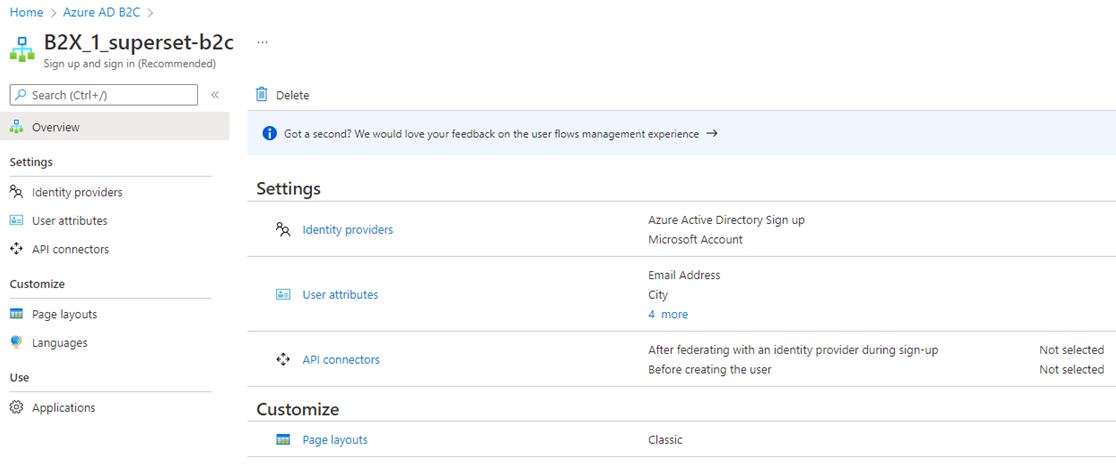
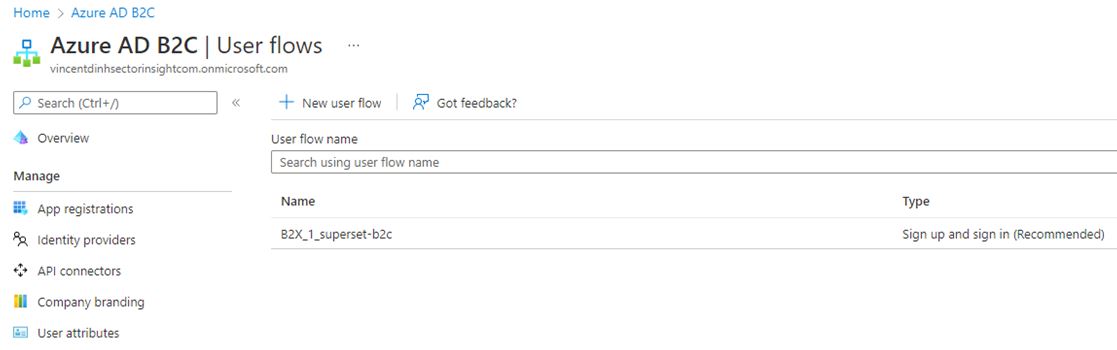
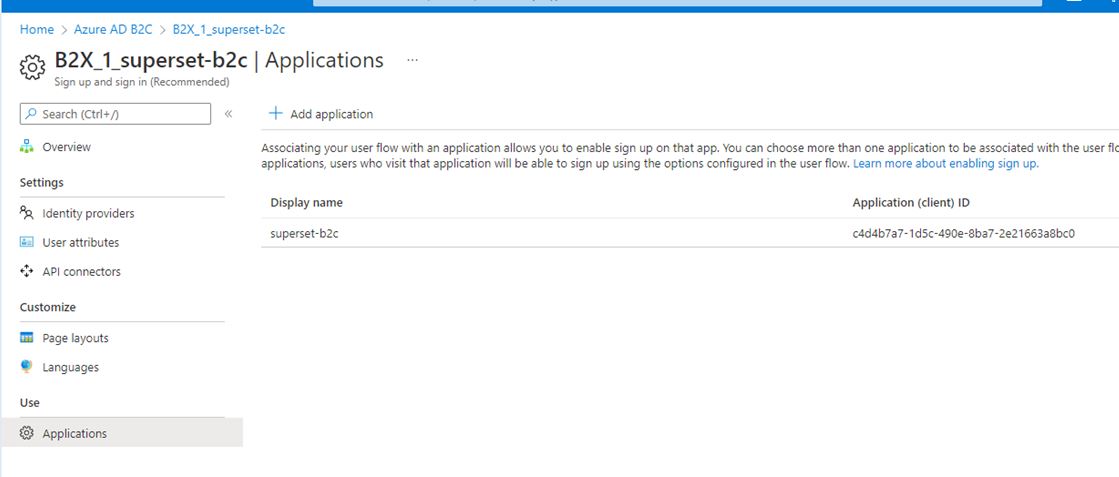
Did you try to authenticate the user directly from user flow as shown below. Are you facing any issue to authenticate directly as well?
I am not aware about Python superset configration and not able to find any Microsoft documentation to configure the same for B2C users.
It seems there is some issue with the configration file which doesn't allow to authenticate users in B2C. Could you please confirm where you are passing the user flow name in your application's configuration.
Please find the reference to authenticate Python web application using Azure AD B2C:
https://learn.microsoft.com/en-us/azure/active-directory-b2c/configure-authentication-sample-python-web-app
https://github.com/Azure-Samples/ms-identity-b2c-python-flask-webapp-authentication
Please let us know if you have any further questions regarding that.
Thanks,
Shweta
Hi @khanh ,
Thanks for reaching out.
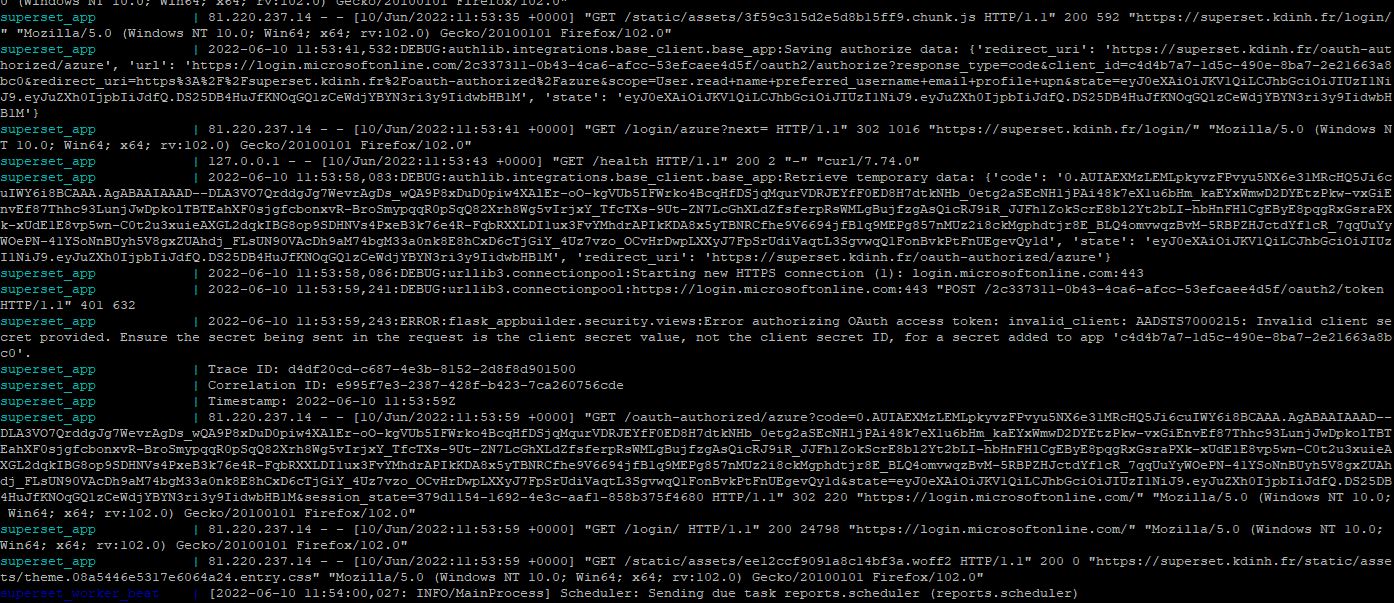
I understand you are looking to authenticate using Authorization code flow in Azure AD B2C and getting "AADSTS7000215: Invalid client secret is provided".
In authorization code flow, client secret is required in case of web applications where client can securely store the client secret.
The error you are getting is due to invalid client secret is provided in the application.
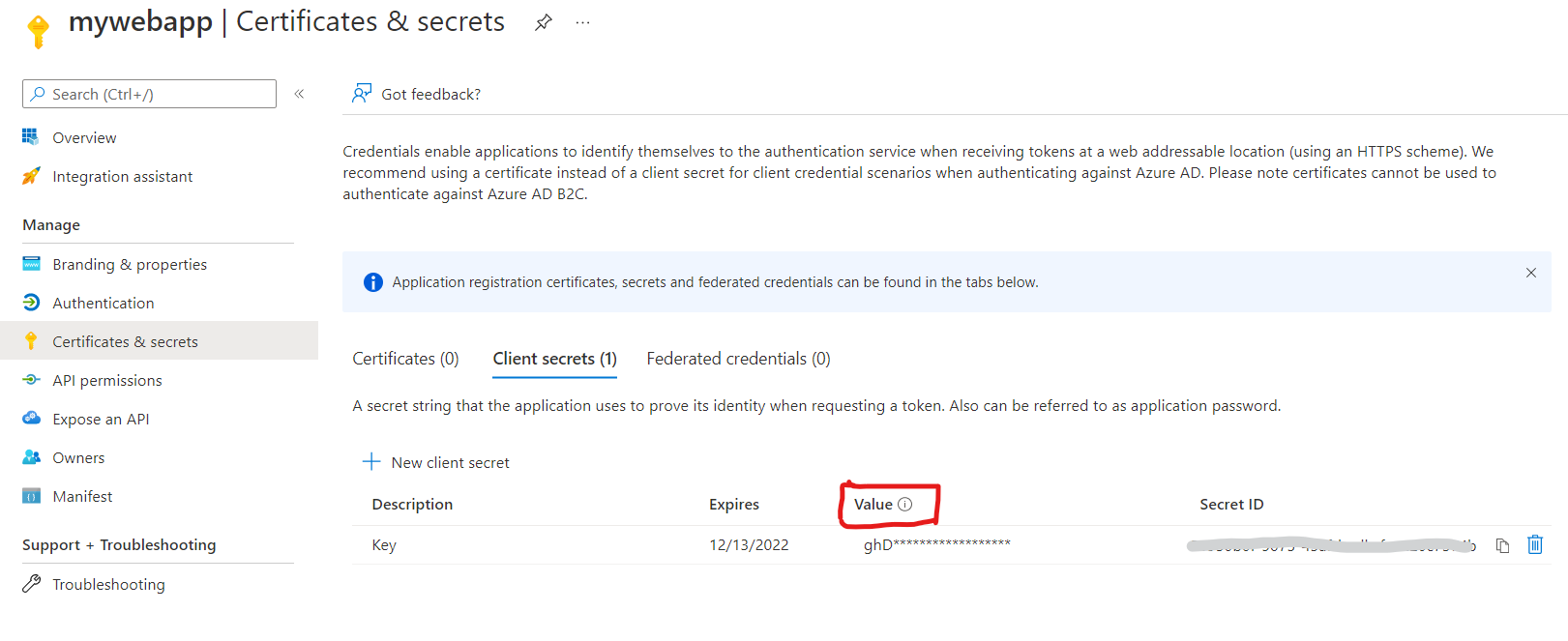
Make sure you are providing the value in client_secret and not the client secret ID.
If issue still persists, try to create new secret key using "Certificates and Secrets" on application blade and provide new value to your application to get the token.
Hope this will help. If that doesn't help, please let us know to help you further.
Thanks,
Shweta
---------------------------------------
Please remember to "Accept Answer" if answer helped you.