Note
Access to this page requires authorization. You can try signing in or changing directories.
Access to this page requires authorization. You can try changing directories.
Use the DAB Init extension to scaffold a new Data API builder configuration file with practical defaults for local development.
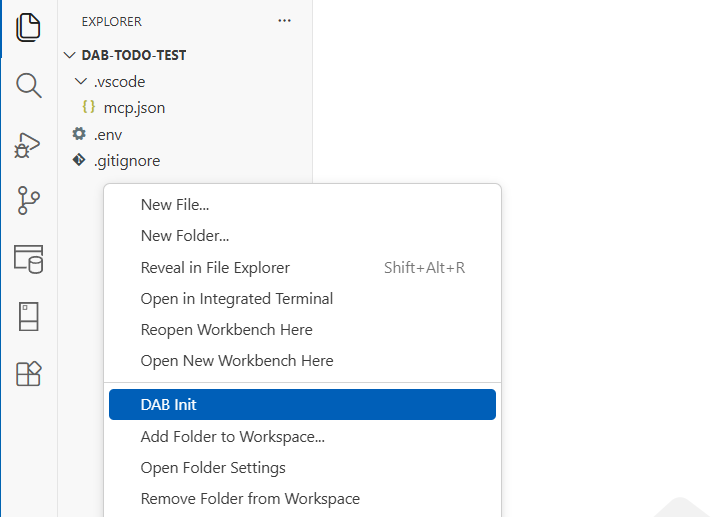
Command
| Command | Command ID |
|---|---|
| DAB Init | dabExtension.initDab |
Installation
Every extension for Data API builder (DAB) is included in the Omnibus extension, which itself has no functionality other than delivering each subextension in a single package.

Related content
Note
DAB Visual Studio Code (VS Code) extensions only support Microsoft SQL (mssql).