Note
Access to this page requires authorization. You can try signing in or changing directories.
Access to this page requires authorization. You can try changing directories.
A connection reference variable is a workspace variable that stores the ID of an external data connection (For example, Snowflake, Azure SQL), allowing items to reference external resources without embedding credentials or connection strings.
How to use
A connection reference variable can be used just like other variables in a variable library.
- Sign in to Fabric.
- Navigate to your workspace and variable library
- At the top, select + New Variable
- Provide a name for the variable, select connection reference for the type, and then click the ... to select a value
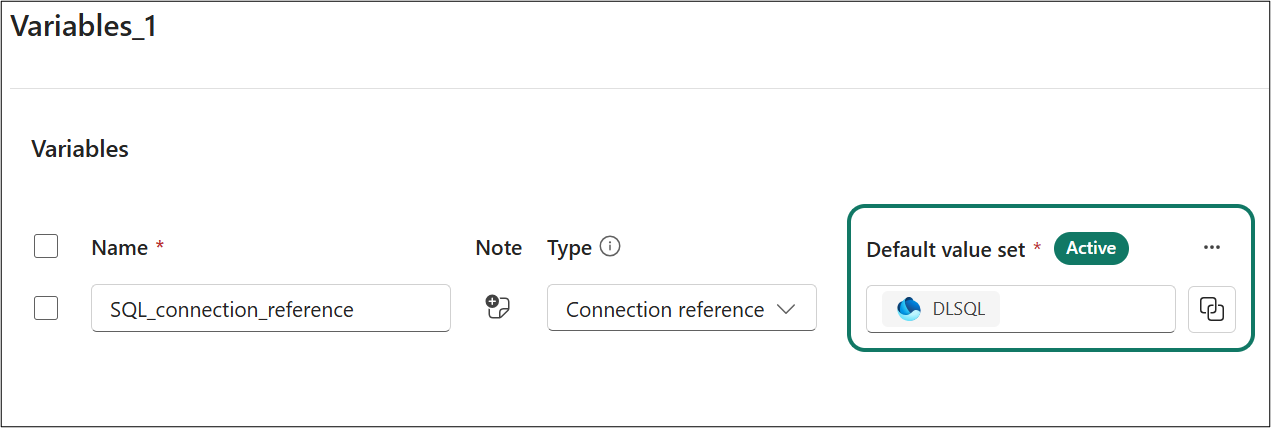
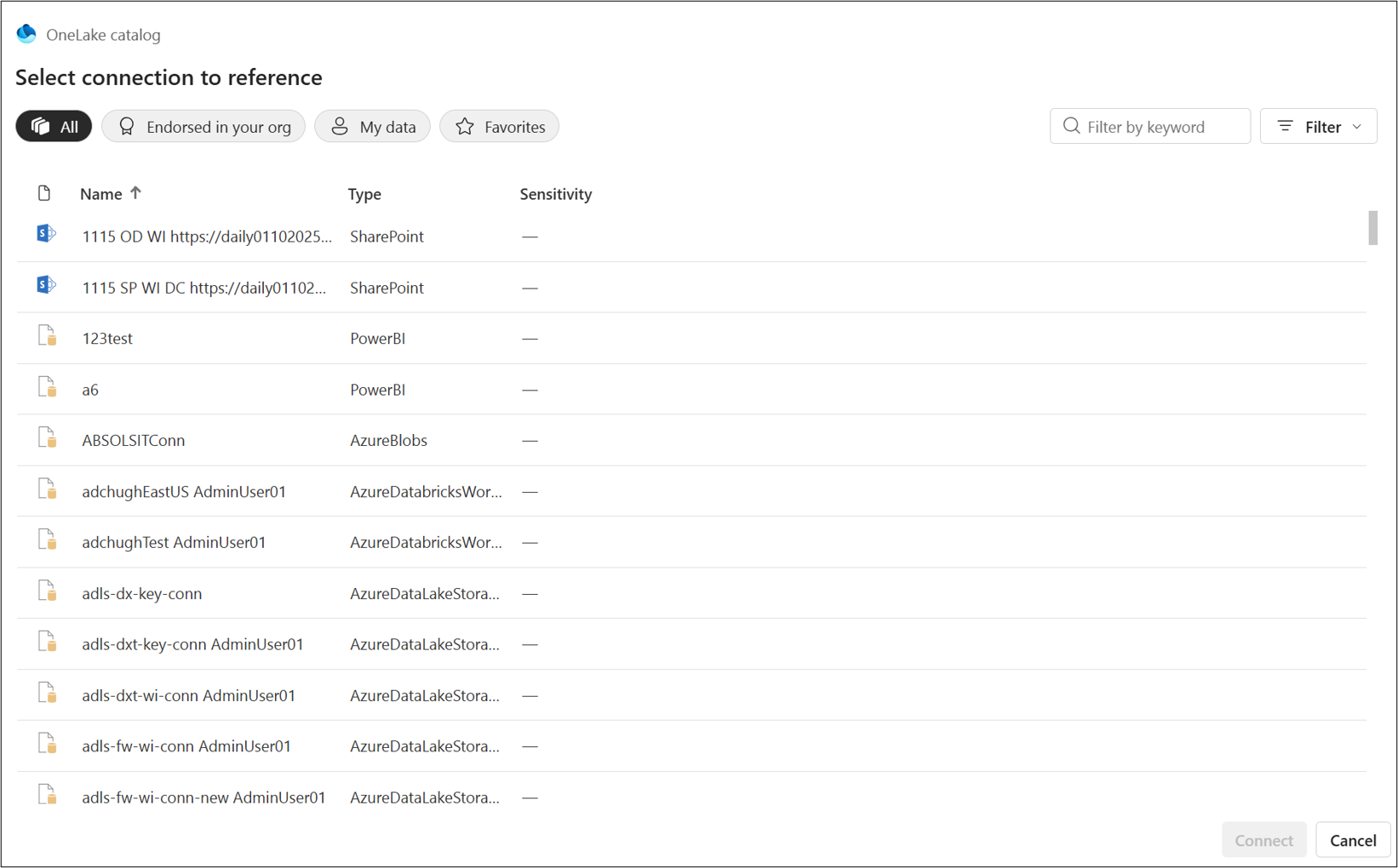 5. Once selected, your connection reference should be ready to use.
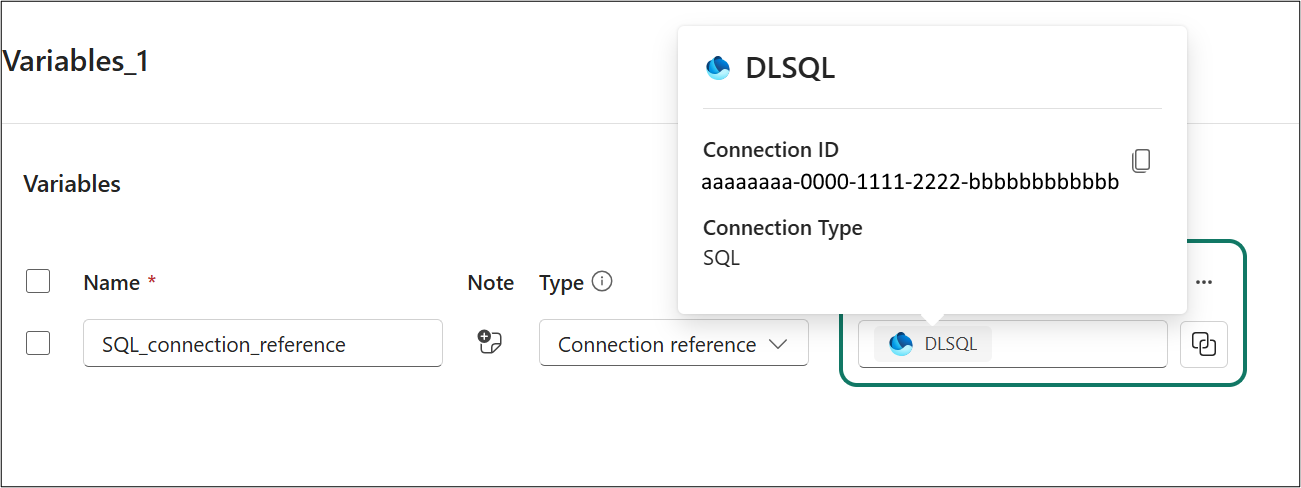
If you need to edit a connection reference or need to double-check the value, you can right-click on the value to bring up a pop-up with information about the connection reference.
How it works
A connection reference variable's value is a static pointer to a connection object identified by its connection ID. The value is stored as a string corresponding to the target connection’s ID. For example:
ConnectionID = aaaaaaaa-0000-1111-2222-bbbbbbbbbbbb
This ID uniquely identifies the referenced connection. The static reference doesn't automatically adjust to different pipeline stages. It requires the target connection to exist at the time of selection and remains pointed to that specific connection unless manually changed.
Keep in mind the following when working with connection references:
- Stores a pre-defined connection identifier at the tenant level.
- Connection references don't auto-bind during deployment. Their values remain fixed across environments.
- Supports CI/CD and automation by parameterizing external connections for different environments (dev, test, prod).
- Enables dynamic configuration of external relationships (For example, switching data sources or credentials per environment).
- Values are chosen via a UI dialog, not free text, ensuring only authorized connections are selectable.
- Only connections with at least read permissions are available for selection.
Representation in Git and APIs
A connection reference is an advanced variable type whose value schema stores the connectionId (and the platform resolves/display metadata). The authoring payload includes:
- name: the displayName of the connection reference variable
- note: optional, can be used for description or other notes.
- type: "connectionReference" (advanced type)
- value: per value‑set, each value stores { "connectionId": "<GUID/ID string>" }
Example:
  {
   "name": "PrimaryDb",
   "note": "",
   "type": "connectionReference",
   "value": { "connectionId": "aaaaaaaa-0000-1111-2222-bbbbbbbbbbbb" }
  }
Permissions Required to Create/Use Connection References
Using connection reference variables involves two layers of permissions:
- Create and Edit a connection reference variable: Users with Contributor or above roles in the workspace can create and edit variables in the library, while Viewers are read-only.
- Accessing the connection reference variable: In addition to rights on the Variable Library, you must have at least Read permission on the connection reference variable you intend to reference.
For more information on permissions and permission validation, see Variable library permissions
Supported items
The following is a list of items that support connection reference variables:
- Notebook, through NotebookUtils
- User data functions
Python code example
The following code example shows how to use a connection reference in a python script.
var_ref = "$(/**/VarLibItem/ConnectionReference)"
var_obj = notebookutils.variableLibrary.get(var_ref)
connection_id = var_obj.get("connectionId").value()
print(connection_id)
This code does the following:
- Resolves a connection reference variable from a variable library in Fabric.
- Retrieves the connection metadata object
- Extracts the connectionId
- Prints the ID so it can be used in code or API calls.
Limitations
The following limitations apply to connection reference variables:
- Notebooks don't support built-in connections because the
connection_idfor the notebook connection isn't the same one.