Märkus.
Juurdepääs sellele lehele nõuab autoriseerimist. Võite proovida sisse logida või kausta vahetada.
Juurdepääs sellele lehele nõuab autoriseerimist. Võite proovida kausta vahetada.
Use the Apply bacpac/dacpac wizard to deploy schema changes from a .dacpac file or import schema and data from a .bacpac file.
Note
The Apply bacpac/dacpac wizard is in preview.
- DACPAC: Deploy schema changes to an existing database, whether empty or populated. The deployment calculates schema differences and applies changes according to the selected publish options.
- BACPAC: Import schema and data into an existing, empty database. If the database contains user objects, BACPAC import is unavailable.
For more information about the package formats, see Data-tier applications (DAC) overview.
Prerequisites
- SQL Server Management Studio (SSMS).
- A target database on SQL Server, Azure SQL Database, or Azure SQL Managed Instance.
- A local
.dacpacor.bacpacfile. - Permissions to deploy schema changes or import the package into the target database. See SqlPackage publish and SqlPackage import.
- For a BACPAC, a target database with no user-defined objects.
To create a target database first, see Create a database from a DACPAC or BACPAC.
Launch the wizard
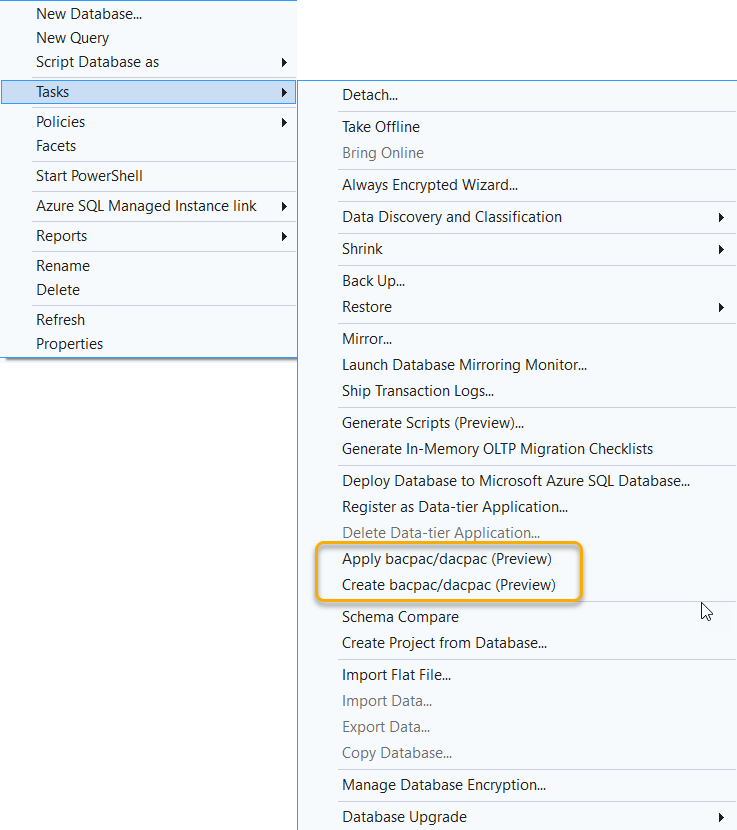
In Object Explorer, right-click the target database and select Tasks > Apply bacpac/dacpac (Preview).
Select the source file
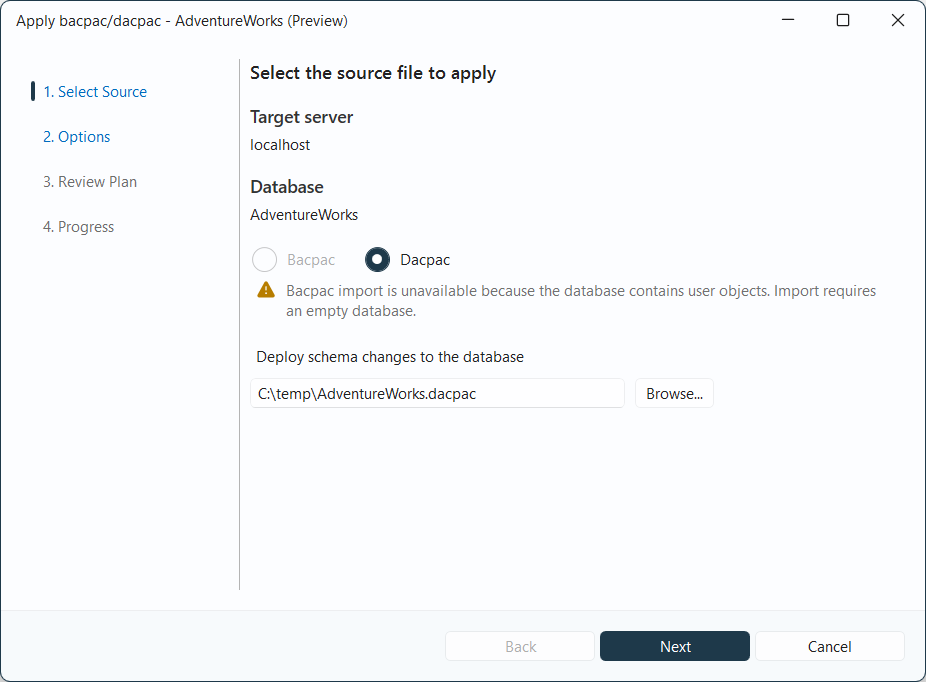
On Select Source, confirm the Target server and Database.
Select Bacpac or Dacpac, and enter the local file path or select Browse. Select Next.
If the target database contains user objects, Bacpac is disabled. The wizard doesn't merge a BACPAC's data with existing tables or rows.
Configure options
DACPAC
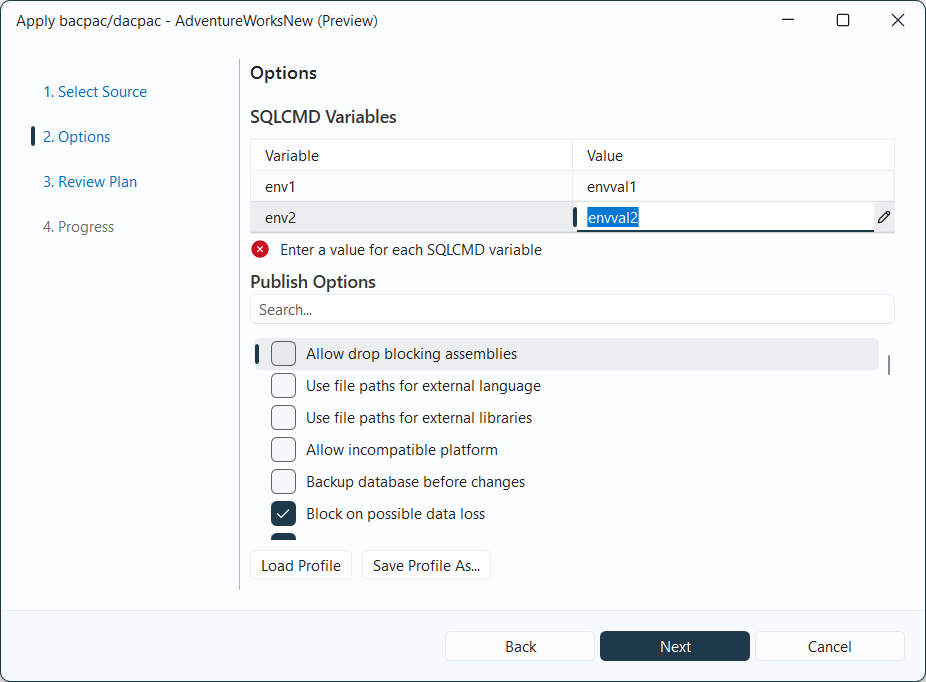
For a DACPAC, the Options page displays SQLCMD Variables and Publish Options.
- Enter values for any SQLCMD variables defined in the package.
- Use the search box to find publish options, and select the options for the deployment.
- Review Block on possible data loss before proceeding. Disabling this option can allow changes that remove data.
Select Next.
BACPAC
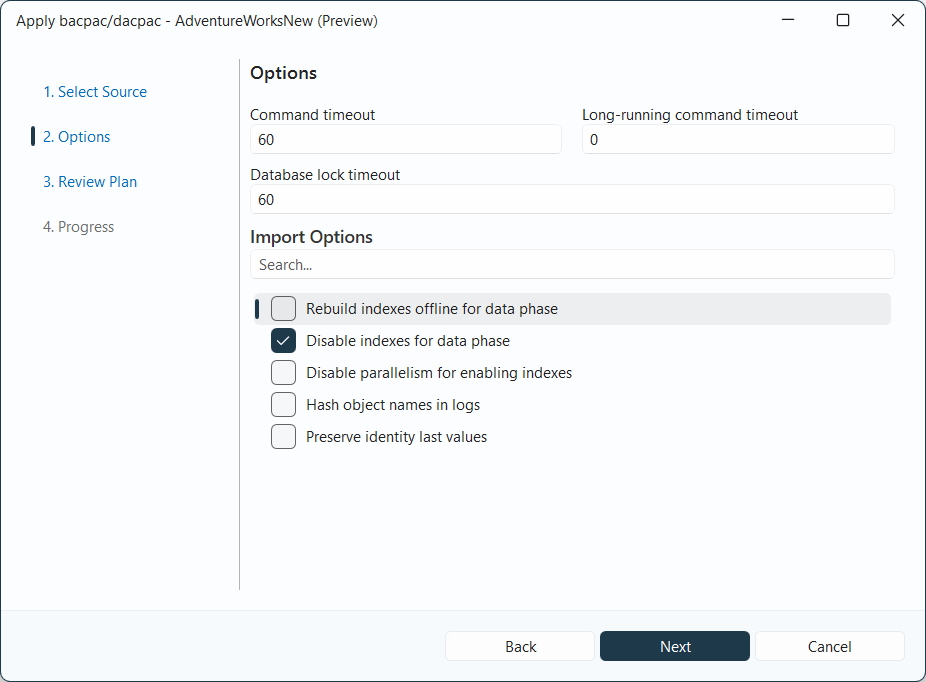
For a BACPAC, the Options page displays Command timeout, Long-running command timeout, Database lock timeout, and Import Options.
Configure the timeout settings. Use the search box to find import options, and select the options for the import. Select Next.
Review the plan
On Review Plan, review the planned operations and any warnings before applying the package.
DACPAC deployment
For a DACPAC, schema changes can include creating, altering, or dropping objects. Back up the target database before applying changes that could remove data.
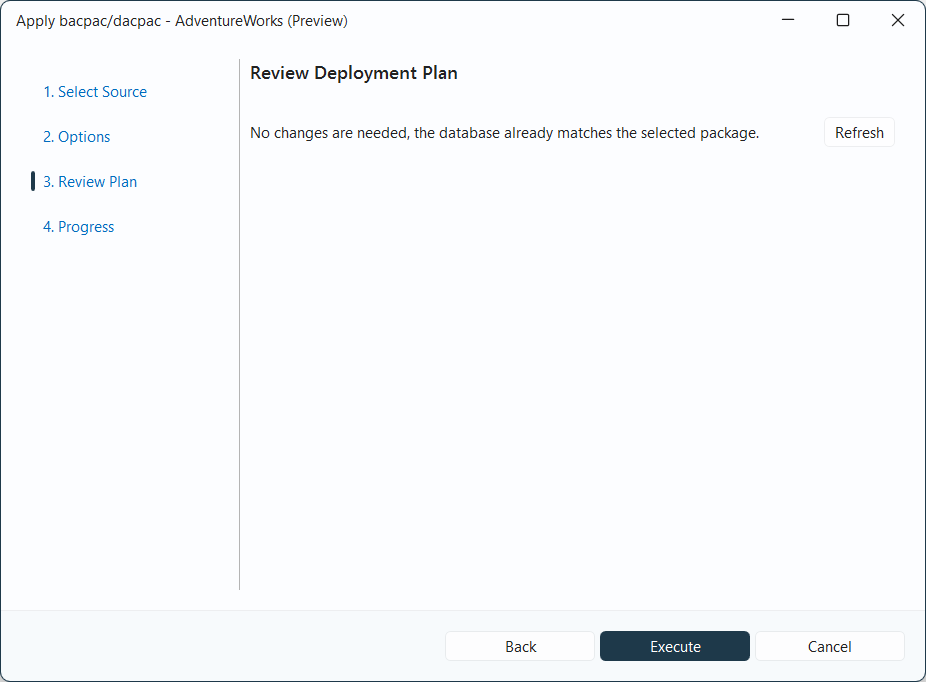
If the database already matches the DACPAC, the page reports that no changes are needed. Select Refresh to refresh the plan.
Select Execute to apply the package.
BACPAC import
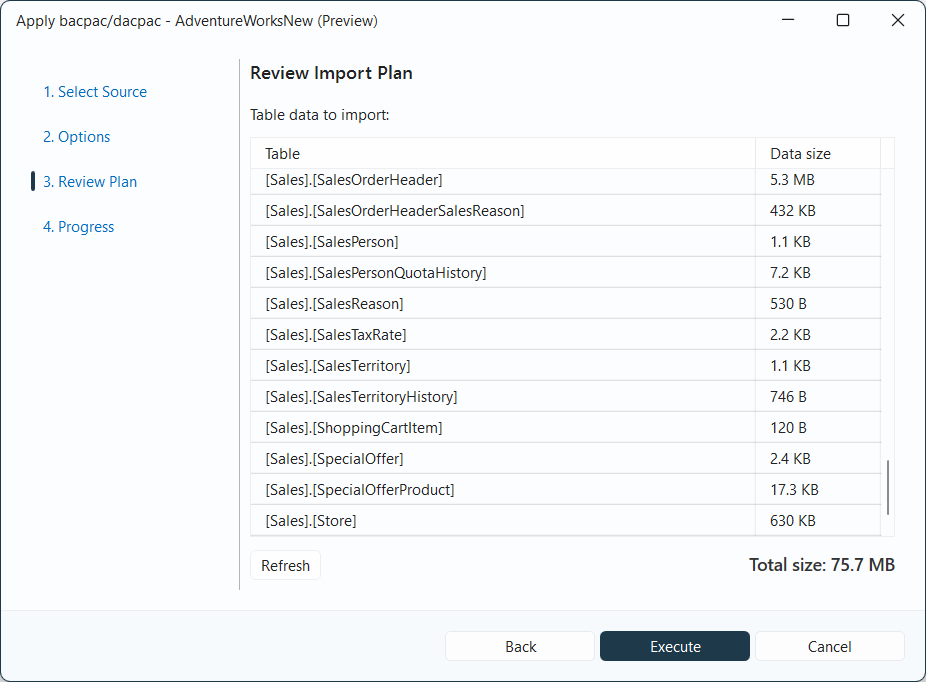
For a BACPAC, Review Plan lists the tables and data sizes under Table data to import. The Total data value shows the total amount of data to import.
Select Refresh to refresh the plan. Select Execute to import the package.
Review results
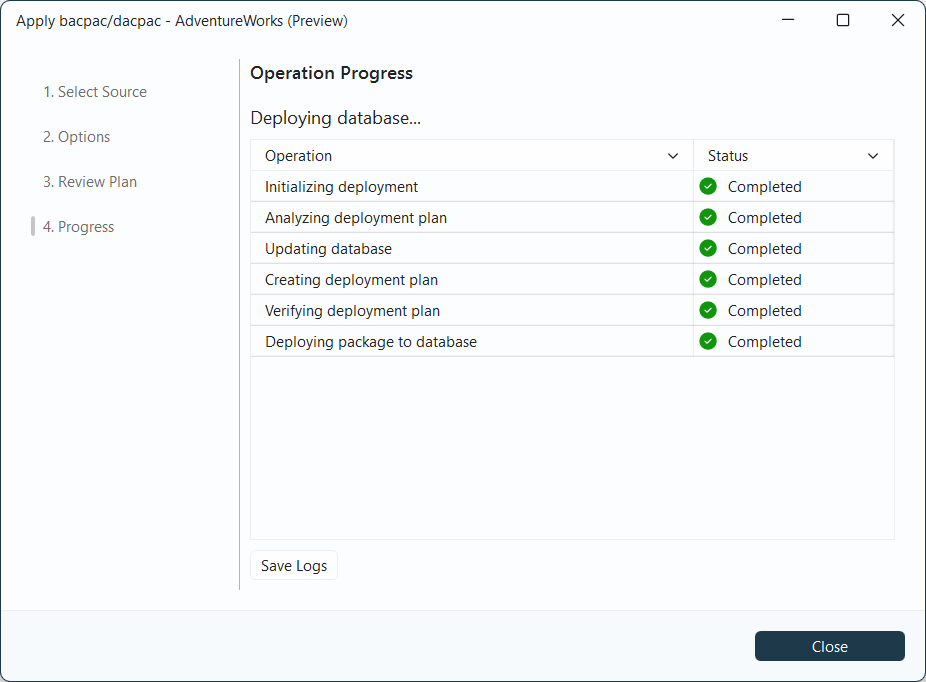
On Progress, check the status of each operation. Select Save Logs to save the operation output.
If an operation fails, review its error and the saved logs before retrying. After the operation completes, select Close.