Нотатка
Доступ до цієї сторінки потребує авторизації. Можна спробувати ввійти або змінити каталоги.
Доступ до цієї сторінки потребує авторизації. Можна спробувати змінити каталоги.
Widgets
Windows widgets are small UI containers associated with an installed app. The Widgets Board displays them in a grid over the Windows desktop, with personalized content and quick actions from your app. You can define content with Adaptive Cards, which bind data to a JSON template, or display HTML from a URL with a web widget provider. Web widgets still use an Adaptive Card JSON payload to specify the content URL.
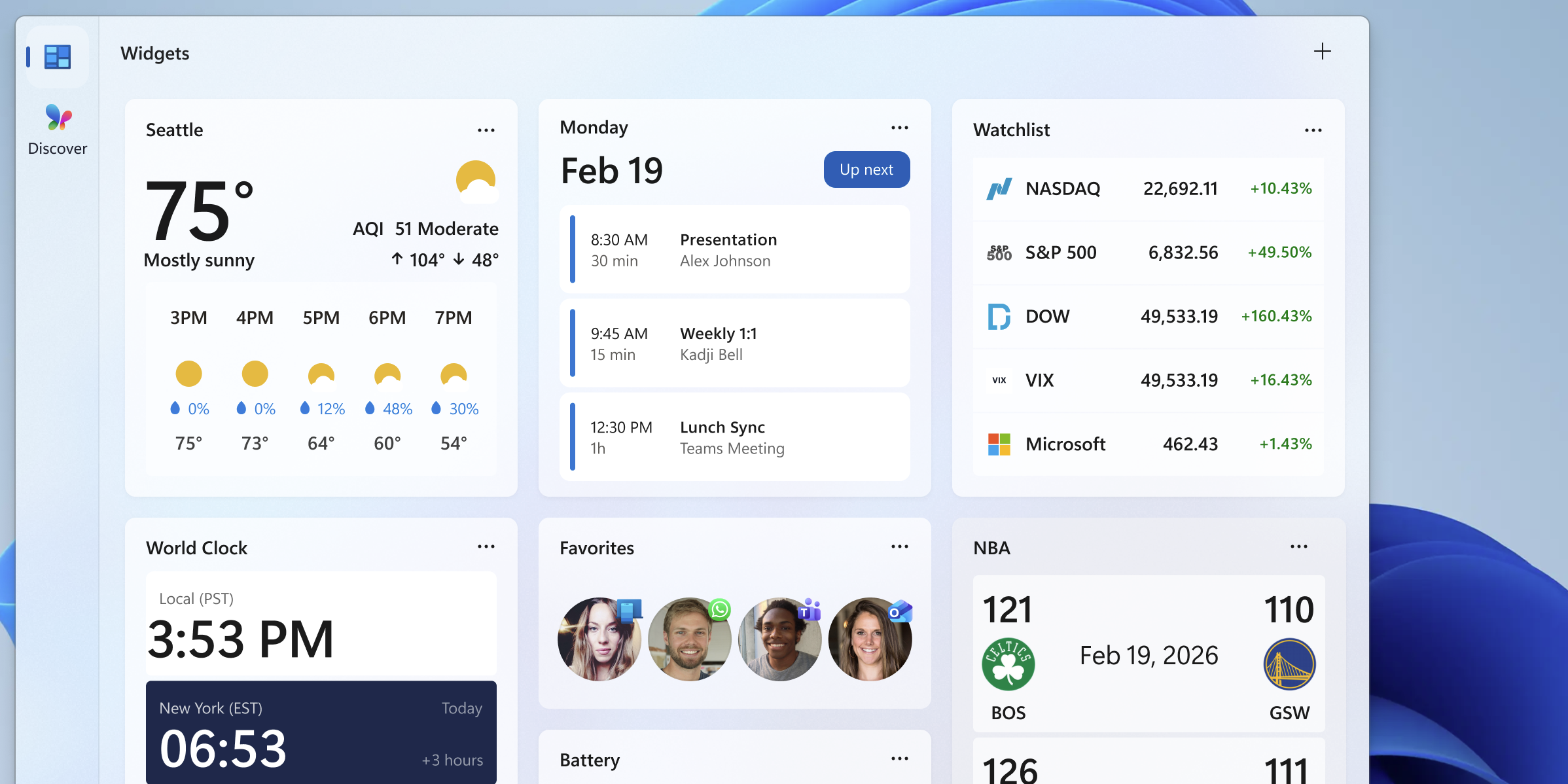
For design guidance, see Windows Widgets design overview.
Choose a widget development path
Use this table to select the implementation path and the next topic to open.
| If you want to... | Use this approach | Start here |
|---|---|---|
| Add an Adaptive Card widget to a packaged C# desktop app | Implement IWidgetProvider, send template and data updates with WidgetManager, and register the provider through the package manifest. | C# widget provider walkthrough |
| Add an Adaptive Card widget to a packaged C++/WinRT desktop app | Implement IWidgetProvider in the out-of-process COM server and register its CLSID and widget definitions in the package manifest. | C++/WinRT widget provider walkthrough |
| Display HTML from a URL inside a desktop widget | Use a web widget provider. This feature is available only to users in the EEA. The provider still sends an Adaptive Card payload containing the web URL and fallback content. | Web widget providers |
| Add a widget for an existing Progressive Web App (PWA) | Define the widget in the web app manifest and handle widget events in the service worker. This is separate from the desktop IWidgetProvider path. | Build PWA-driven widgets |
| Handle a button or form action in your desktop provider | Use Action.Execute and handle the verb in OnActionInvoked. Show it only when $host.isUserContextAuthenticated is true. |
Create a widget template |
| Open an app page or website without a provider callback | Use Action.OpenUrl. This remains available when the widget user context isn't authenticated. | Create a widget template |
| Let users configure a widget | Implement IWidgetProvider2, set the manifest's IsCustomizable attribute, and supply a customization payload. | Implement widget customization |
| Adapt content for size, theme, settings, header, web support, or authentication | Use Windows $host properties in the Adaptive Card template and declare every supported size in the package manifest. |
Windows widget host properties |
| Show loading or signed-out content | Send a deliberate fallback template and data. Set IsPlaceholderContent when content isn't yet personalized or actionable. | Widget providers |
| Add a dashboard feed instead of an individual widget | Implement a feed provider. Feed providers are a separate integration and are available only in the EEA. | Dashboards and feed providers |
| Ask GitHub Copilot to create and validate a widget | Use the reusable prompt, which selects a supported path and requires package, manifest, build, and Widgets Board validation. | Create a Windows widget with GitHub Copilot |
Dashboards
Feed providers register content feeds that appear as dashboards in the Widgets Board. A feed provider is a separate integration from a widget provider; displaying HTML inside a widget doesn't register a dashboard feed.
Important
Feed providers are available only to users in the European Economic Area (EEA). For availability and implementation requirements, see Dashboards and feed providers.
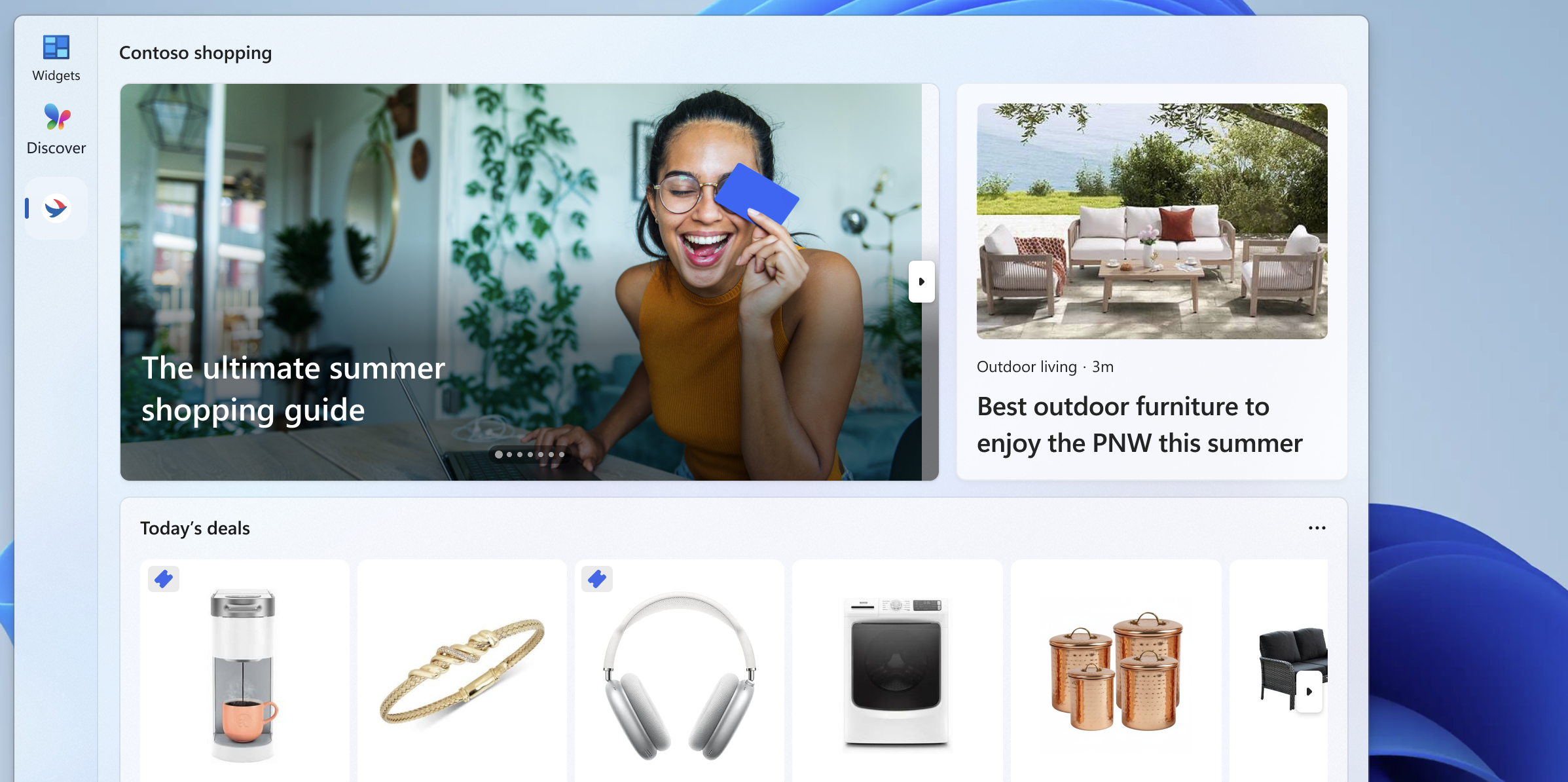
In this section
| Topic | Description |
|---|---|
| Feed providers | Learn how to register your app's content feeds to appear directly in the Windows Widgets Board. |
| Widget providers | Learn how to implement a widget provider that supplies content, layout, and interactive elements for your widgets. |
| Web widget providers | Display HTML in a widget and handle resource requests and messages between your provider and web content. |
| Adaptive Cards Designer | Walk through creating a widget template using the Adaptive Cards Designer. |
| Create a Windows widget with GitHub Copilot | Use a reusable prompt to generate, package, and validate a widget in an existing repository. |
Співпраця з нами на GitHub
Джерело цього вмісту можна знайти на GitHub, де також можна створювати й переглядати запитання та запити на внесення змін. Докладні відомості наведено в нашому посібнику для співавторів.

Windows developer