I think the solution to the problem of 80072EE2 is to wait and try again later.
Wait and try again later is also the solution to this error:
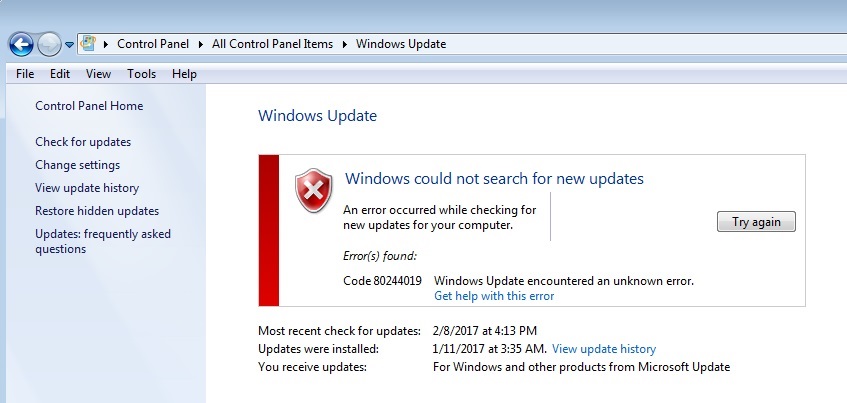
If you have not followed the advice in either of these discussions you should:
Windows update problems? Read this first.
and/or
Windows 7 Update Solution
Feel free to jump in to the discussions to tell of your success or still have issues or questions.
I also think the registry key is not the problem but that registry key can cause a different problem.
That reply is yet another example of somebody telling you what to do but not telling you how to do it *sigh*.
Here is a discussion about the registry key issue, the symptoms and ways to delete the registry key:
https://answers.microsoft.com/en-us/windows/forum/windows_7-update/windows-update-how-to-fix-some-settings-are/a5160e9d-21e8-4ecd-8218-6a6b88134748
Do come back and let us know what you discover.
' cx='32' cy='32' r='32' /%3E%3Ctext x='50%25' y='55%25' dominant-baseline='middle' text-anchor='middle' fill='%23FFF' %3EA%3C/text%3E%3C/svg%3E)
