Note
Access to this page requires authorization. You can try signing in or changing directories.
Access to this page requires authorization. You can try changing directories.
Agents extend the capabilities of Azure Copilot to provide an agentic, multimodal cloud experience. By integrating agents into your daily workflows, Azure Copilot can help you migrate, operate, and optimize your workloads to help streamline your cloud adoption and deployment journey. Unlike a patchwork of disconnected AI and automation tools, Azure Copilot is natively built into the Azure platform, bringing together agents, context, and governance.
Currently, Azure Copilot includes the following agents:
- Troubleshooting (GA)
- Deployment
- Optimization (preview)
- Resiliency (preview)
- Migration (preview)
- Observability (GA)
Users can engage directly with supported agents from the Azure Copilot chat experience. The following agents are visible in Azure Copilot chat experience and can be directly invoked: Deployment, Troubleshooting, Optimization, and Resiliency.
Observability Agent and Migration Agent continue to be invoked through their existing experiences in Azure Monitor and Azure Migrate, respectively.
Availability and access
Access to Azure Copilot agents is managed at the tenant level. For most Azure tenants, agent are turned on by default, though administrators can confirm or update preferences at any time. All users in the tenant who can access Azure Copilot can also use Azure Copilot Agents, unless the administrator limits Azure Copilot access to specific Microsoft Entra users or groups. Administrators can enable or disable access to each specific agent if desired. As new agents become available, they automatically become available to your users, according to your access policies.
Access to Azure Copilot Agents is gradually rolled out over time, so you might not see agents in your tenant yet. For more information, see Manage access to Azure Copilot agents. If you have questions, check with your tenant administrator.
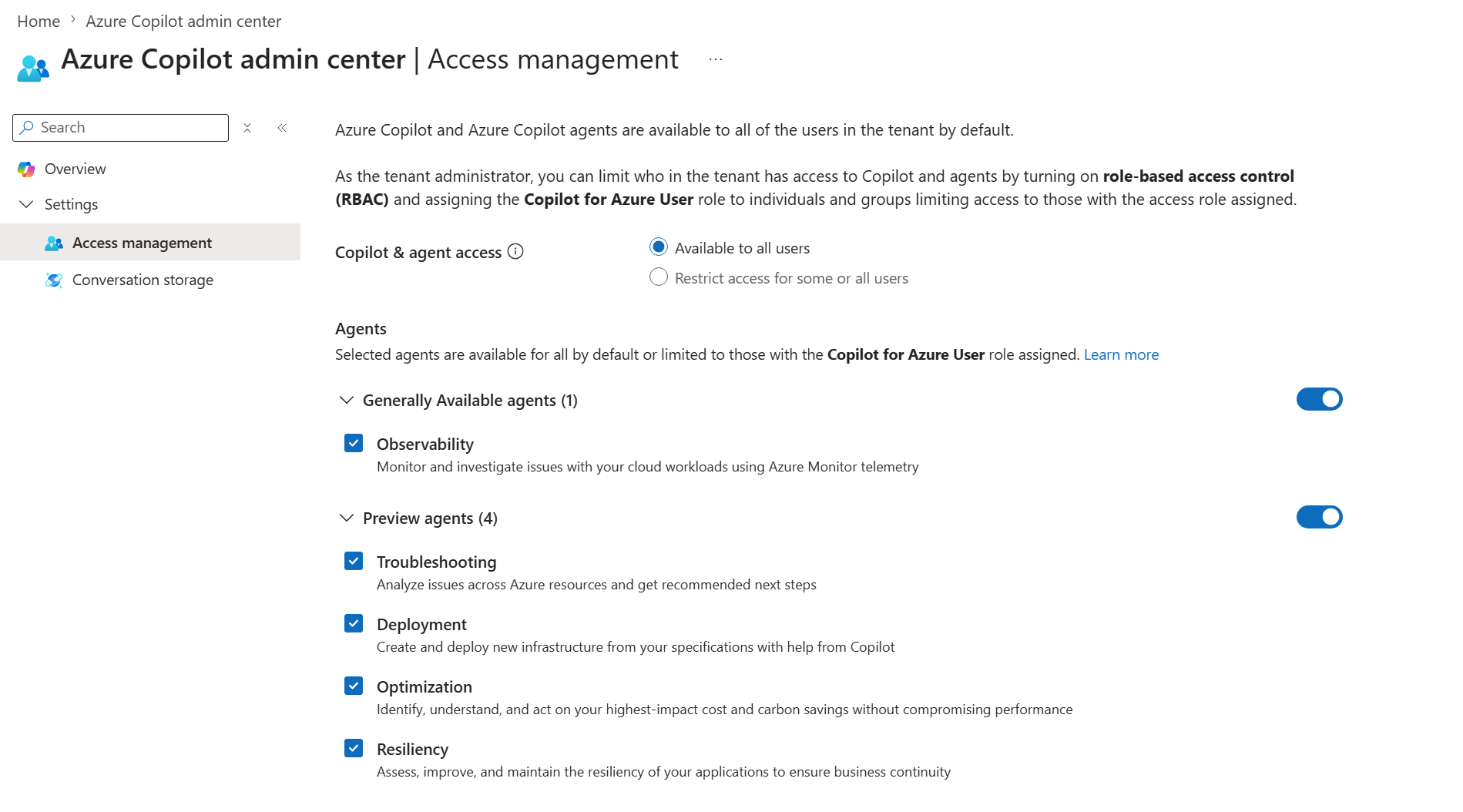
Access to Azure Copilot agents is subject to Microsoft's sole discretion. Azure Copilot agents are made available to customers under the terms governing their subscription to Microsoft Azure Services. Review these terms carefully as they contain important conditions and obligations.
Use agent
To start a chat with an agent, select the down arrow in the New chat button near the top of the Azure Copilot chat window. Choose an agent to begin a chat. Two methods are available: in the navigation bar in full screen mode, or in the dropdown menu in the sidecar mode.
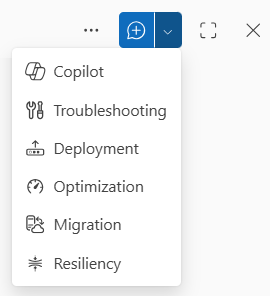
You can ask the agent questions or give it instructions related to its capabilities. The agent responds with helpful information, recommendations, and actions that you can take.
An agent in a conversation has the ability to take action on your behalf. You can review what the agent proposes, and confirm if you want to proceed. No actions are performed without approval. Azure Copilot agents can also produce artifacts such as scripts that you can deploy to your Azure environment.
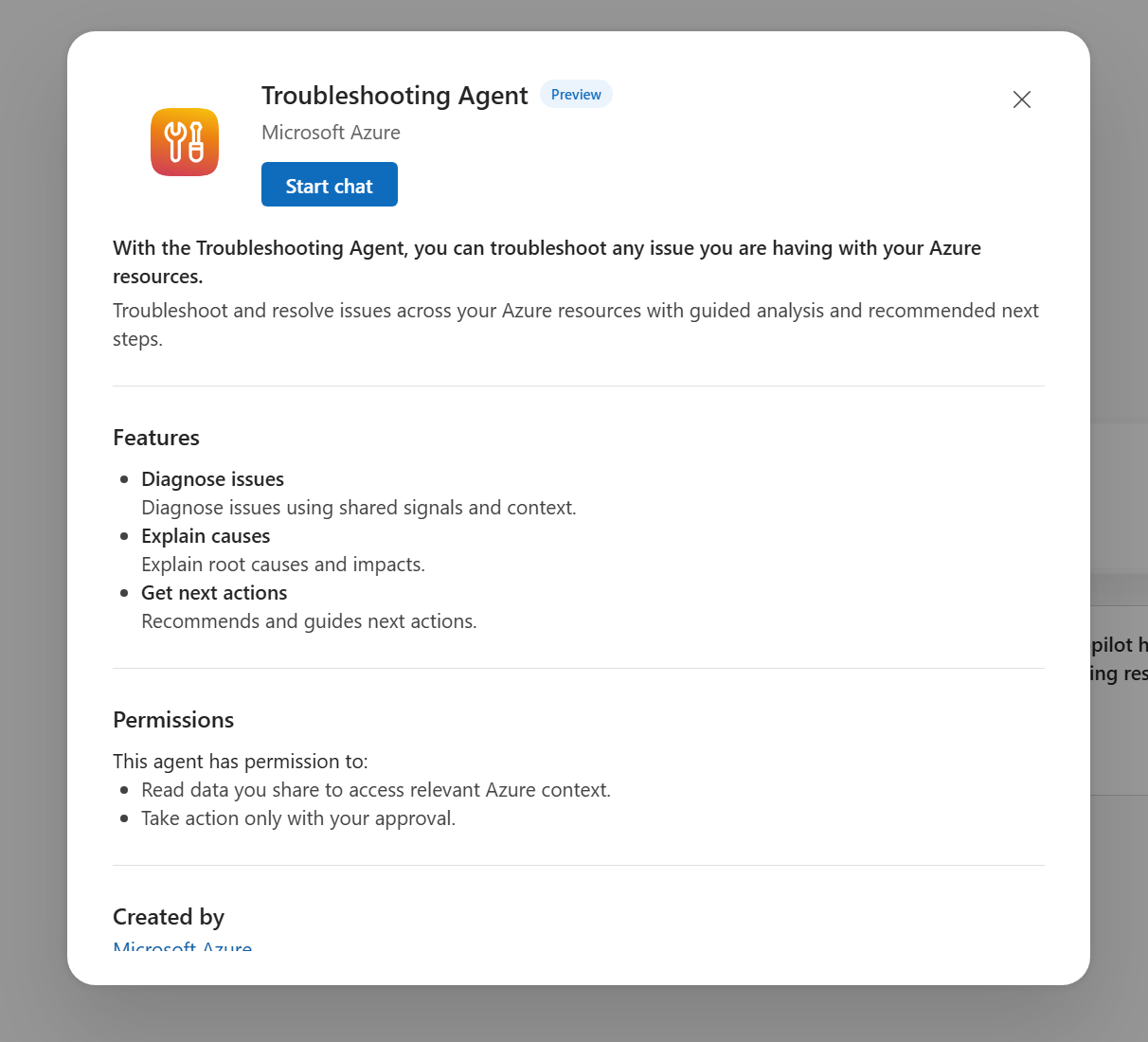
You can learn more about an agent through learn more in either the full screen mode by choosing Menu > About or at any time by choosing Response > Info bubble > About.
Current limitations
In addition to the general limitations of Azure Copilot, the following limitations apply to Azure Copilot agents:
- Azure Copilot agents might not support all resource types.
- Full support is provided in English only, with limited support for conversations in other languages.
Review the documentation for each agent to understand any additional limitations that might apply.