Note
Access to this page requires authorization. You can try signing in or changing directories.
Access to this page requires authorization. You can try changing directories.
You can connect one parameter group to one or more clusters, as long as the region of the parameter group and the region of the cluster matches.
Steps to connect parameter groups to clusters
Using the Azure portal:
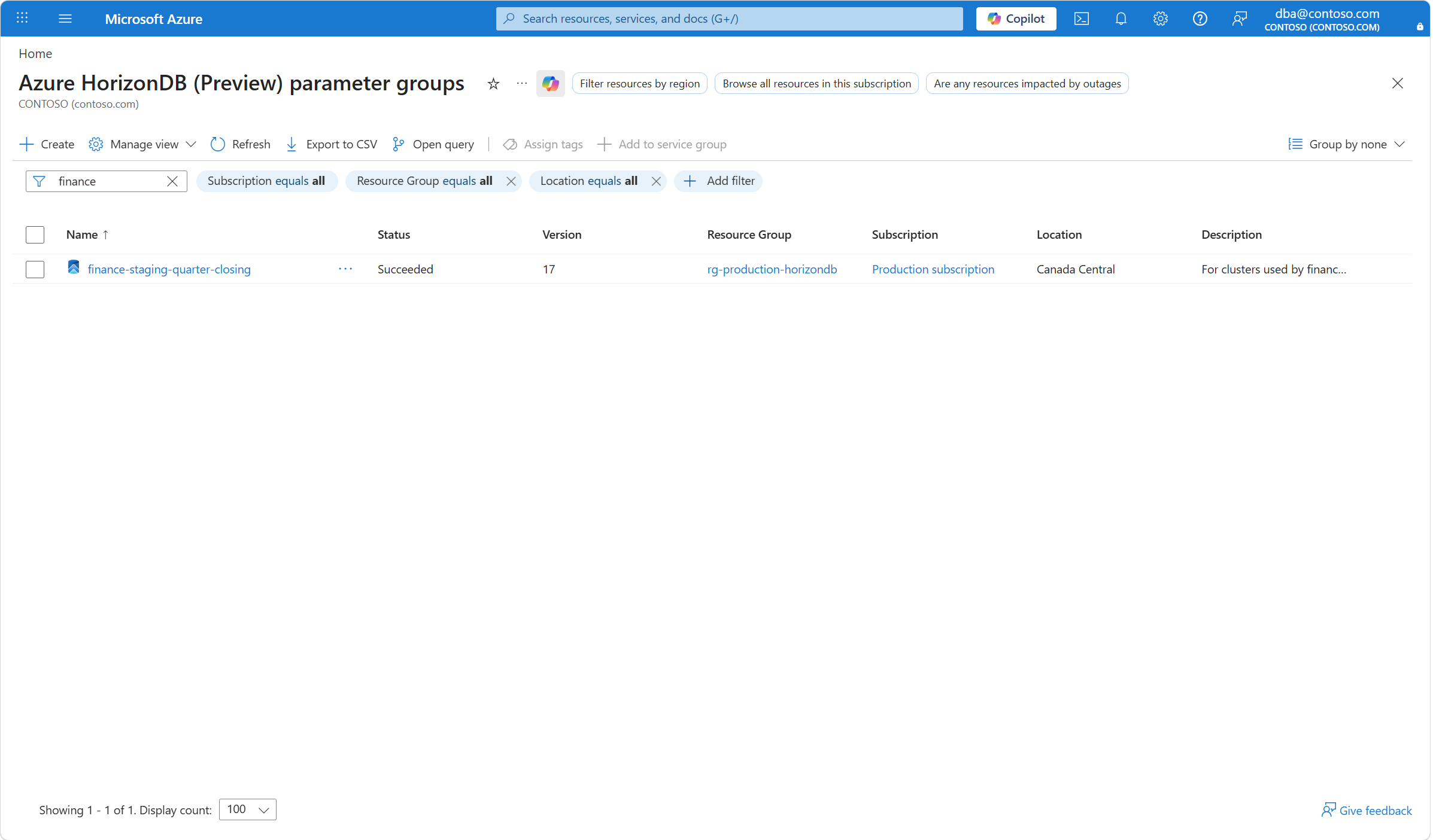
Browse the Azure HorizonDB (Preview) parameter groups.
By using the filtering buttons and the search box, find the parameter group for which you want to check what clusters are connected to it, and select it.
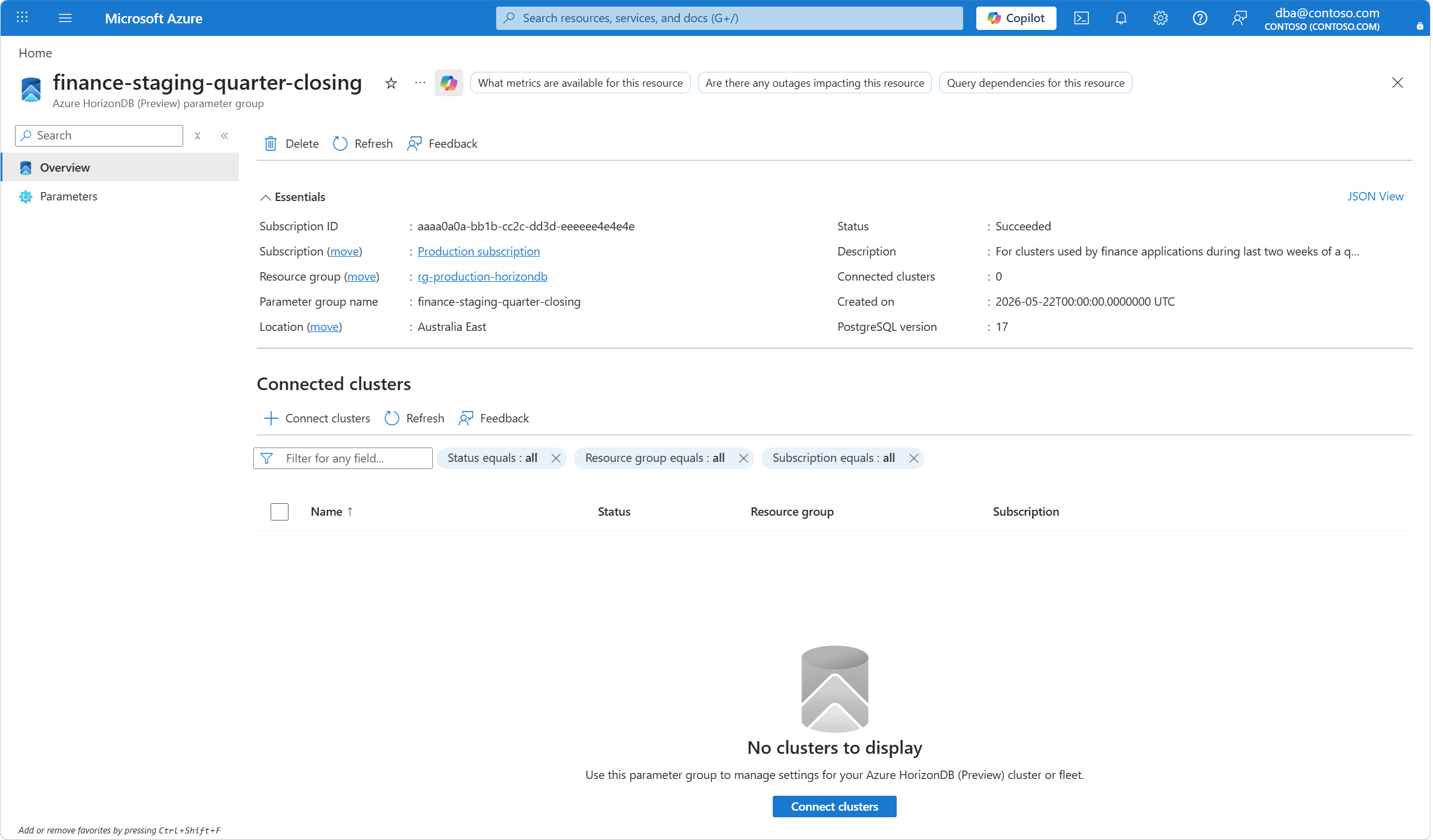
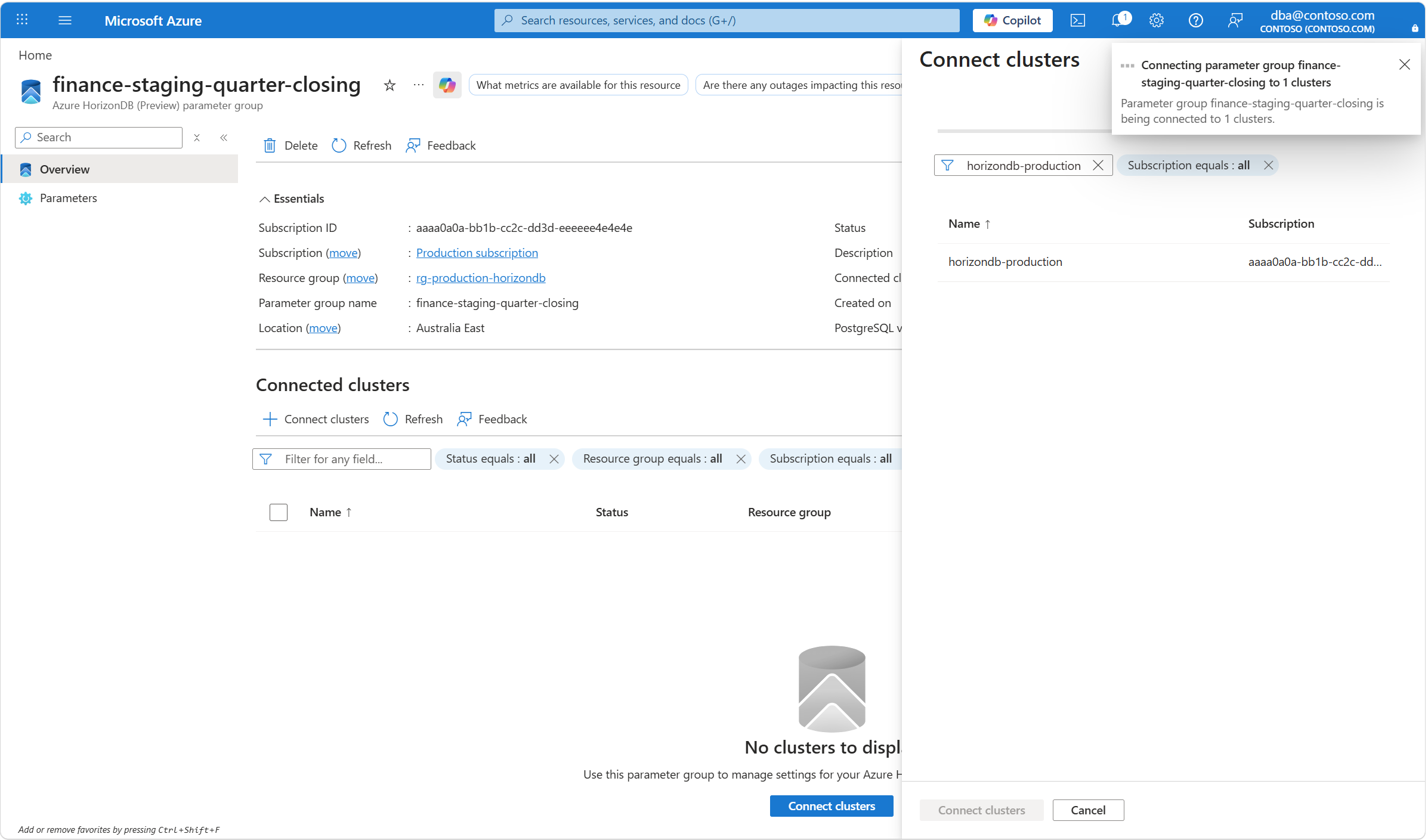
In the Connected clusters section, select the Connect clusters command bar button.
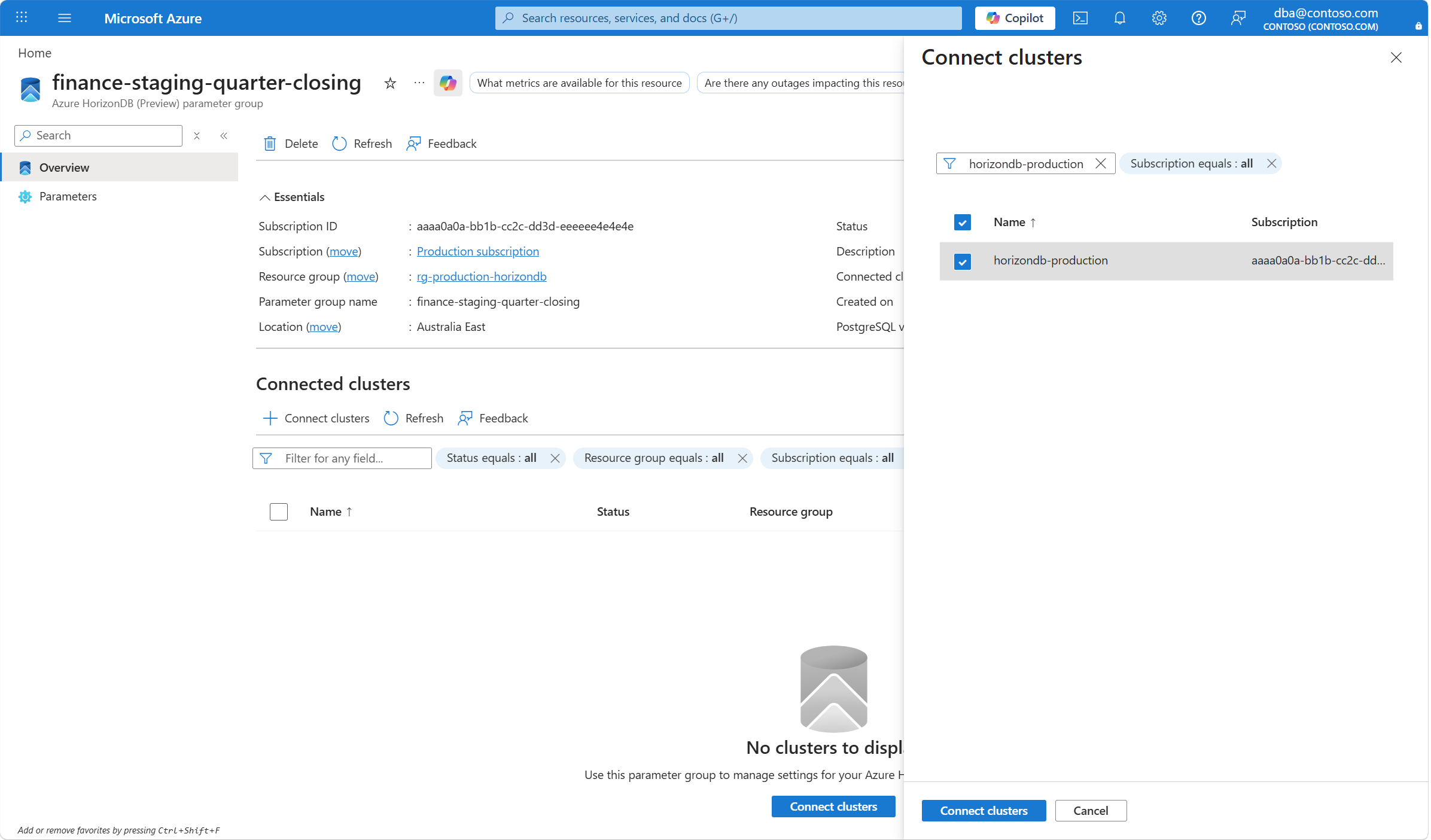
In the Connect clusters page that opens on the side, use the filtering button and the search box to find the clusters that you want to connect to this parameter group. Select the checkbox of each cluster that you want to connect. Then, select Connect clusters.
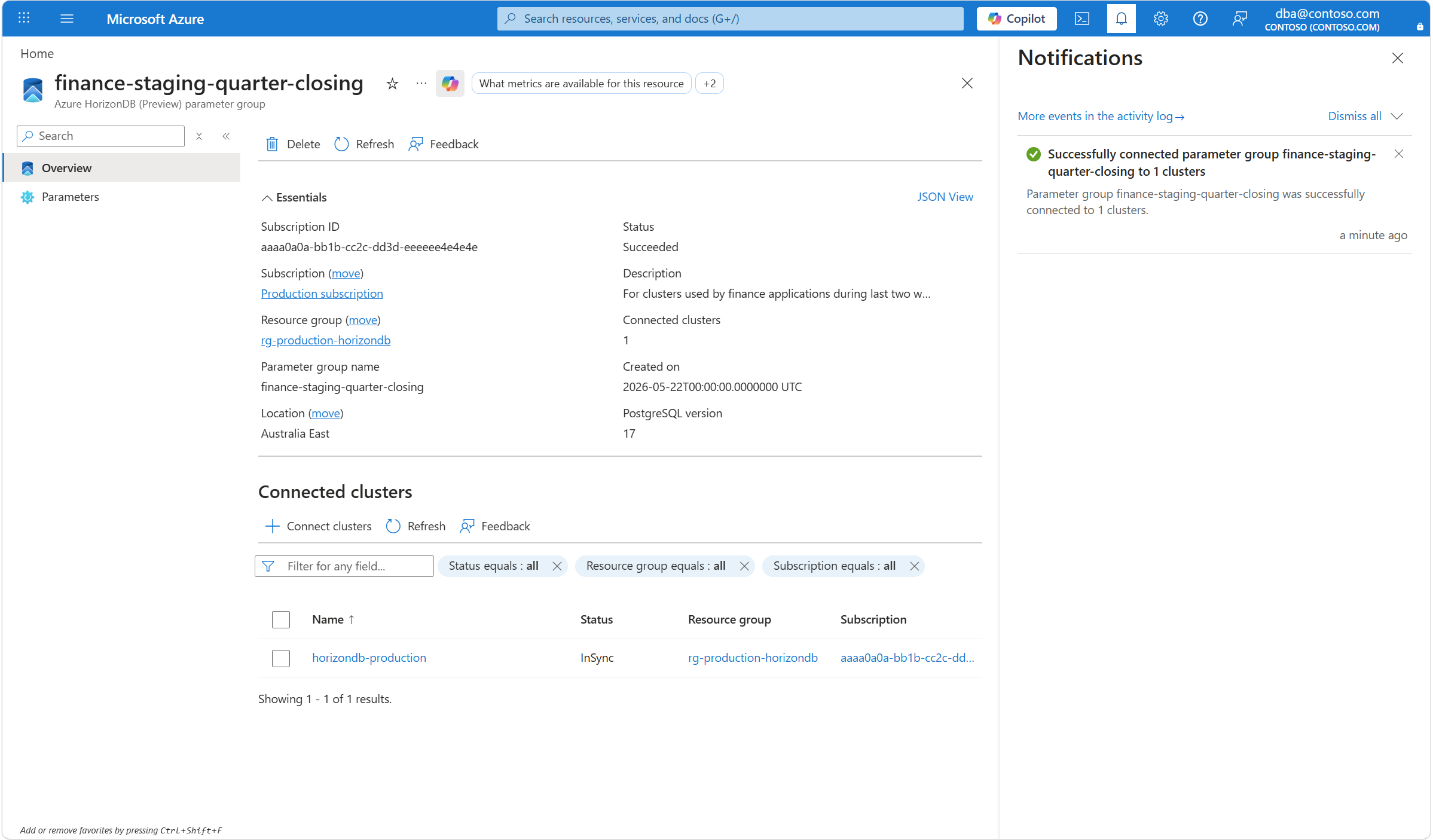
A notification indicates that the operation to connect the parameter group is to the clusters selected is initiated.
A few seconds later, a notification indicates that the operation completed successfully.