Note
Access to this page requires authorization. You can try signing in or changing directories.
Access to this page requires authorization. You can try changing directories.
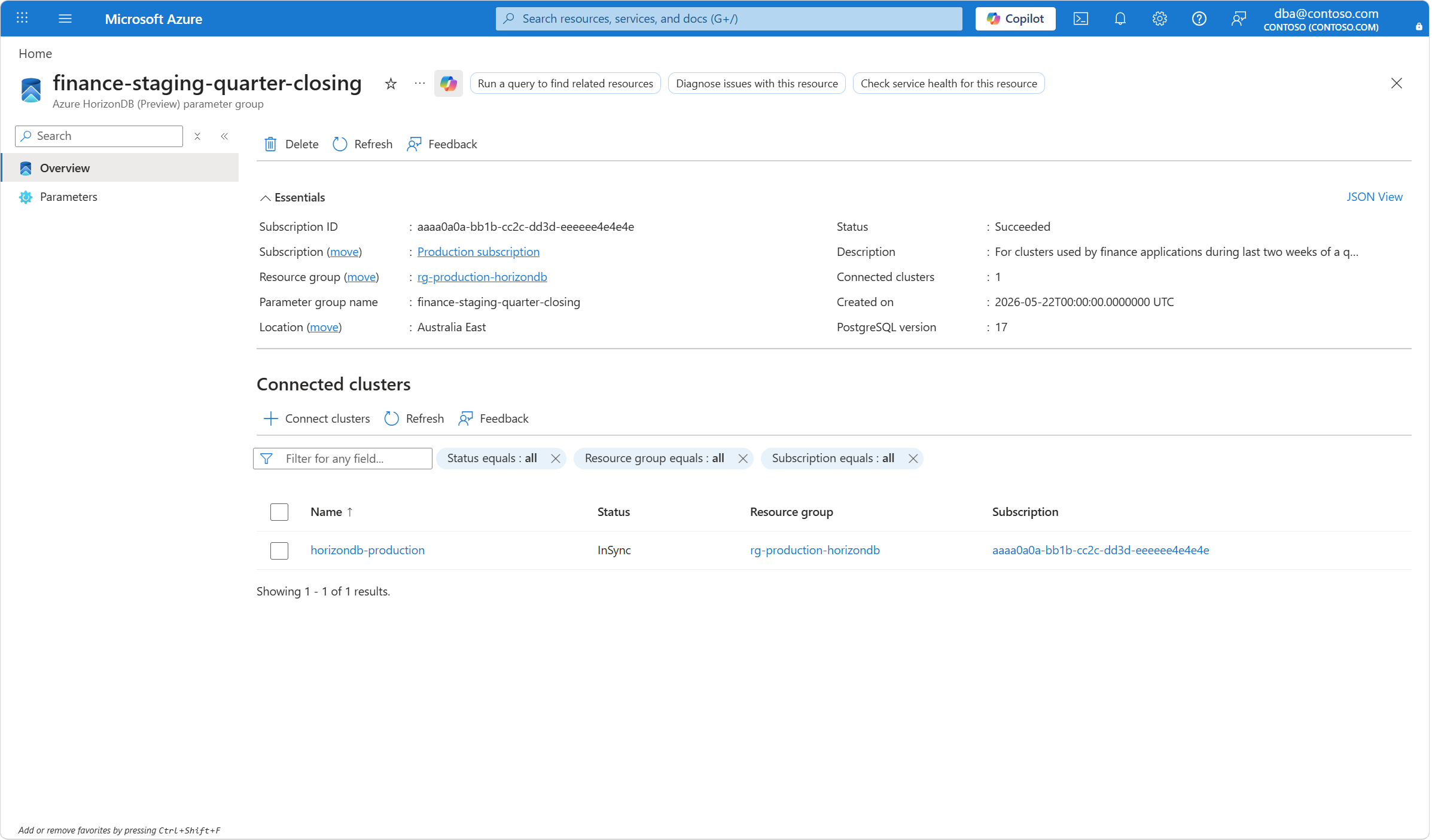
Given a parameter group, you can list the clusters that are connected to it and identify what's the current synchronization status for each of them.
Steps to list clusters connected to parameter groups
Using the Azure portal:
Browse the Azure HorizonDB (Preview) parameter groups.
By using the filtering buttons and the search box, find the parameter group that you want to check what clusters are connected to it, and select it.

In the Connected clusters section, find the list of clusters that are connected to the parameter group.