Note
Access to this page requires authorization. You can try signing in or changing directories.
Access to this page requires authorization. You can try changing directories.
If you consider that an existing parameter group isn't needed any longer, you can delete it. The operation is irreversible. When attempting to delete a parameter group that is connected to some cluster, the operation fails.
Steps to delete parameter groups
Using the Azure portal:
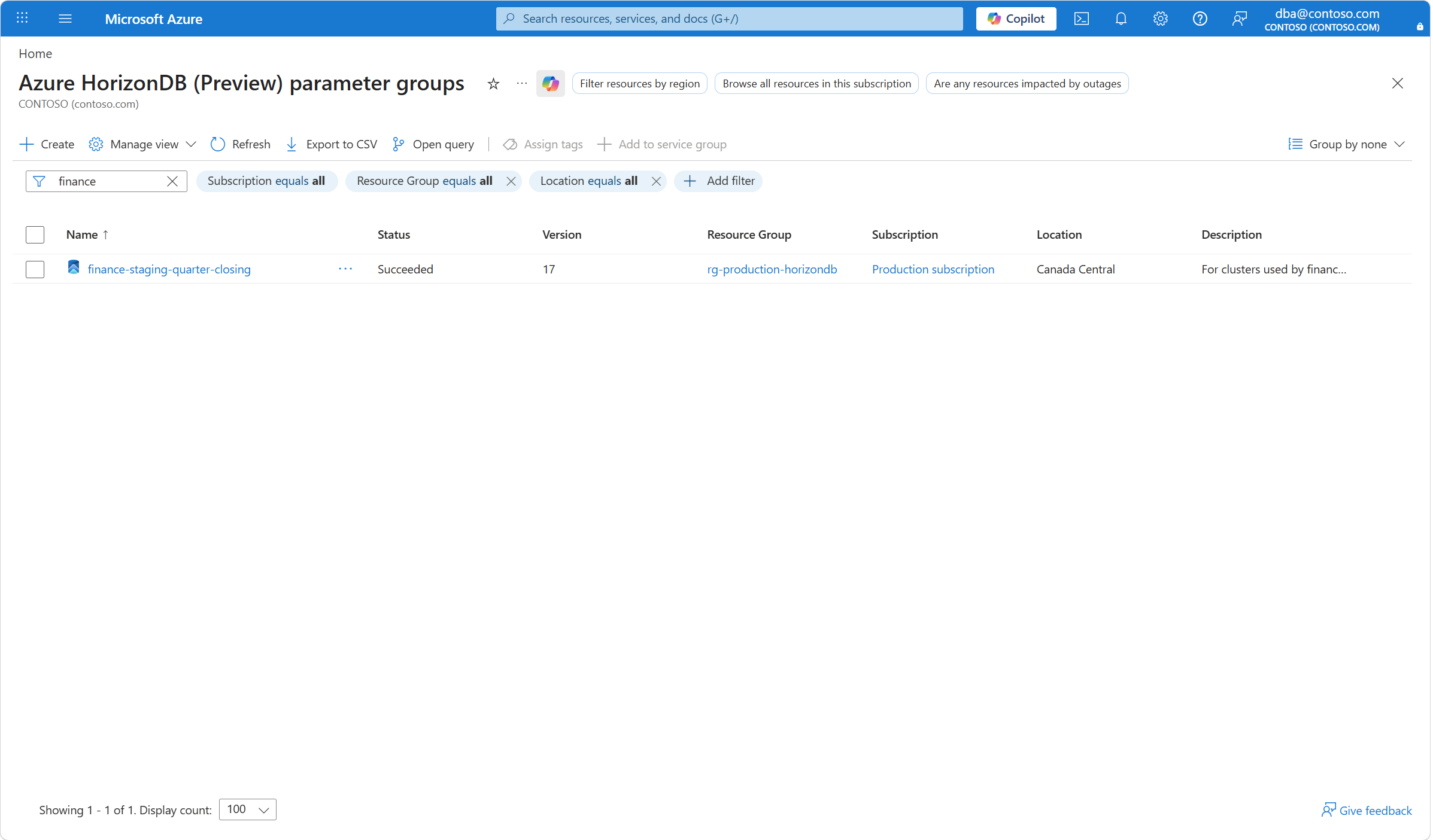
Browse the Azure HorizonDB (Preview) parameter groups.
By using the filtering buttons and the search box, find the parameter group that you want to delete, and select it.
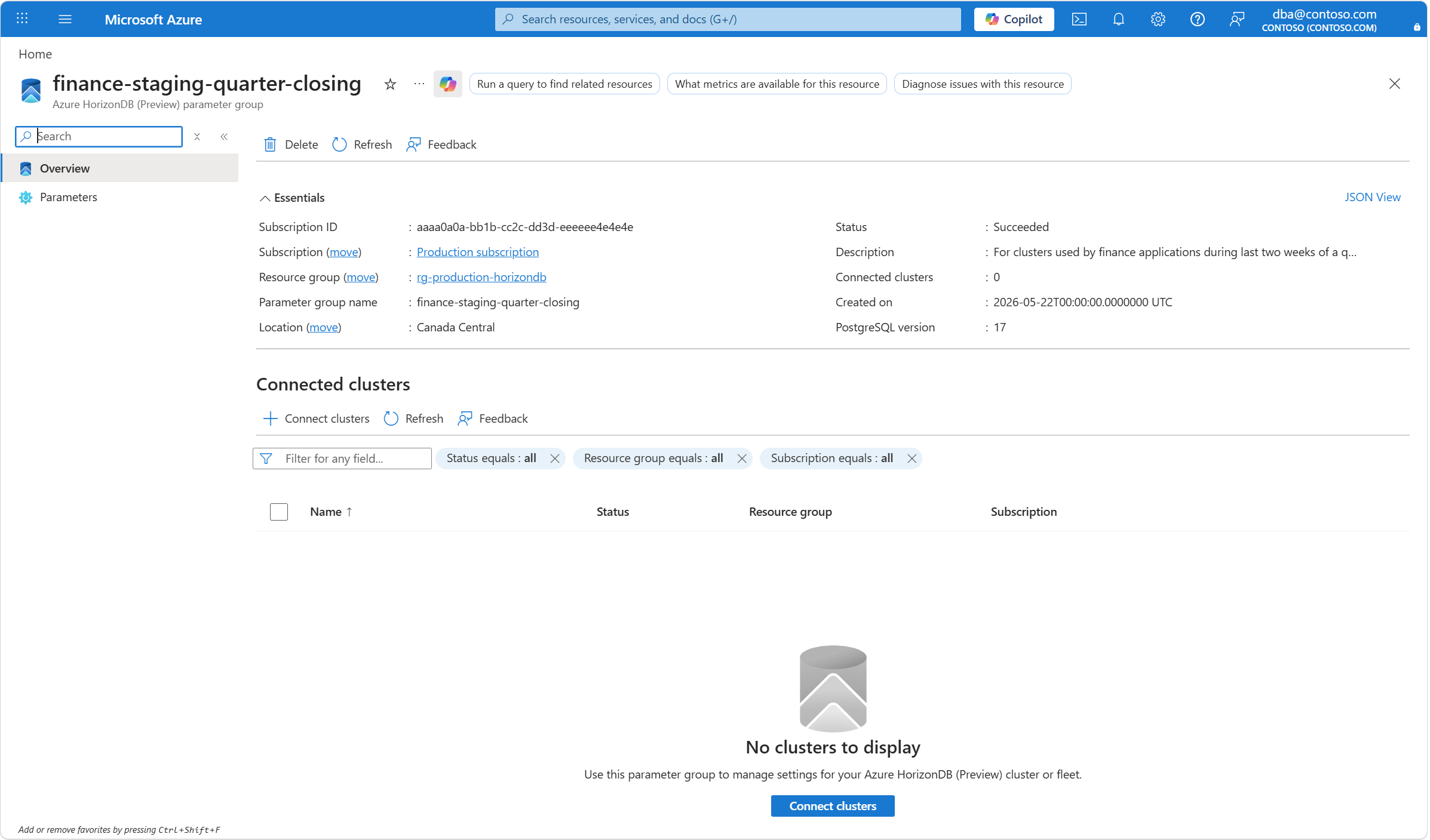
In the toolbar of the selected parameter group, select Delete.
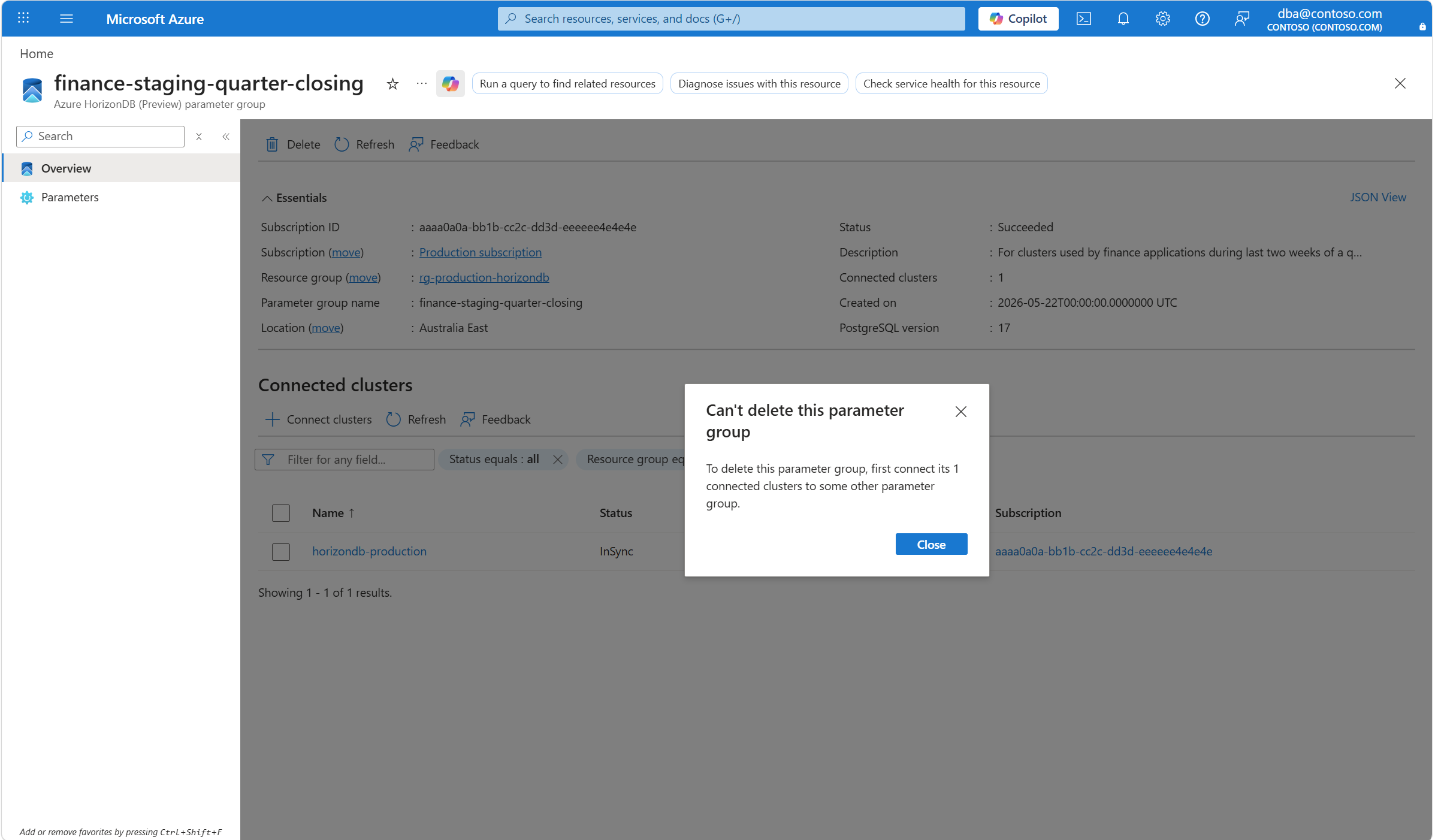
Before you attempt to delete a parameter group, you must make sure it isn't connected to any cluster. Trying to delete a parameter group that is connected to some cluster raises an error. The error indicates that all connections to the parameter group must be removed before it can be deleted.
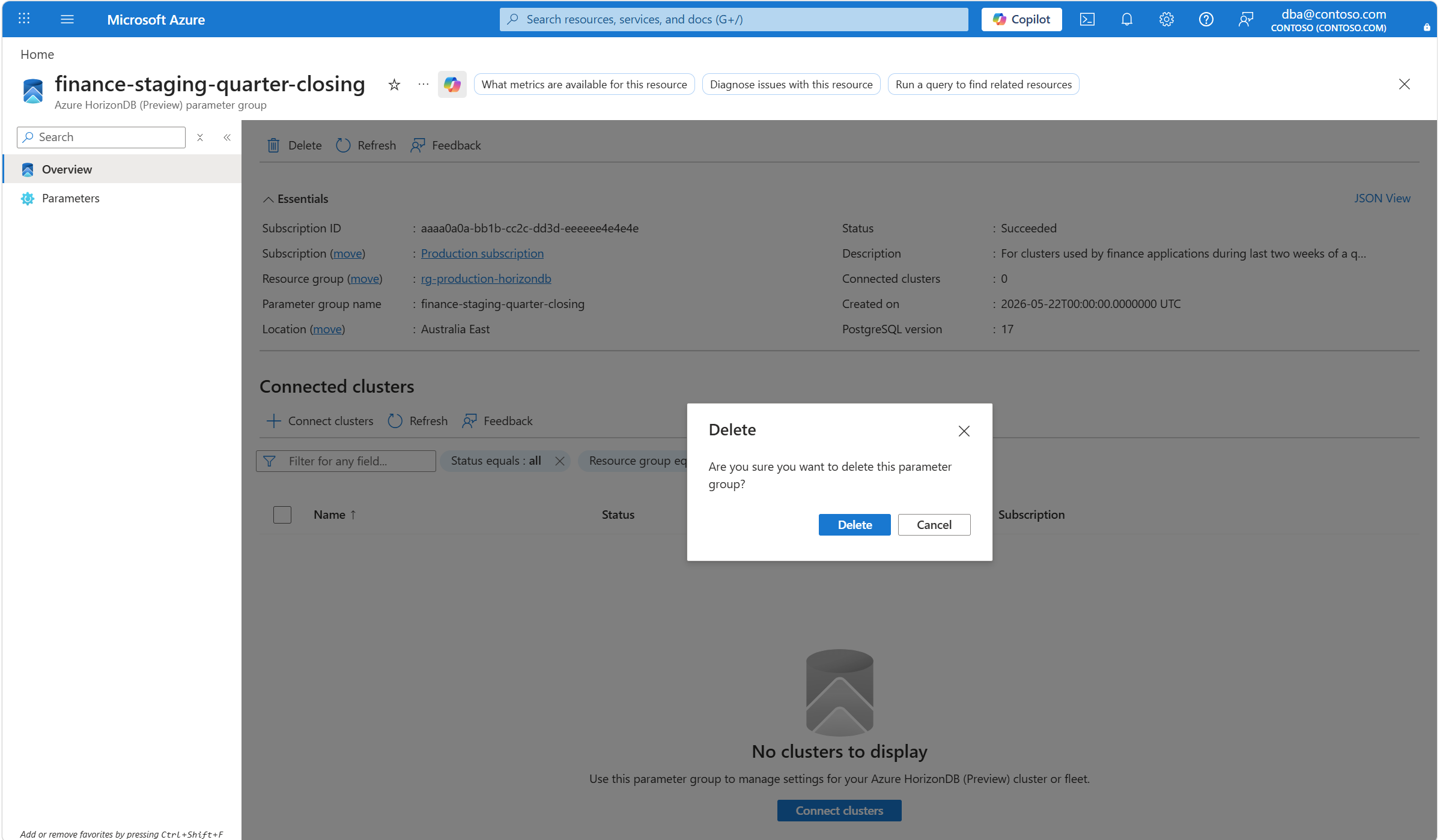
If the parameter group isn't connected to any cluster, you're prompted to confirm the operation. To proceed, select Delete.
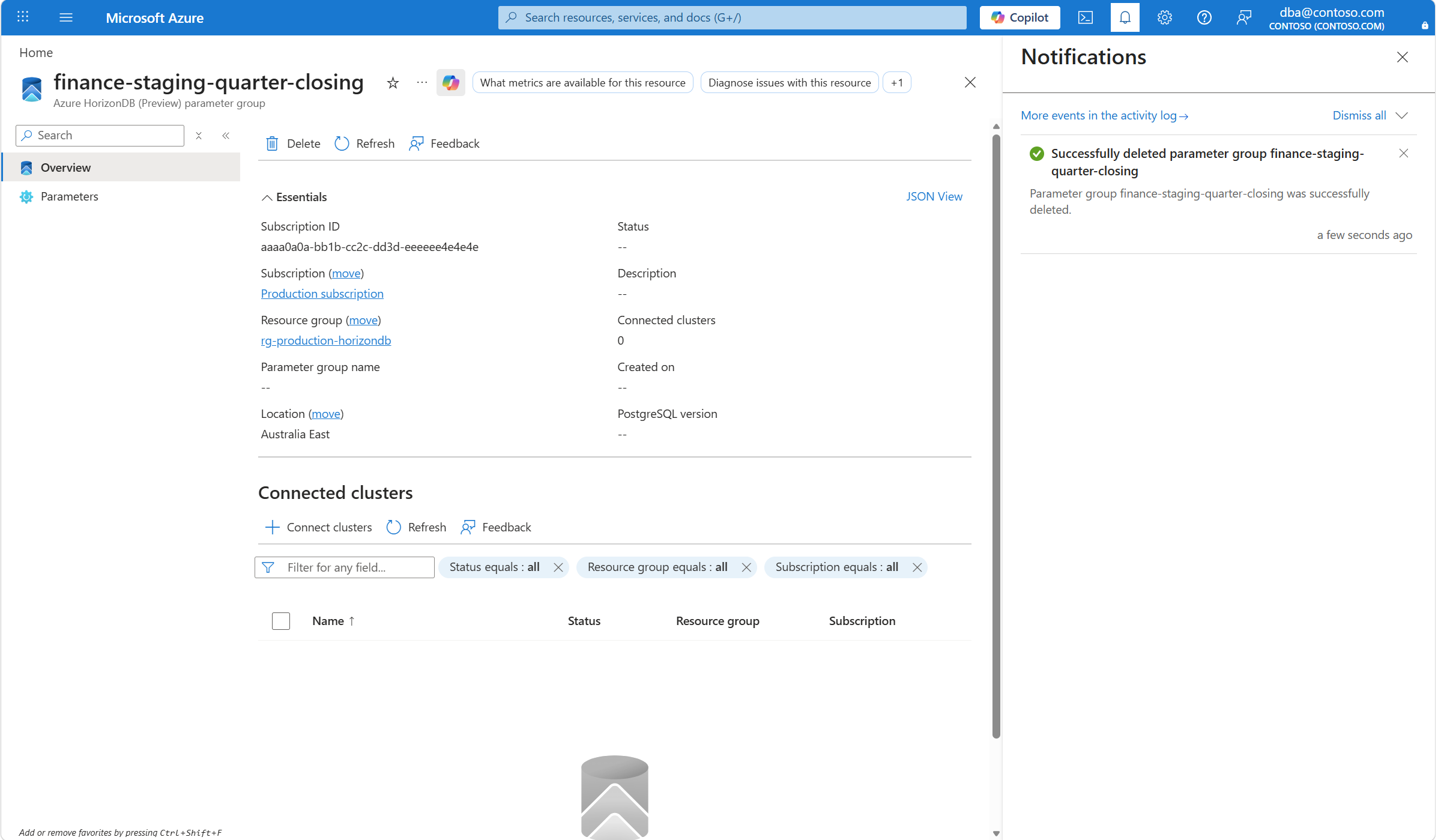
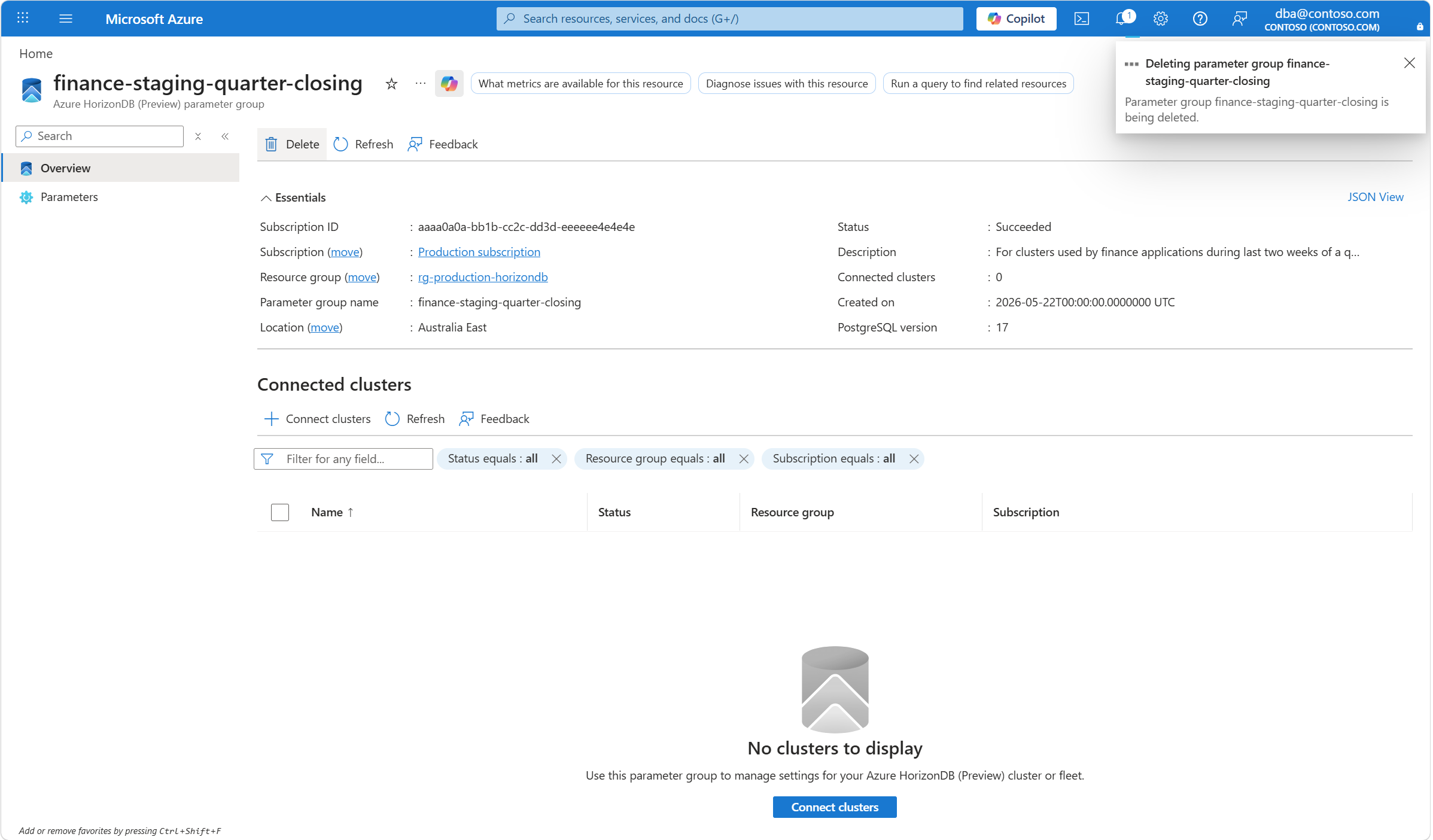
A notification indicates that the operation to delete the parameter group is initiated.
A few seconds later, a notification indicates that the operation completed successfully.