SharePoint 管理員代理程式是 AI 支援的控管體驗,可協助系統管理員評估和補救 SharePoint 和 OneDrive 環境中的內容相關風險。 使用自然語言查詢來調查租用戶層級條件,並採取引導式補救動作,而非手動執行報告。
影片:SharePoint 管理員代理程式概觀
下列影片提供 SharePoint 管理員代理程式的概觀:
當 SharePoint 和 OneDrive 內容受到良好控管、相關且可安全存取時,Microsoft Copilot (Copilot) 和代理程式的運作效果最佳。 SharePoint 管理員代理程式可讓您的系統管理員使用交談式介面,快速從評估移至採取行動,從而提供協助。 它會分析從 SharePoint 和 SharePoint 進階管理 (SAM) 擷取的資料,以提供與治理優先順序一致的內容相關深入解析,例如:
- 管理內容蔓延
- 管理內容生命週期
- 防止搜尋和 AI 回應中過度共用
- 管理內容和網站的權限和存取權
SharePoint 管理員代理程式如何協助內容控管
使用 SharePoint 管理員代理程式以開始執行這些重要的內容控管工作:
- 評估貴組織是否已準備好使用 具有 內容管理評估 功能的 Copilot
- 使用目錄管理功能控制您的內容結構
- 使用網站擁有權原則、非作用中網站原則和網站證明等網站生命週期管理原則來管理內容生命週期,並使用 Microsoft 365 封存封存過時的內容
- 防止意外過度共用 資料 存取治理報告 和原則
- 使用報告、網站存取檢閱以及條件式存取、限制存取控制和受限制內容探索等原則來控制內容的存取權
- 使用基準安全性模式設定、Microsoft 365 備份和版本歷程記錄實作內容復原
- 使用多地理位置功能管理資料落地合規性,例如跨地理位置內容移動狀態報告 (預覽)
SharePoint 管理員代理程式必要條件
您的組織必須具備 SharePoint 進階管理。 請參閱 SharePoint 進階管理必要條件。
若要使用 SharePoint 管理員代理程式,您必須在 Microsoft Entra ID 中指派 SharePoint 進階管理系統管理員角色。
開啟 SharePoint 管理員代理程式
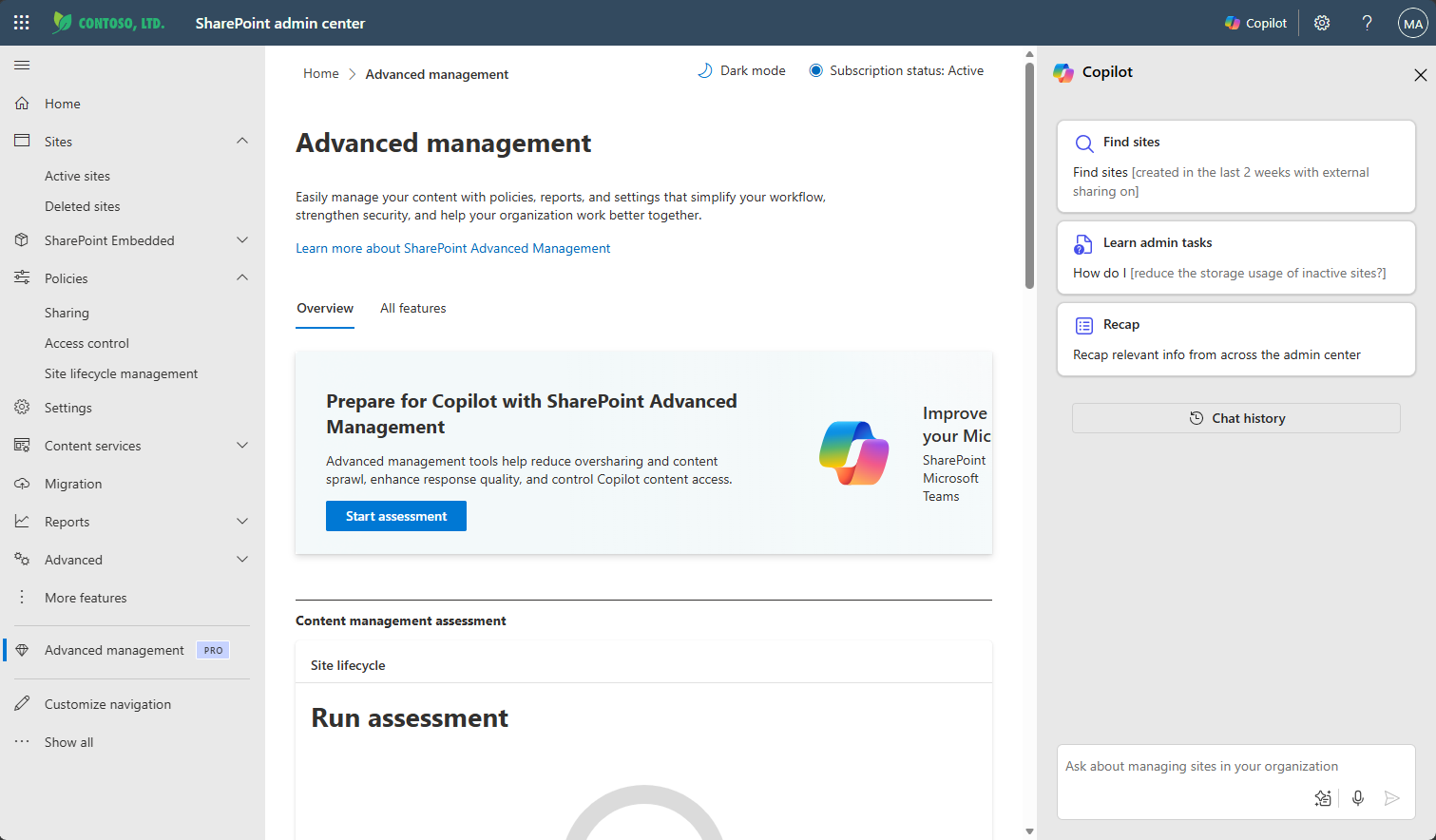
使用以下任一方法開啟 SharePoint 管理員代理程式:
- 在 Microsoft Copilot 應用程式中開啟 SharePoint 管理員 Agent
- 在 SharePoint 系統管理中心存取 Copilot 的內容控管技能
- 在 Microsoft Teams 中開啟 SharePoint 管理員 Agent
在 Microsoft Copilot 中開啟 SharePoint 管理員 Agent
在 Microsoft Copilot 應用程式中,展開 [代理程式],然後搜尋 SharePoint 管理員代理程式。
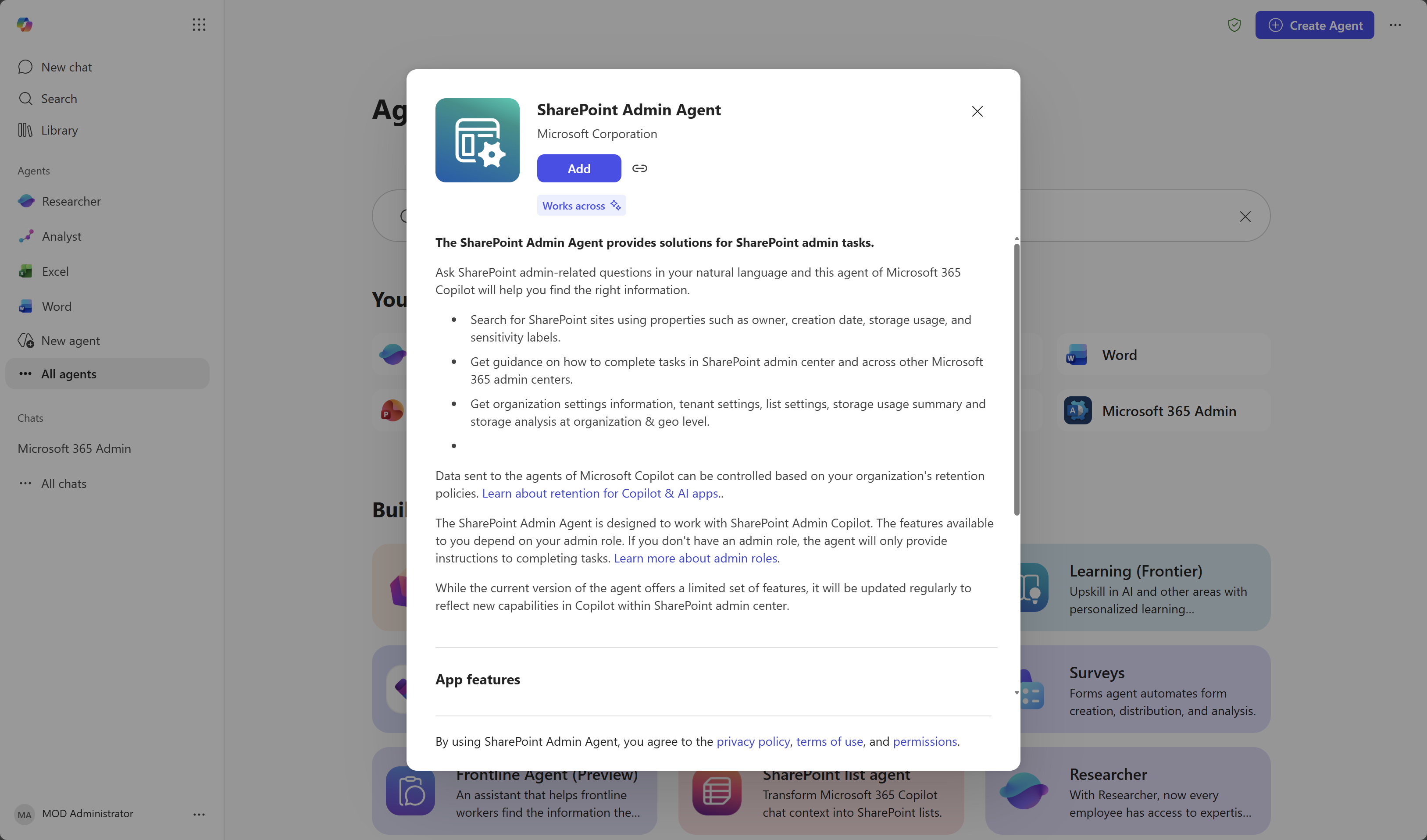
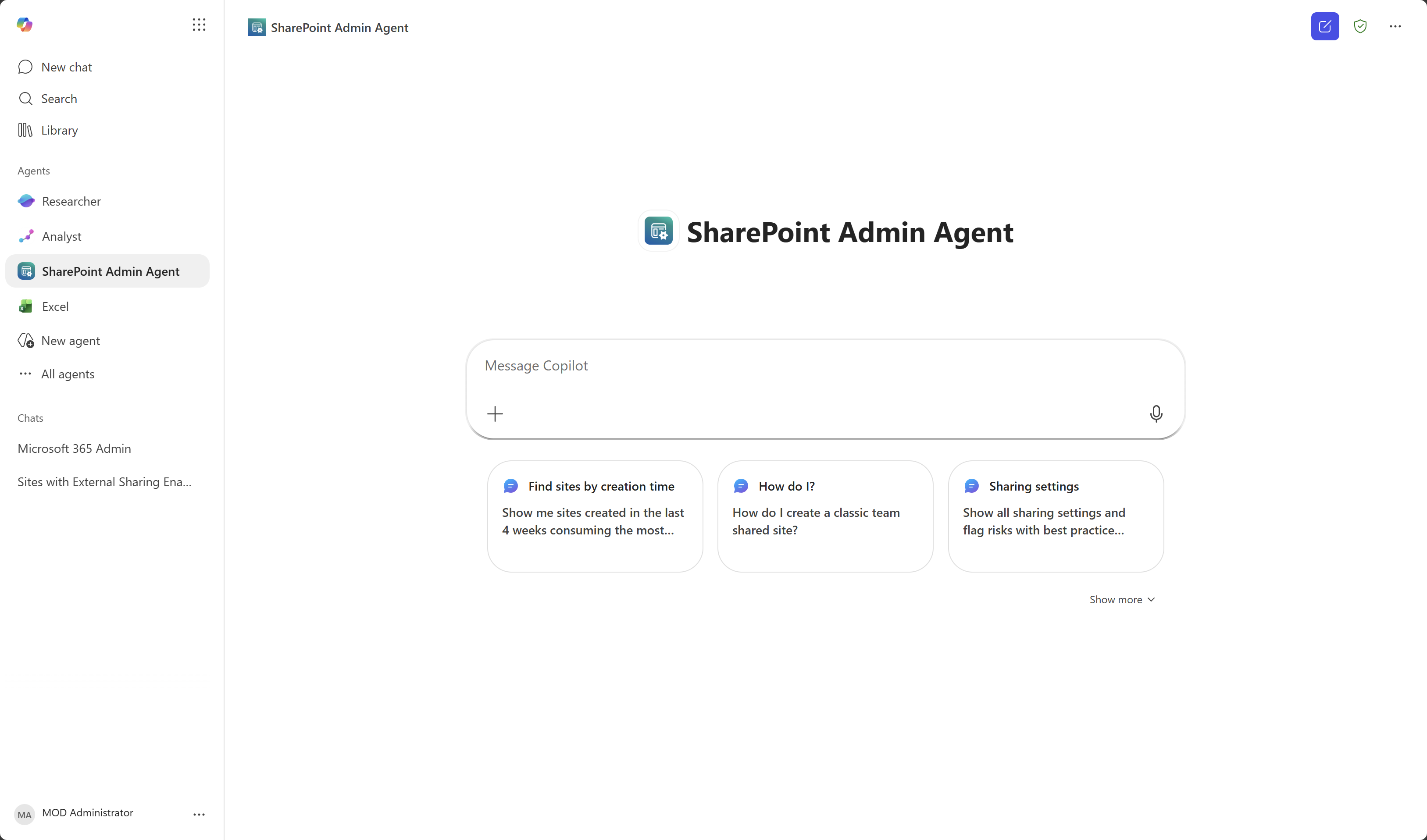
在 Copilot 應用程式中使用代理程式。
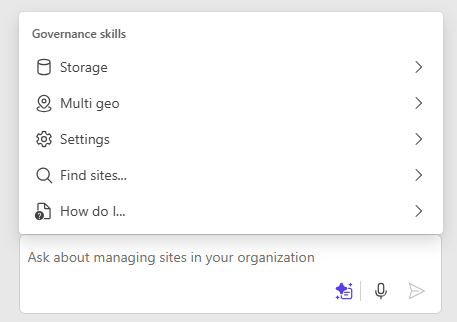
在 SharePoint 系統管理中心存取 Copilot 的內容控管技能
SharePoint 系統管理中心的 Copilot 包含內容控管技能。
選取 [Copilot ] 按鈕,然後選取 [ 檢視提示 ] 按鈕以檢視和使用治理技能。
在 Microsoft Teams 中開啟 SharePoint 管理員 Agent
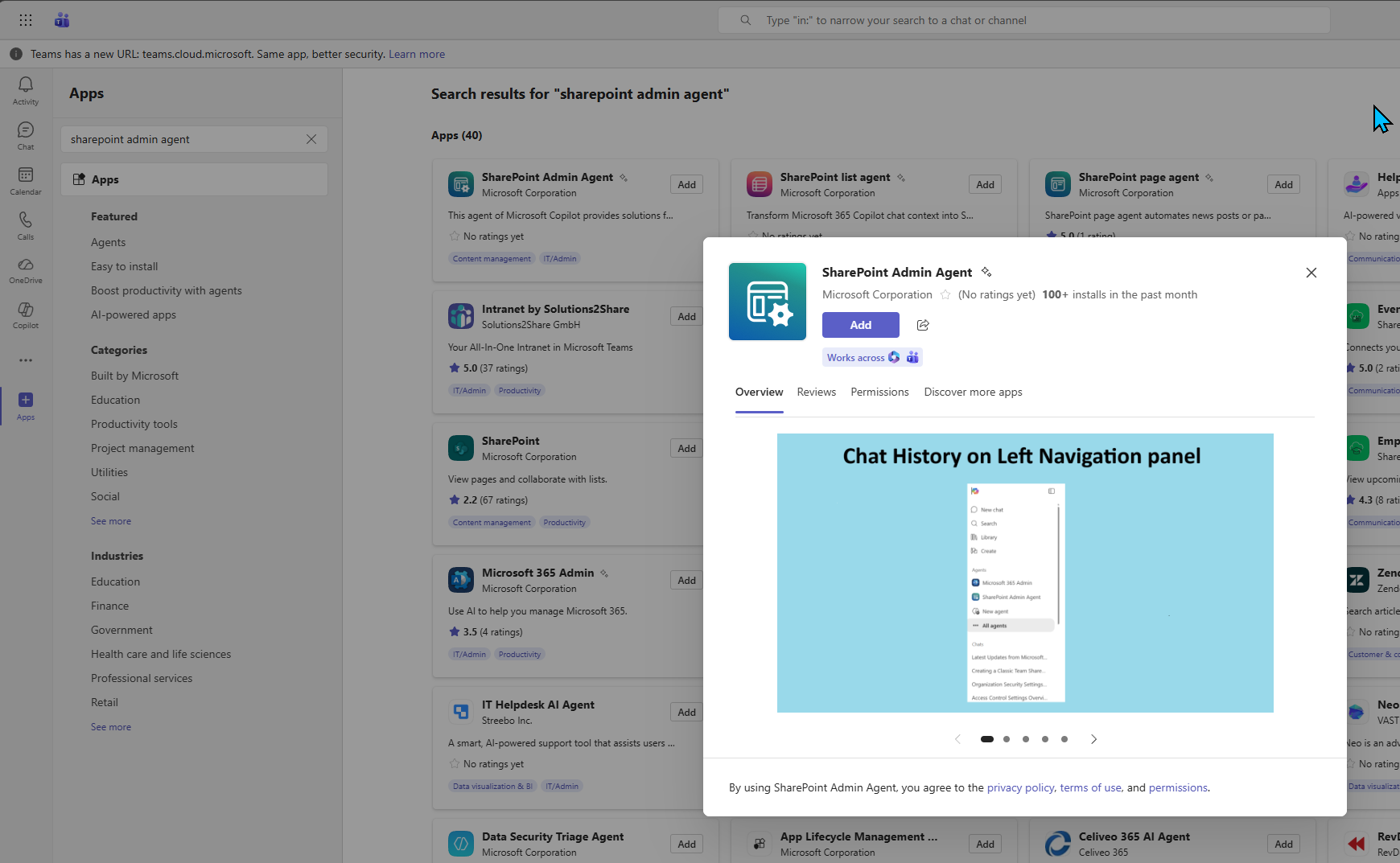
在 Microsoft Teams 中,選取應用程式,然後搜尋 SharePoint 管理員代理程式。
開始使用範例提示
為了協助您開始使用,SharePoint 管理員代理程式會建議您可以在環境中嘗試的提示。
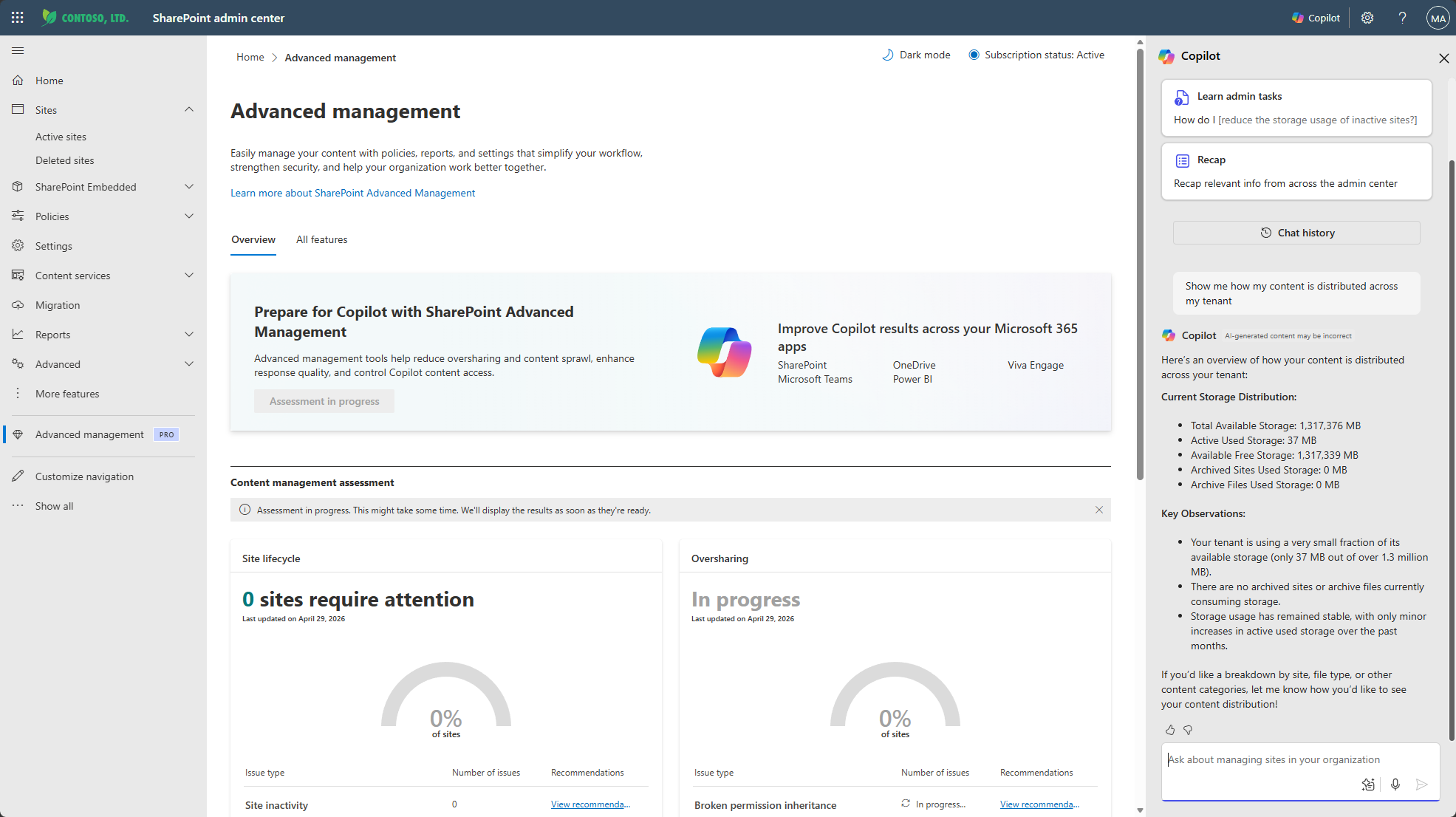
當您提交問題時,SharePoint 管理員代理程式會收集相關資料和報告、提供分析和建議,並建議其他提示來進行回應。 您可以從那裡選擇適當的後續步驟。
下列各節包含可嘗試的其他範例提示。
內容發佈
Show me how my content is distributed across my tenant
儲存空間資訊
Show me storage information. Include my storage quota, storage used, and site counts
低活動網站
Identify sites with low activity by department
過度共用網站與風險
Which sites are overshared and what are the risk levels for these sites?
過度共用 Teams 連線的網站
Give me details about Teams-connected sites that are overshared
存取內容的前 10 個代理程式
Show me a list of the top 10 agents that are accessing my SharePoint and OneDrive content
基準安全性模式
Is Baseline Security Mode enabled in my tenant?
復原選項
What recovery options are available for my SharePoint and OneDrive sites?
OneDrive 文件庫以移至另一個地理位置 (預覽)
(此功能目前為 多地理位置組織的預覽版。)
Show me users whose OneDrive libraries need to be moved to another location
預覽) 失敗 (跨地理位置移動
(此功能目前為 多地理位置組織的預覽版。)
Show me cross geo moves that have failed
預覽) (跨地理位置移動的狀態
(此功能目前為 多地理位置組織的預覽版。)
Show me the status of all cross geo moves initiated in past 7 days